Connect Wix to Rankauto
Connecting Rankauto to your Wix site is the fastest of Rankauto’s integrations to set up. There are no API keys or tokens to create — you approve access through your own Wix account, and Rankauto handles the rest.
Before you begin
Make sure you have:
- Owner or Admin access to the Wix site you want to connect
- The Wix Blog app installed on that site
Connecting your Wix site
No keys to copy — Wix handles the connection through your own account.
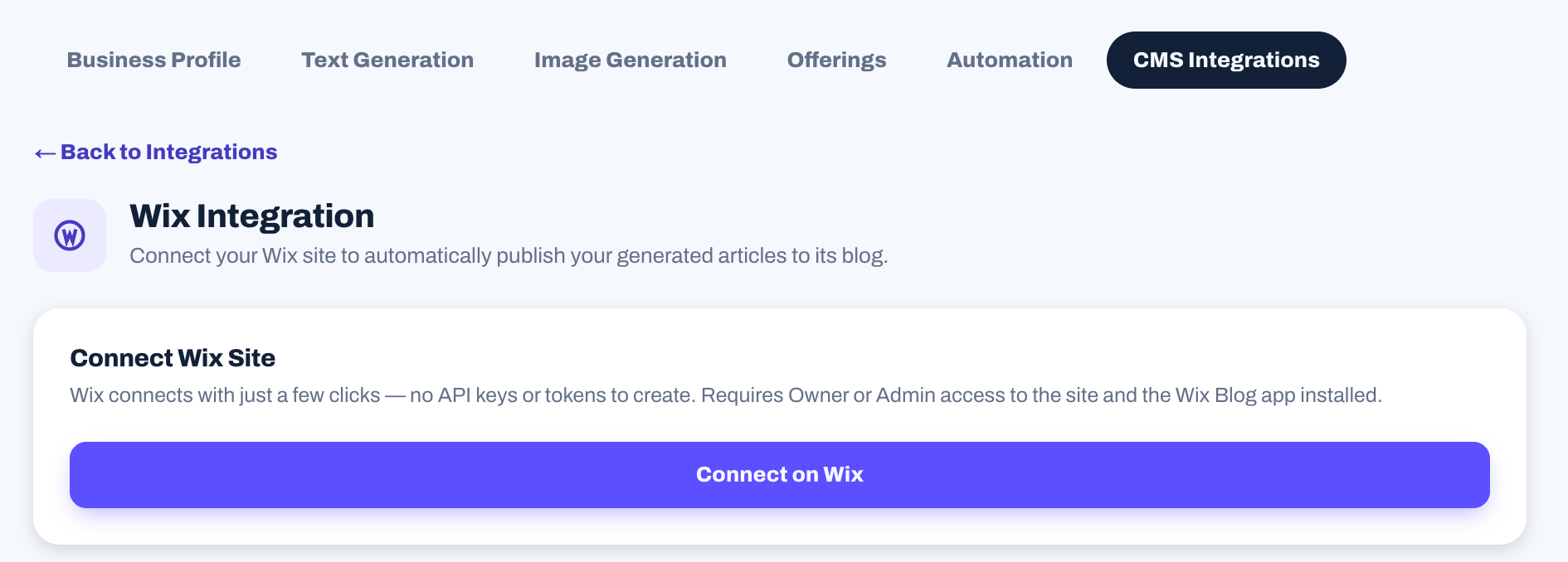
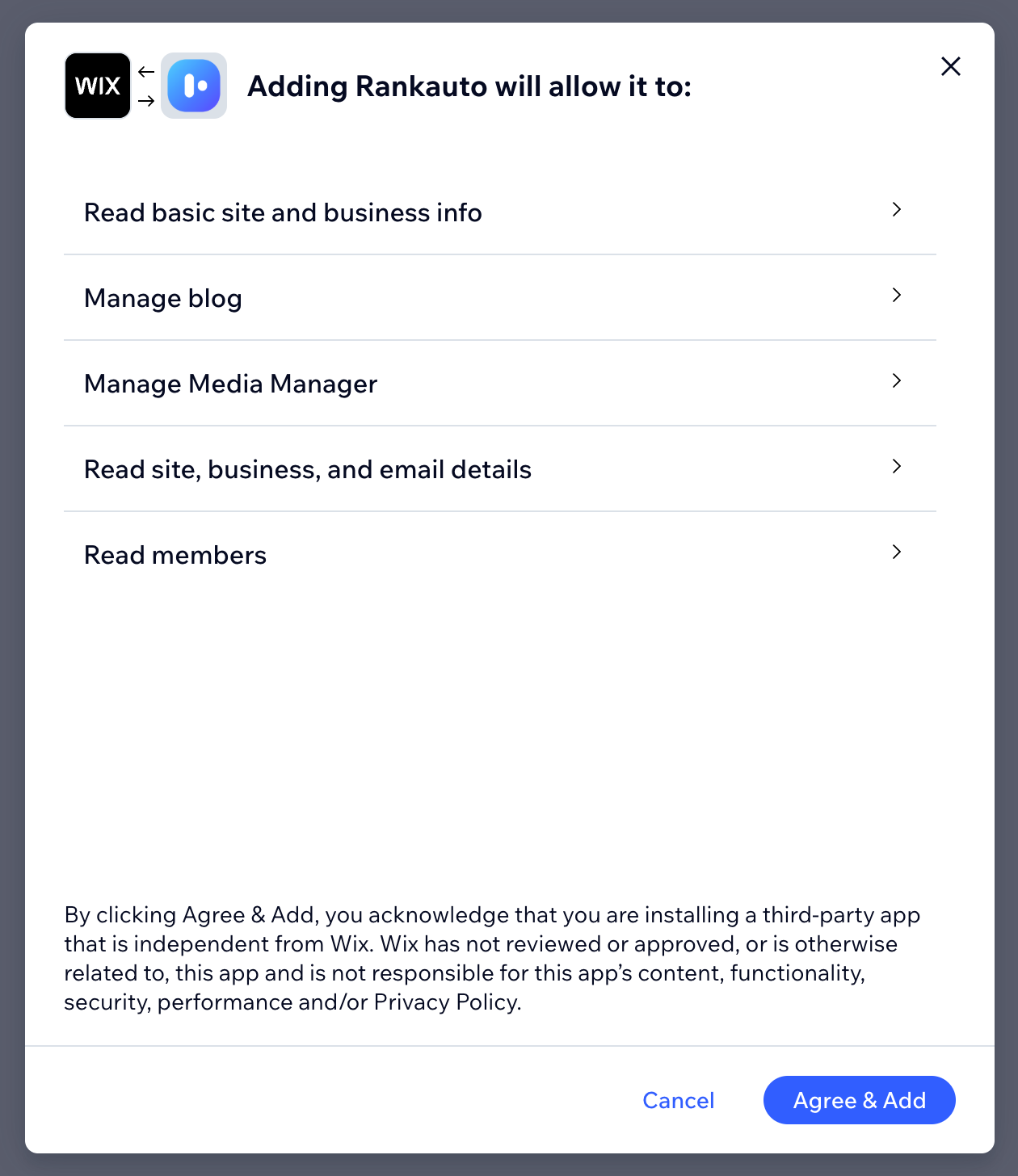
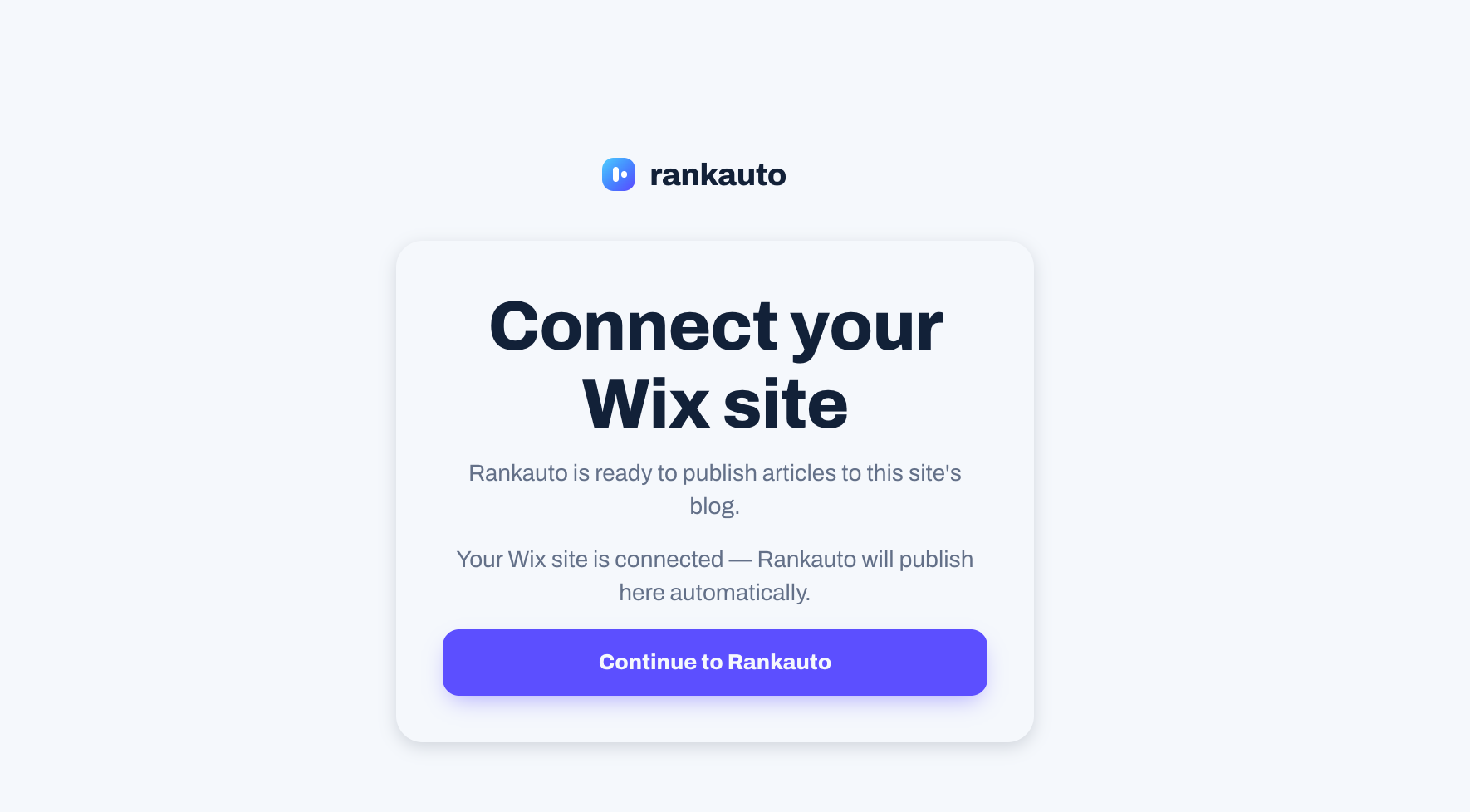
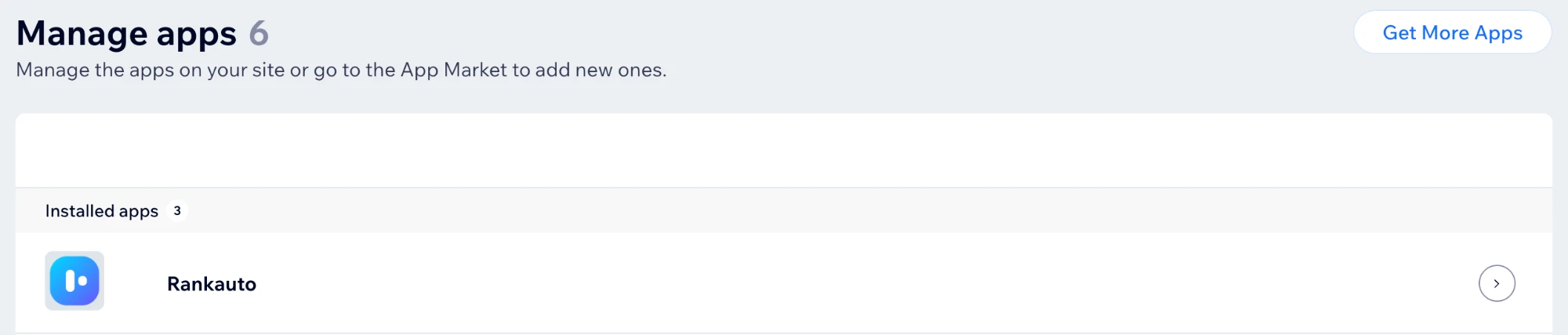
Once connected, open any drafted article in Rankauto and click Publish Now. Rankauto formats the article and writes the title, body, and SEO fields to your Wix blog in one request.
Updating published articles
After an article is published to Wix, editing it in Rankauto and clicking Publish Now again updates the same post in place, rather than creating a duplicate.
What gets set automatically
Every article Rankauto publishes to a connected Wix site includes:
- The article’s body content, formatted for Wix’s own blog editor
- An SEO meta description, written to Wix’s real on-page SEO settings for that post
- A real URL slug matching what you see in Rankauto’s own dashboard
Troubleshooting
I don’t see my site in the picker during install.
Only Wix sites with the Wix Blog app already installed are eligible. Install Wix Blog on the site first, then try connecting again.
I clicked Finish Connecting and ended up on the sign-in page.
That’s expected if you were signed out of Rankauto at that point. Sign in and you’ll return to the same finish-connecting step automatically.
My articles aren’t publishing.
Confirm the connection is still active under Settings → CMS Integrations → Wix. If access was revoked from the Wix side, disconnect and reconnect from Rankauto.
Frequently asked questions
Can I connect more than one Wix site?
No. Connecting a new site or platform replaces whichever CMS is currently connected. Disconnect the new one and reconnect the old one if you need to switch back.
Will articles show up on my live site right away?
Yes. Clicking Publish Now pushes an article live immediately. If you’d rather your scheduled daily articles publish on their own, turn on Auto Publishing under Settings → Automation, it’s off by default.
Can I unpublish an article from Wix through Rankauto?
Clicking Unpublish marks the article as a draft on Rankauto’s own side, but Rankauto can’t yet pull an already-published post back off your live Wix blog automatically — do that directly in your Wix site editor if you need it off the live site too.
Do I need to create any API keys or tokens?
No. The whole connection runs through Wix’s own sign-in and permission approval — nothing to generate or copy by hand.
Other integrations
Set up Rankauto on another platform.
Ready to publish straight to Wix?
Connect your site from Settings once you’re signed in, or start a free trial to try the whole workflow end to end.
Start 3-day free trial