12 Best AI Search Engines for Research and Everyday Questions
Compare 12 AI search engines for web research, academic work and everyday questions. See where each one fits and how to check its sources.

An AI search engine is most useful when it gives you an understandable answer and a dependable route to the evidence behind it. The strongest choice depends on the job: quick web research, follow-up questions, academic literature, or search inside a product you are building.
Start with Perplexity or ChatGPT Search for conversational web research. Compare Google AI Mode, Brave and DuckDuckGo when you prefer a search-led experience. Use Consensus for scholarly research. Developers should inspect Exa and You.com's APIs rather than treating them as identical to a consumer search app.
This guide covers 12 options, including search-enabled assistants and developer search services. The sequence groups practical use cases; it is not a speed or accuracy benchmark. We reviewed public first-party documentation on October 10, 2026 and have not run a controlled cross-product answer test. This guide is published by Rankauto.
The 12 options at a glance
| Option | Best reason to shortlist it | What to check |
|---|---|---|
| Perplexity | Conversational web research with inline citations | Whether each citation supports its attached claim |
| ChatGPT Search | Research followed by explanation and writing | Whether the response actually used web search |
| Google AI Mode | Exploring a question through Google's search experience | Source links, follow-up context and account availability |
| Microsoft Copilot Chat | Web-grounded questions in a work context | Web-search settings and organizational permissions |
| Brave Search | Search-led answers and follow-up exploration | The sources behind an AI answer |
| DuckDuckGo Search Assist | Optional concise AI answers beside search | Search Assist settings and its distinction from Duck.ai |
| Kagi Assistant | A configurable assistant with optional Kagi web access | Whether web access and the intended Lens are enabled |
| You.com Answer and Research APIs | Building a cited-answer workflow | Endpoint, usage cost and returned evidence |
| Andi | A conversational search interface | Whether the result exposes enough evidence for your task |
| Exa | Building retrieval or research into an application | Retrieval output versus generated synthesis |
| Gemini Apps | Research inside a general assistant | Sources versus the separate double-check function |
| Consensus | Searching and synthesizing scholarly literature | Study design, publication context and full-text access |
Choose the kind of search you need
A search-led product starts with the web retrieval task. A general assistant may use search for one answer and answer from its other capabilities on the next. A developer API returns data to software that your team must design and maintain. An academic search tool deliberately narrows the evidence pool.
Those differences matter more than which model logo appears in a feature list. If your task is finding a paper's study design, a general web answer is not the same deliverable as retrieving and reading the paper. If your task is adding research to an internal application, an attractive chat interface does not establish API suitability.
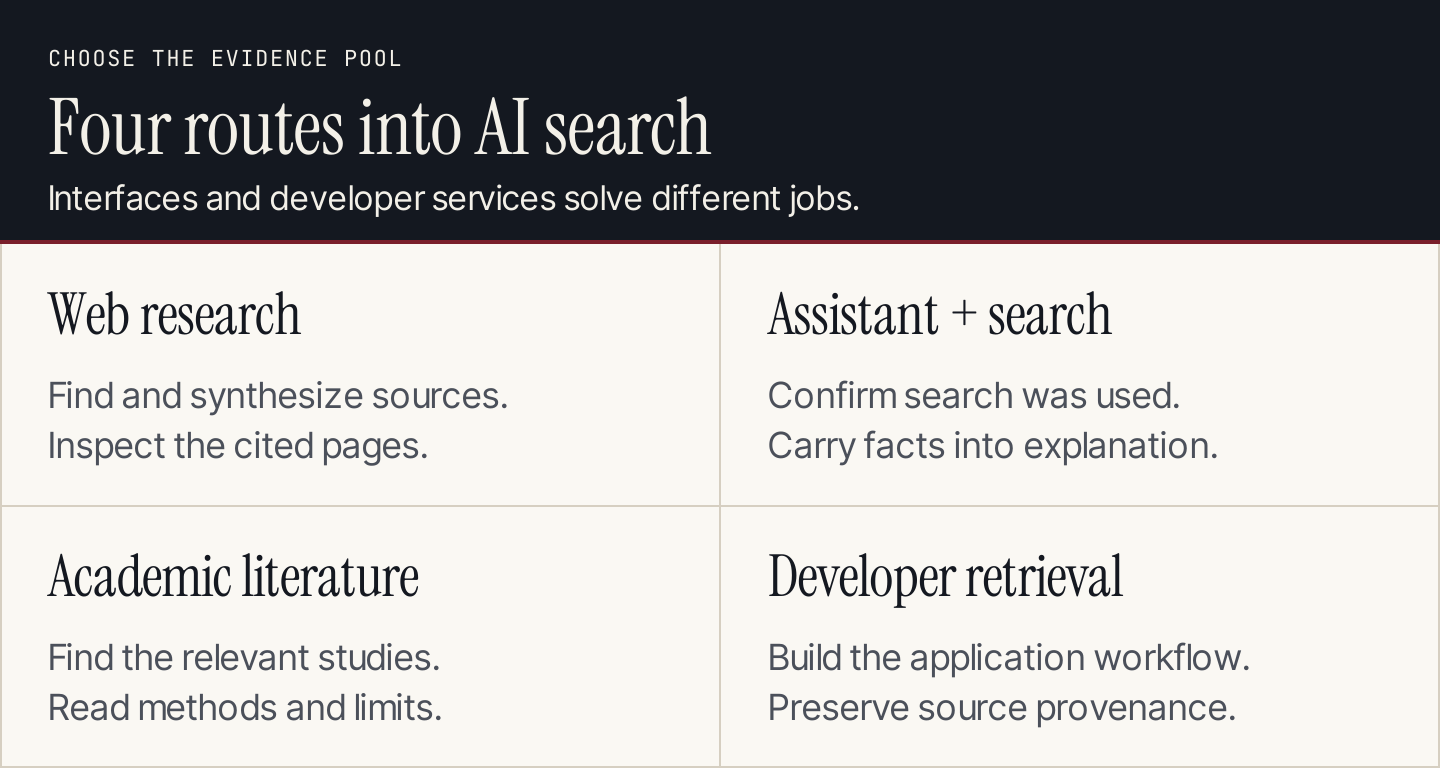
Choose the evidence pool and workflow before choosing the interface.
1. Perplexity: best starting point for conversational web research
Perplexity Search combines web research with conversational answers and inline source citations. Its public product material also describes deeper research and ways to organize work. For everyday research, the appeal is moving from an initial question into a follow-up while keeping sources available.
It is a sensible first shortlist when the final output is a researched explanation rather than a list of links. The limitation is that a readable synthesis still needs source inspection. Several citations attached to an answer do not prove that every sentence is supported.
A useful evaluation task: research the current capabilities of a product you already know. Open the links behind two important claims. Check whether the answer preserves plan restrictions and separates current documentation from old coverage. Prefer a precise answer with a stated gap over a comprehensive-looking answer that invents the missing detail.
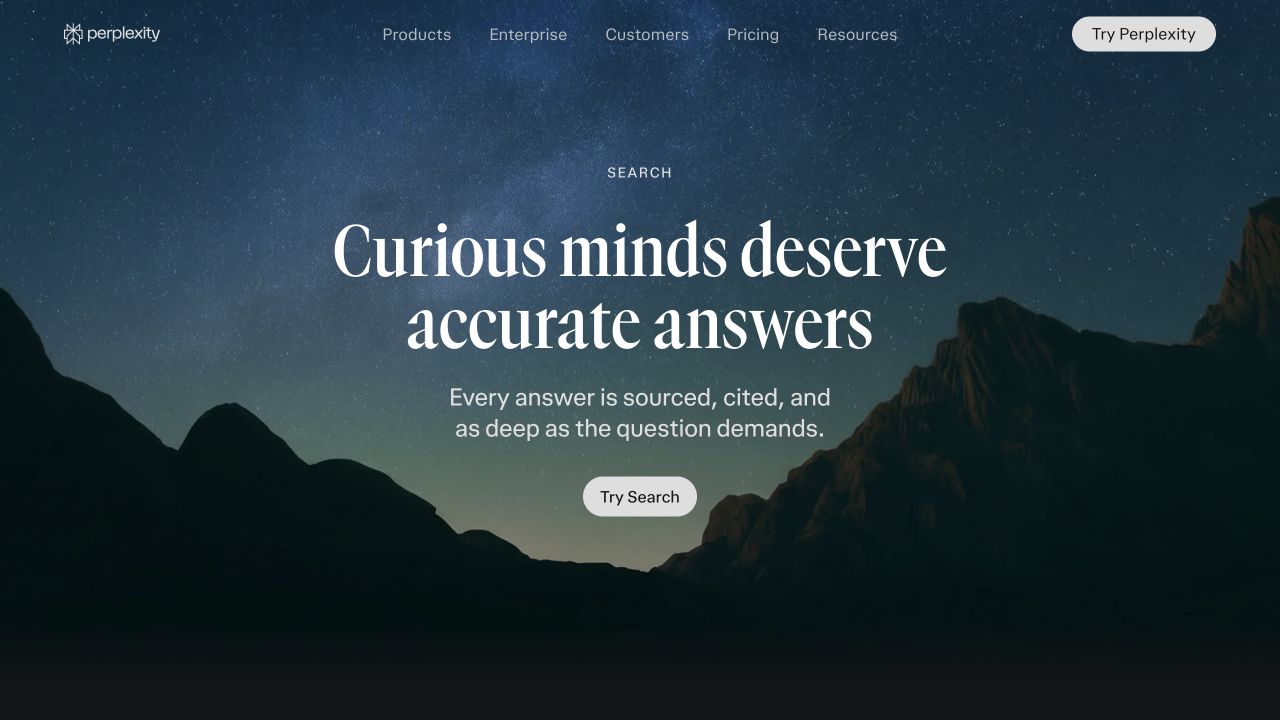
Perplexity's public Search page describes its cited-answer workflow. This capture is product material, not a test response. Desktop capture, October 10, 2026; public vendor material, not our account results. Source.
2. ChatGPT Search: best for carrying research into explanation or writing
OpenAI's ChatGPT Search documentation explains that ChatGPT can search automatically when a question benefits from current information, or you can select Search from the tools menu. Search responses may include citations and a Sources panel. Availability and usage remain subject to account limits and managed-workspace settings.
This route fits a task that continues after discovery: explaining a source, extracting a decision table, or drafting an original document from approved facts. Keep the research and writing instructions explicit so the assistant does not silently fill a missing fact during synthesis.
A useful evaluation task: ask a current product question, request primary sources and inspect whether search was used. Then ask for a short explanation that preserves the cited restrictions. Open the original sources yourself. A confident answer without a verifiable source should not be treated as a current fact simply because it appeared in the same conversation.
3. Google AI Mode: best for follow-up exploration in a Google search workflow
Google's AI Mode help describes AI-powered responses with follow-up questions and links, using searches across related subtopics. It also explains that AI Mode may return conventional links when confidence in an AI response is insufficient. AI Mode is a distinct experience from the AI Overview that may appear above ordinary search results.
It belongs on a shortlist when users want to expand a search rather than switch to a separate research environment. The distinction between Mode and Overviews also matters for marketers: observing one surface does not establish coverage on the other.
A useful evaluation task: ask a comparison question and follow up with a real constraint, such as a specific budget or required integration. Inspect whether the subsequent answer keeps that constraint and links to evidence. Check availability in your account and market before building a team process around the interface.
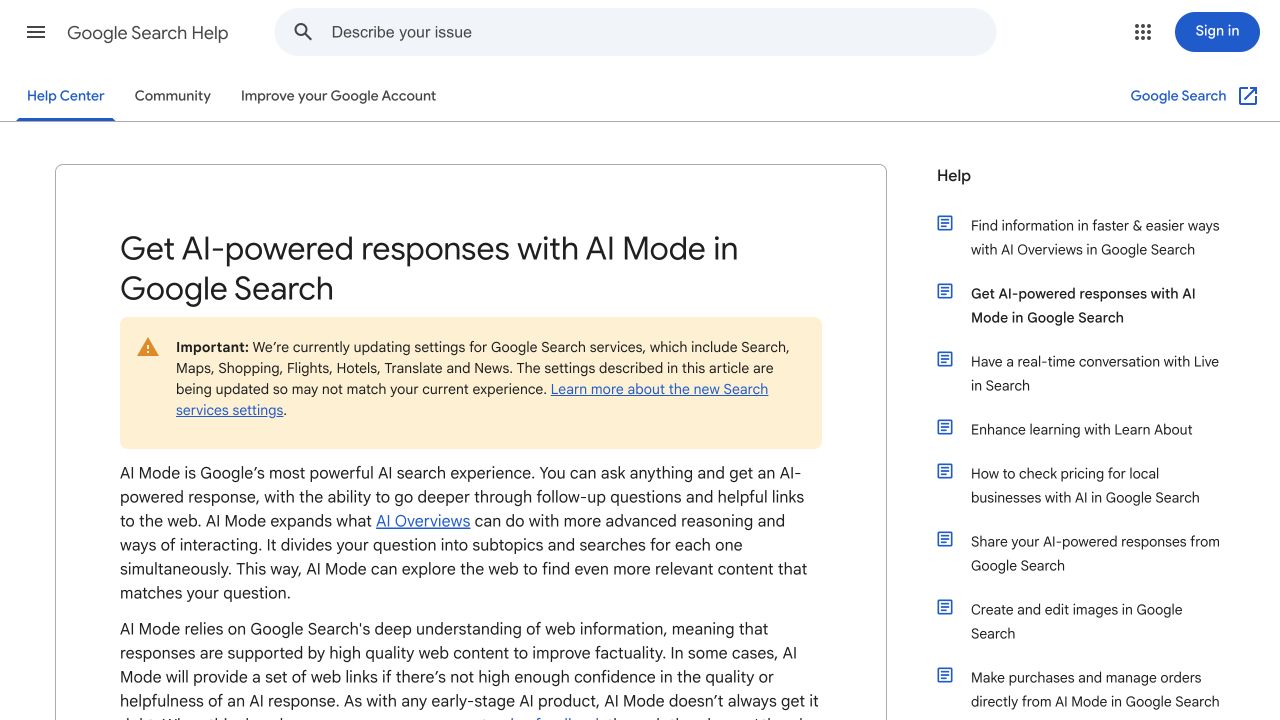
Google's public AI Mode documentation describes the search experience and its source links. Desktop capture, October 10, 2026; public vendor material, not our account results. Source.
4. Microsoft Copilot Chat: best for web research in a work setting
Microsoft's web-search documentation describes web grounding in Microsoft 365 Copilot Chat and agents, using Bing queries. It explains source inspection and organizational controls. This entry concerns that documented work product; it should not be read as an identical feature list for every consumer Copilot or Bing interface.
The buying question is whether web research belongs alongside the work your team already does in its managed environment. That requires inspecting the actual account and controls, not assuming that a familiar product name grants access to every internal or external source.
A useful evaluation task: ask a current, non-confidential business question and inspect the sources and search query information. Confirm which web and work data are available to your role. Evaluate a cited answer and its handoff into your team's destination document before deciding whether it reduces research effort.
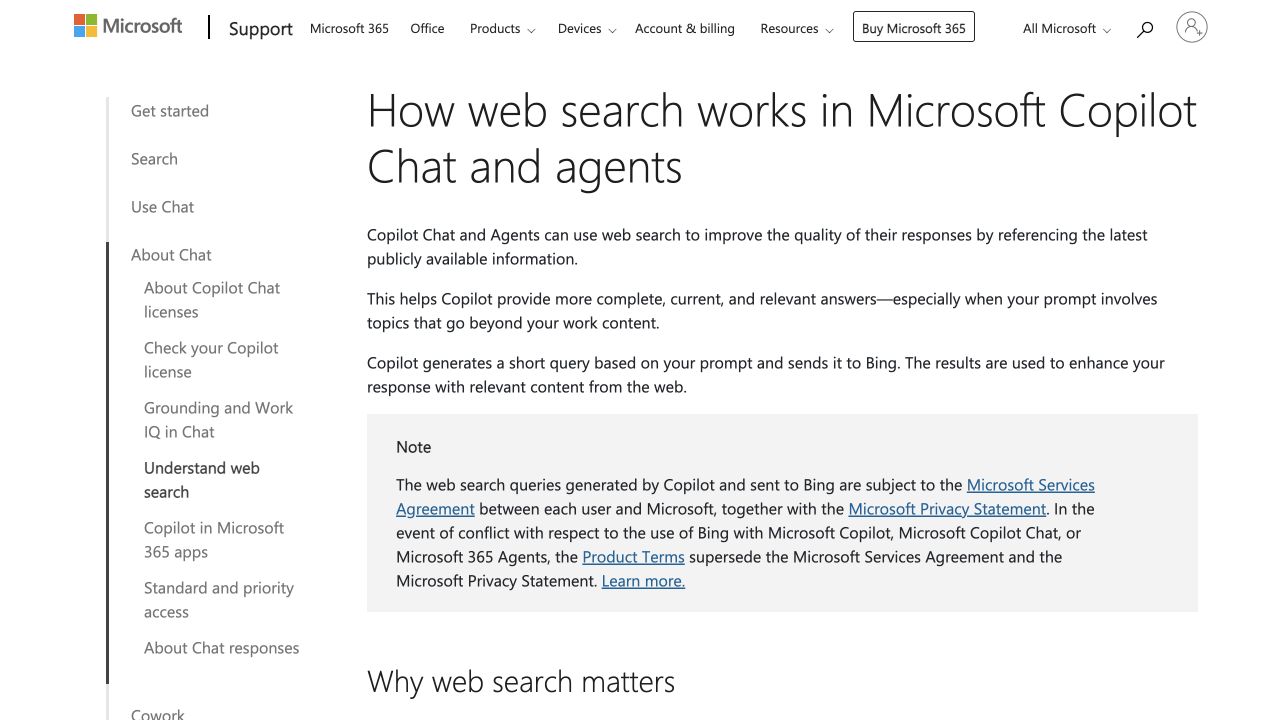
Microsoft's help article documents web search in Microsoft 365 Copilot Chat and agents. Desktop capture, October 10, 2026; public vendor material, not our account results. Source.
5. Brave Search: best for a search-led route into AI answers
Brave Search offers web search alongside AI answer experiences. Brave's public help describes Ask Brave, follow-up questions and source references. You can use its search service without making the Brave browser a prerequisite for the research workflow.
This option is worth inspecting when your first need is finding pages and your second need is synthesizing them. Keeping source discovery visible can help a researcher notice when several apparent sources repeat the same underlying announcement.
A useful evaluation task: search for a niche product or technical topic and compare the answer with the source results. Look for primary documentation among the links. If the answer cites only summaries, continue into the original material before using a product restriction or technical specification in your own content.
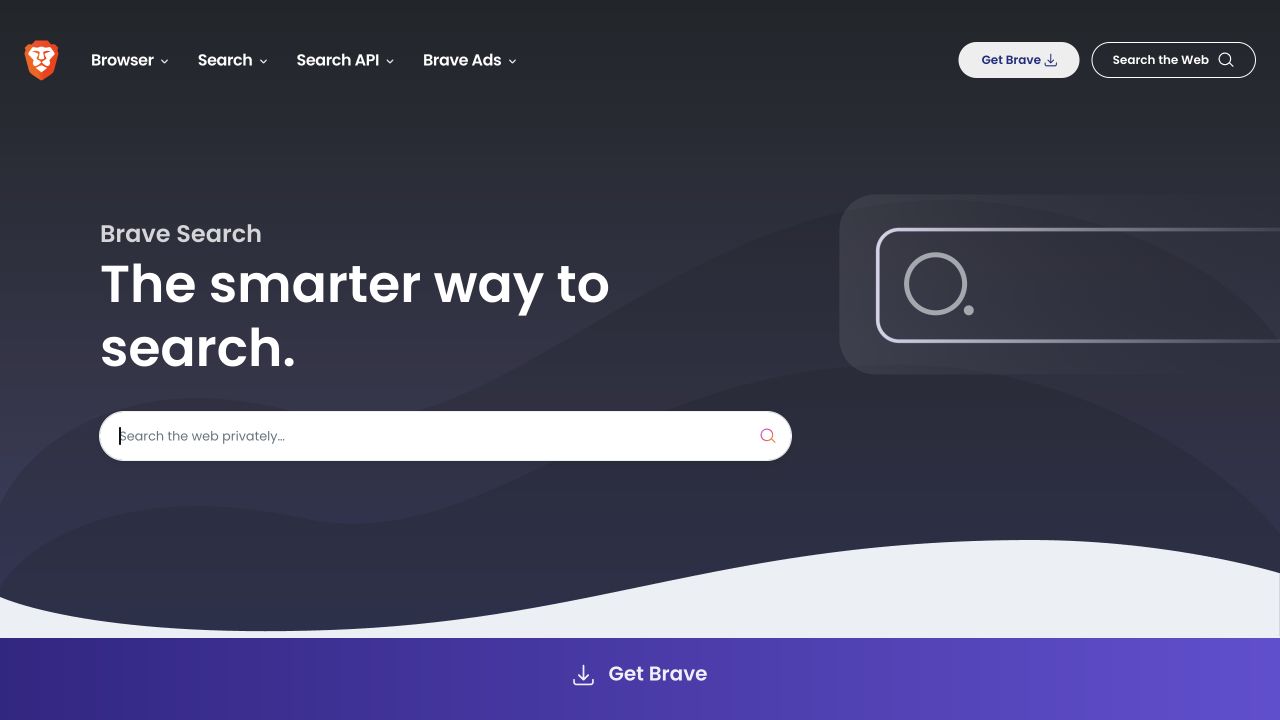
Brave's public Search page presents its search service. Inspect the evidence behind any generated answer. Desktop capture, October 10, 2026; public vendor material, not our account results. Source.
6. DuckDuckGo Search Assist: best for optional concise assistance beside results
DuckDuckGo Search Assist is an optional AI feature in search results that links to one or two supporting sources. Users can adjust how often it appears, including on-demand or never. Follow-up conversations through Duck.ai are a separate experience; do not assume every Duck.ai answer represents a fresh web search.
This is a useful route when you want a short orientation before deciding which page to open. Its deliberately concise source set also means the displayed answer may not provide the breadth a complex research task needs.
A useful evaluation task: ask a straightforward factual question and open its supporting source. Then try a comparison requiring several independent sources. Decide whether the concise answer helps you navigate or whether the task needs a fuller research workflow. Select the assistance frequency that suits your own work.
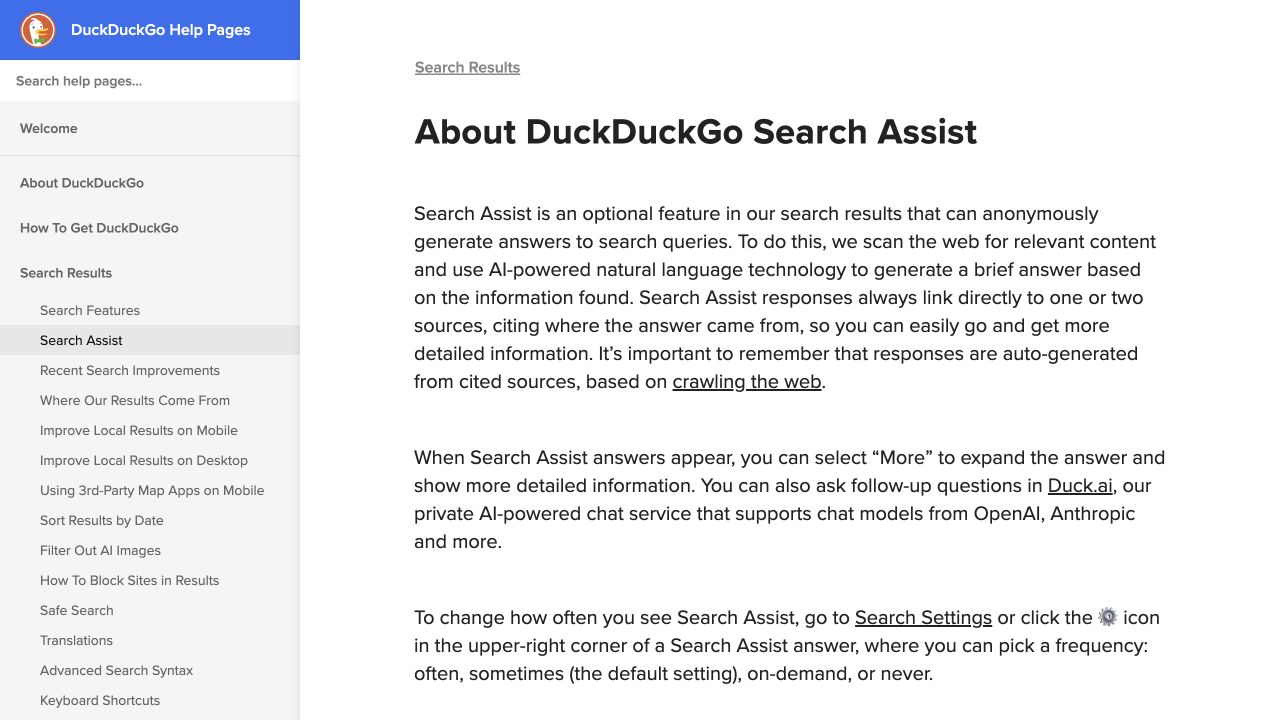
DuckDuckGo's help article distinguishes optional Search Assist from follow-up chat. Desktop capture, October 10, 2026; public vendor material, not our account results. Source.
7. Kagi Assistant: best for configurable research with optional web access
Kagi Assistant's documentation describes an assistant with optional Kagi web results, model choice, custom assistants, Lenses and file support. It also supports thread export. Web access is a setting to inspect, not something to assume for every answer.
A configurable research environment can be useful when a team wants different source boundaries for different tasks. The tradeoff is that someone must configure those boundaries and check that the assistant is using the intended settings.
A useful evaluation task: research the same non-confidential question with the intended web settings and Lens. Inspect the source scope and exported record. Determine whether another colleague can understand how the answer was produced from the saved context, rather than relying on a researcher to reconstruct the configuration later.
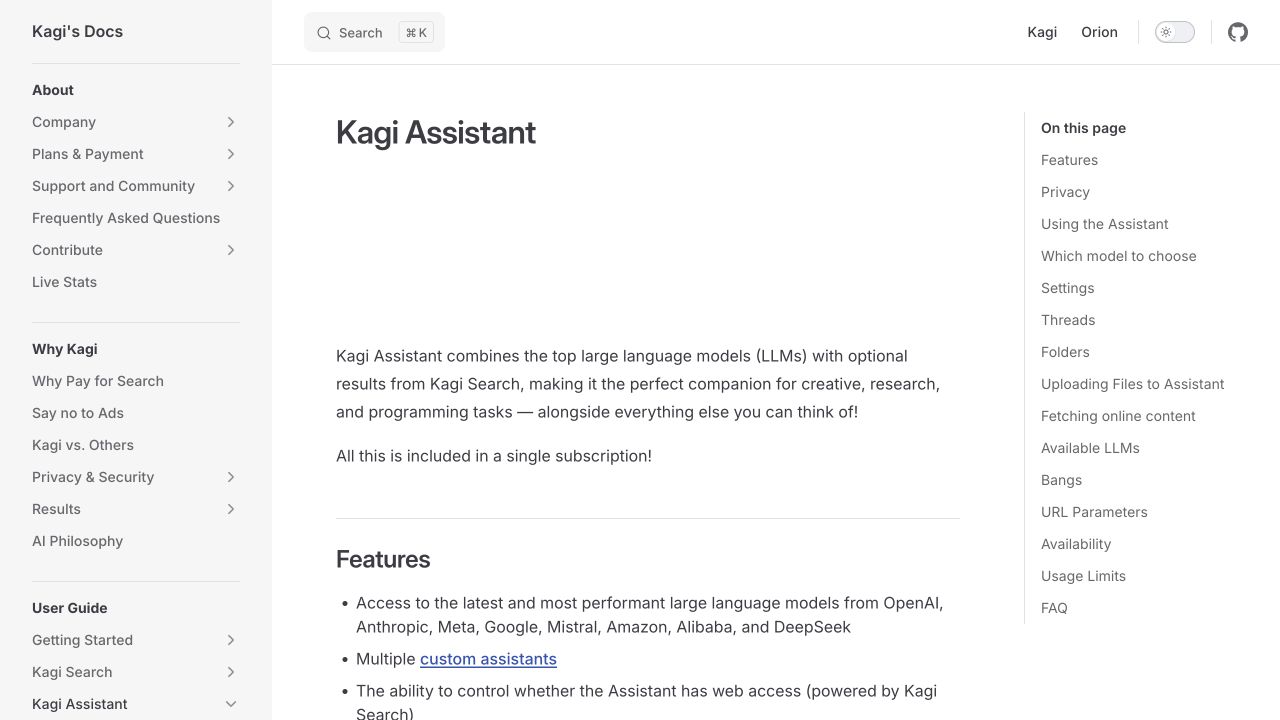
Kagi's public Assistant documentation describes optional web access and configuration. Desktop capture, October 10, 2026; public vendor material, not our account results. Source.
8. You.com Answer and Research APIs: best for embedding cited answers in a workflow
You.com's Answer API returns synthesized answers grounded in real-time web results, including citation information. Its Research API provides a separate research route. This is a developer option in the list: the API documentation establishes an integration surface, rather than an assumption that the same capabilities are available in an unchanged consumer chat plan.
It belongs on a shortlist when your final user experience is an internal tool or product. Your team will need to decide how to display sources, preserve context, handle errors and pay for usage.
A useful evaluation task: specify a single question-to-answer workflow and its required evidence fields before building. Ask a developer to inspect the endpoint, returned citations and failure behavior. Budget for implementation and ongoing usage. An API response is an input to your application, not a finished research process by itself.
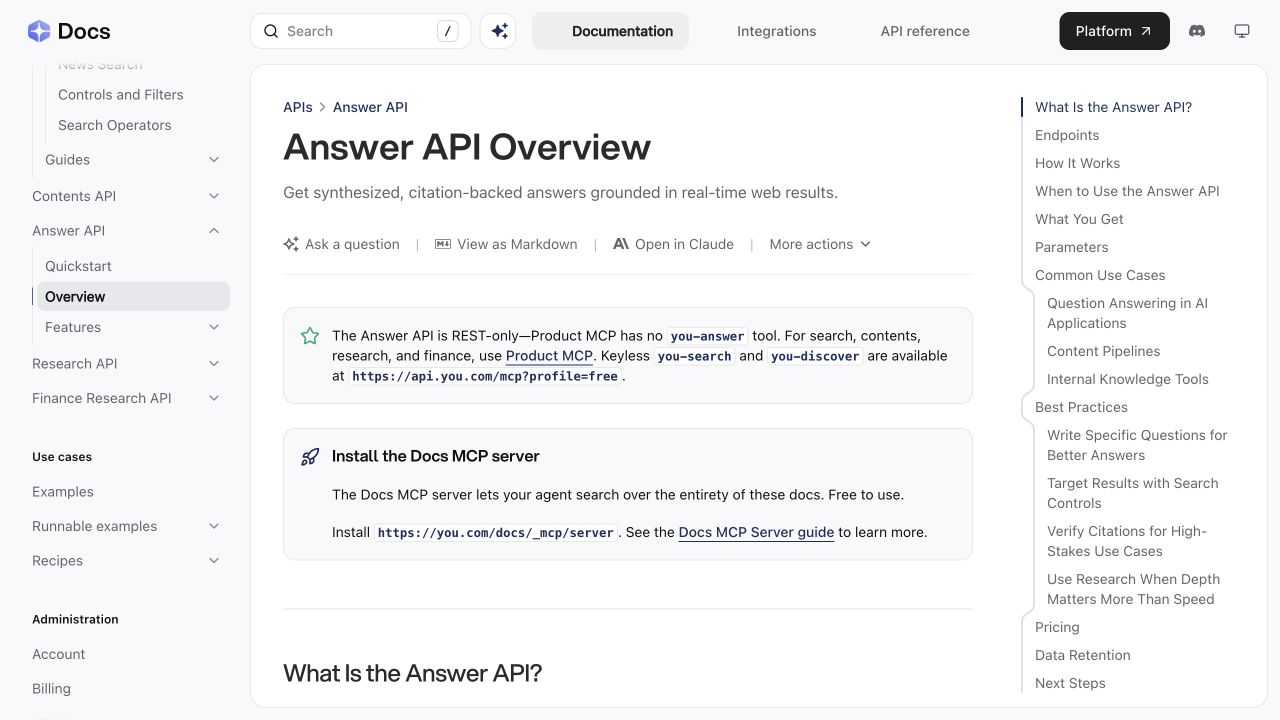
You.com's public Answer API documentation shows the developer route and citation-backed output. Desktop capture, October 10, 2026; public vendor material, not our account results. Source.
9. Andi: best to inspect for a conversational search interface
Andi presents a conversational search interface with discovery and source-oriented exploration. Its public interface is a useful starting point for people who want to ask a question without beginning with a traditional results-page workflow.
The decision should turn on the evidence you can inspect for your actual task. A friendly explanation may be sufficient for orientation, while a consequential product comparison needs sources, dates and preserved conditions. The interface alone cannot establish that distinction for you.
A useful evaluation task: ask a specific question where you can verify the answer from a known source. Check whether you can reach the supporting material and identify what remains uncertain. Then decide whether the result is useful as a first pass or complete enough for the stage of research you need.
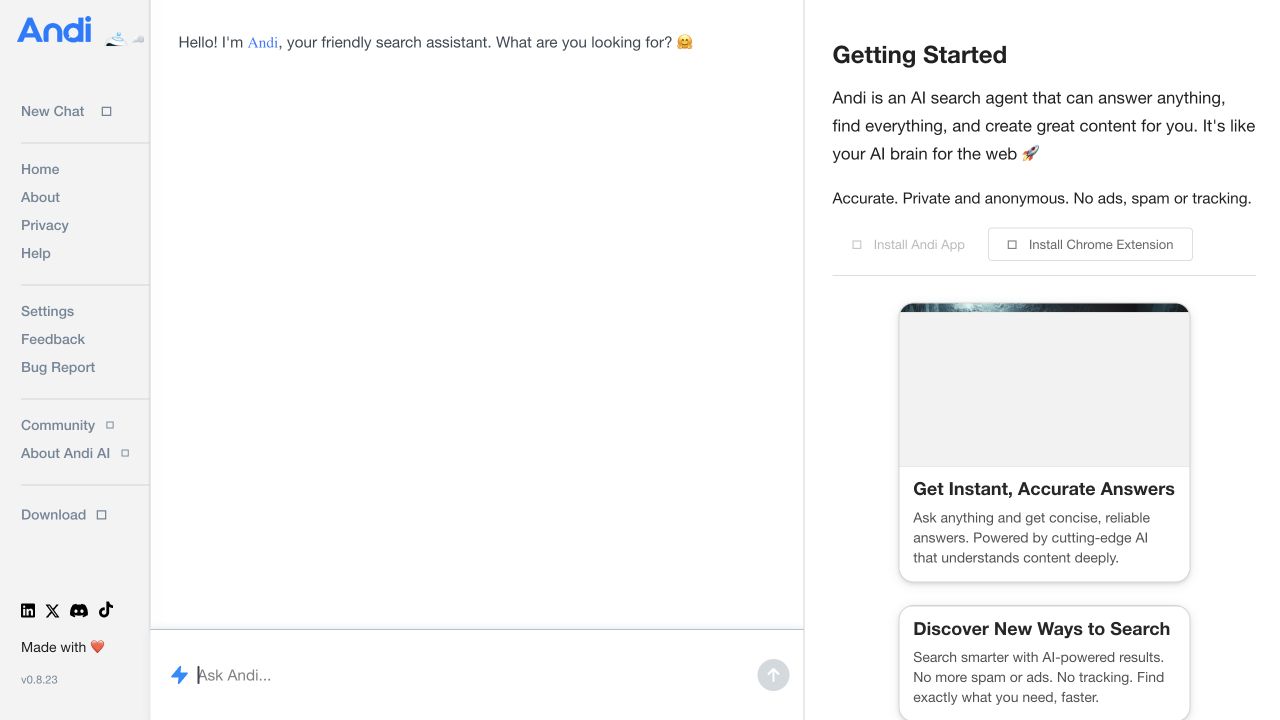
Andi's public search interface. No query was submitted for this product-page capture. Desktop capture, October 10, 2026; public vendor material, not our account results. Source.
10. Exa: best for building retrieval into an application
Exa offers search and research APIs for applications and agents. Its retrieval tools help software find and work with web information. This is a developer service, so compare the returned data, retrieval behavior and integration requirements rather than treating it as a ready-made consumer research assistant.
The distinction between retrieval and synthesis matters. A useful set of pages can still lead to a poor generated answer if the application discards relevant context or fails to expose sources to the user.
A useful evaluation task: define the documents or facts your application needs to retrieve and prepare examples of relevant and irrelevant results. Inspect the returned content and provenance before adding a model-generated summary. Decide what evidence the final interface must show and how the application handles an empty or weak result set.
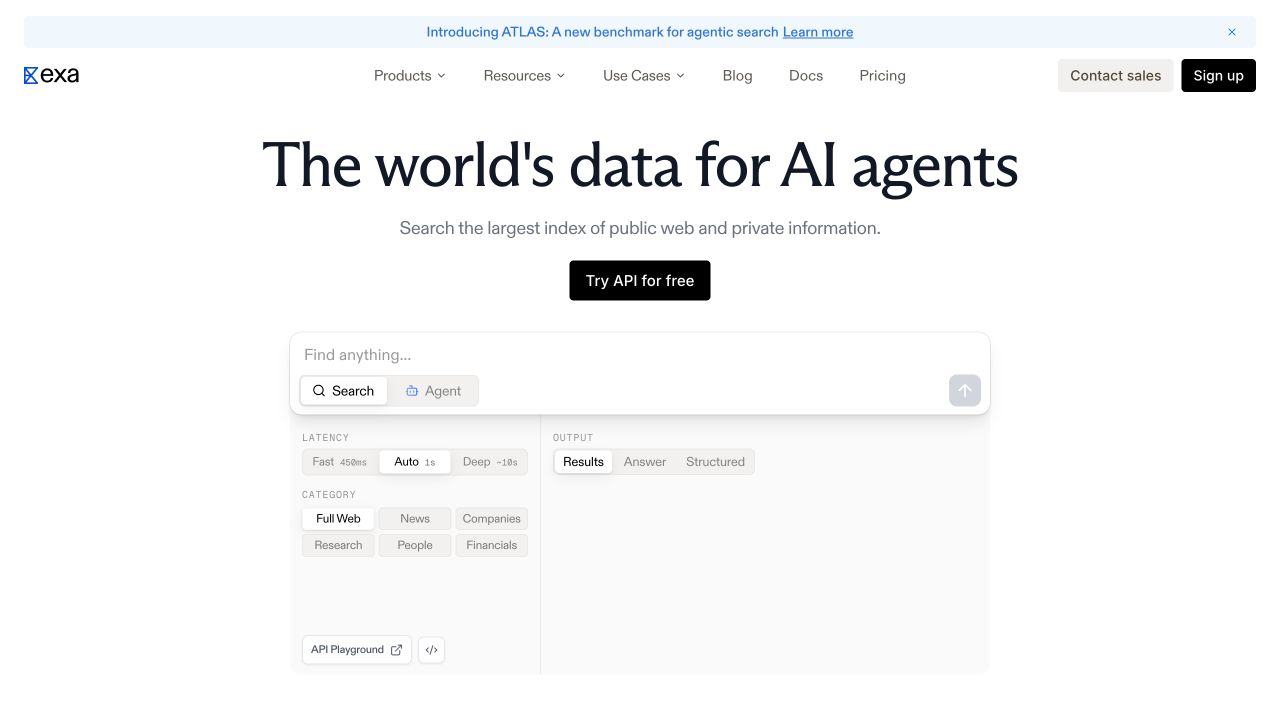
Exa's public page describes search for applications and agents. Its product examples are not our retrieval test results. Desktop capture, October 10, 2026; public vendor material, not our account results. Source.
11. Gemini Apps: best for research within a general assistant
Google's Gemini source documentation explains that responses may include sources and related content, while some responses do not expose a Sources button. Gemini's double-check feature searches for similar or differing information; it does not establish that those pages were the sources originally used to generate the answer.
That is a practical distinction for a research workflow. A post-generation cross-check can help investigate a claim, but it should not be presented as the original provenance of every sentence.
A useful evaluation task: ask a current question and inspect the response's available sources. Use double-check as a separate investigation, then open the primary material. Keep a note of whether a source was cited in the answer, surfaced later as a related page, or found through your own verification.
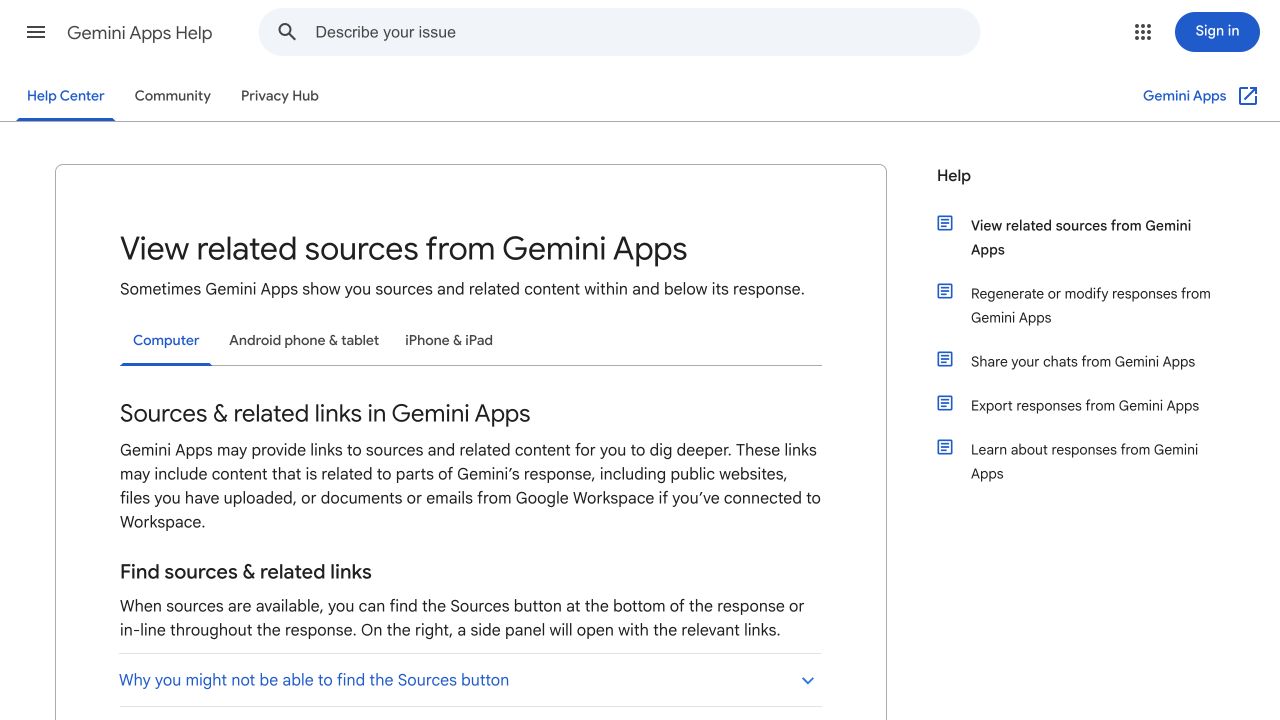
Google's public help page explains sources and related links in Gemini Apps. Desktop capture, October 10, 2026; public vendor material, not our account results. Source.
12. Consensus: best for scholarly literature research
Consensus's academic research guide describes searching scholarly literature and using cited synthesis to explore research. Its filters support more specific evidence selection. Full-text availability depends on the underlying material, so a surfaced paper is not a promise that every article can be read in full through the same route.
Use this option when the question requires studies rather than a general web consensus. A summarized finding still needs context: study design, population, date, limitations and whether the paper answers the question you asked.
A useful evaluation task: choose a research question and identify the studies behind the synthesis. Read the methods and limitations in the original papers where available. Avoid turning a mixed body of evidence into an unconditional claim because a short answer sounds settled.
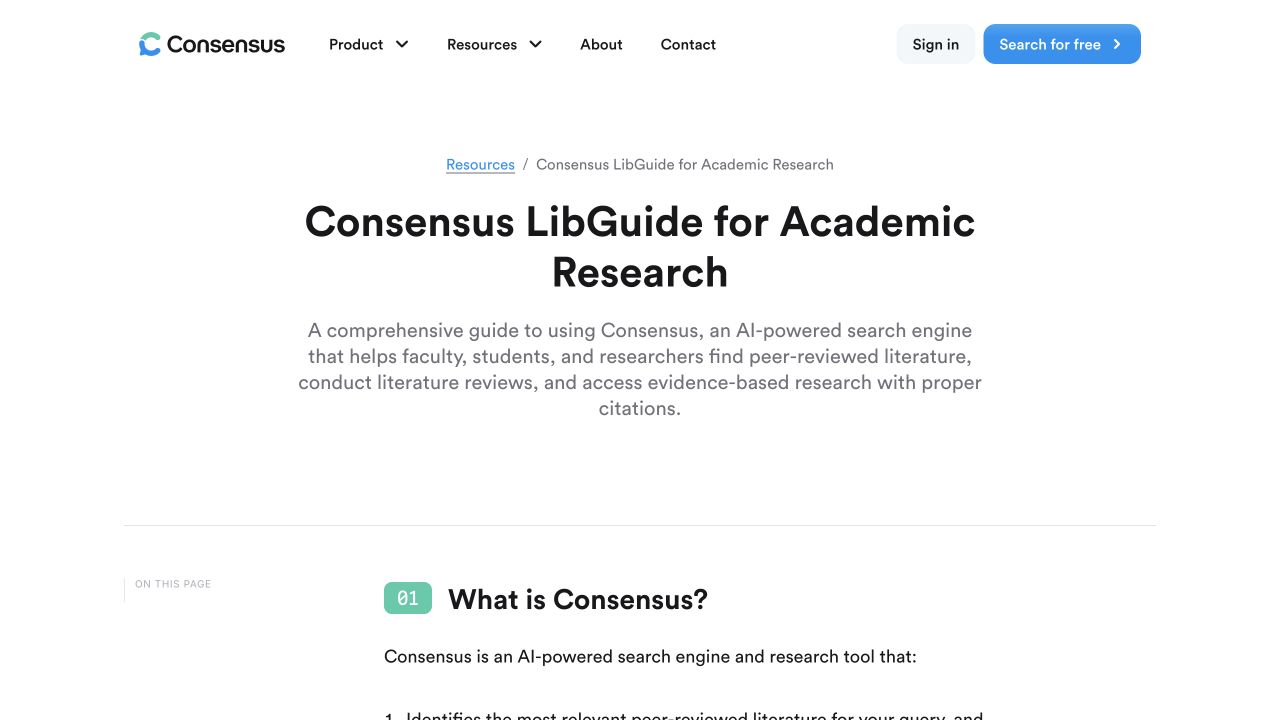
Consensus's public academic research guide describes its literature-focused workflow. Desktop capture, October 10, 2026; public vendor material, not our account results. Source.
A five-question evaluation you can repeat
Use the same question set across your shortlist. The following are proposed tasks, not observed product scores:
| Task | Example question | What counts as useful evidence |
|---|---|---|
| Current fact | What limits apply to Tally's free forms? | Current first-party policy and retained conditions |
| Comparison | Which form builders support our required workflow? | Criteria checked separately, with source dates |
| Implementation | How do we preview and test an email in Mailchimp? | Current documentation and correct sequence |
| Conflicting information | Why do two pages describe different plan limits? | Dates, product scope and a stated unresolved gap |
| Research depth | What studies address our specific research question? | Original papers and relevant study context |
The Tally and Mailchimp questions use real products as evaluation subjects. They are not claims that we ran these questions through the 12 tools or measured their accuracy.
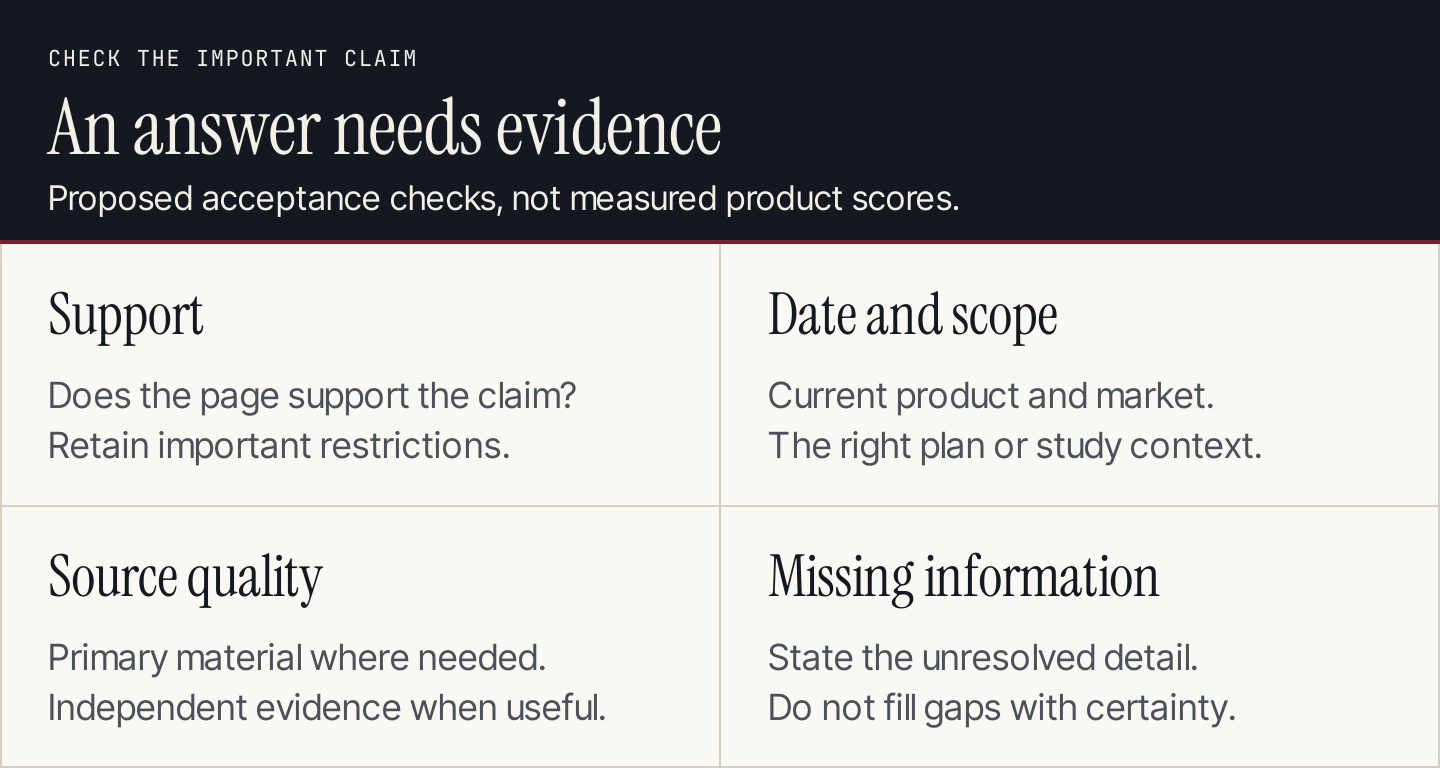
An attractive answer needs evidence that supports the decision.
For each task, record whether the answer identifies the right product or study, preserves restrictions and provides sources that actually support the claims. Also record the human time needed to resolve errors. Keep that effort separate from the time the answer first appears on screen.
How to verify an AI search answer
Open the source next to the most important claim. Find the relevant passage and check whether it says what the answer implies. Confirm the document's date, market, plan and product version where those details affect the decision.
Then inspect independence. Five pages repeating one press release are not five independent confirmations. A vendor page can establish its stated offer, while an original paper can establish the study it reports. Neither automatically proves every promotional or causal interpretation in an AI summary.
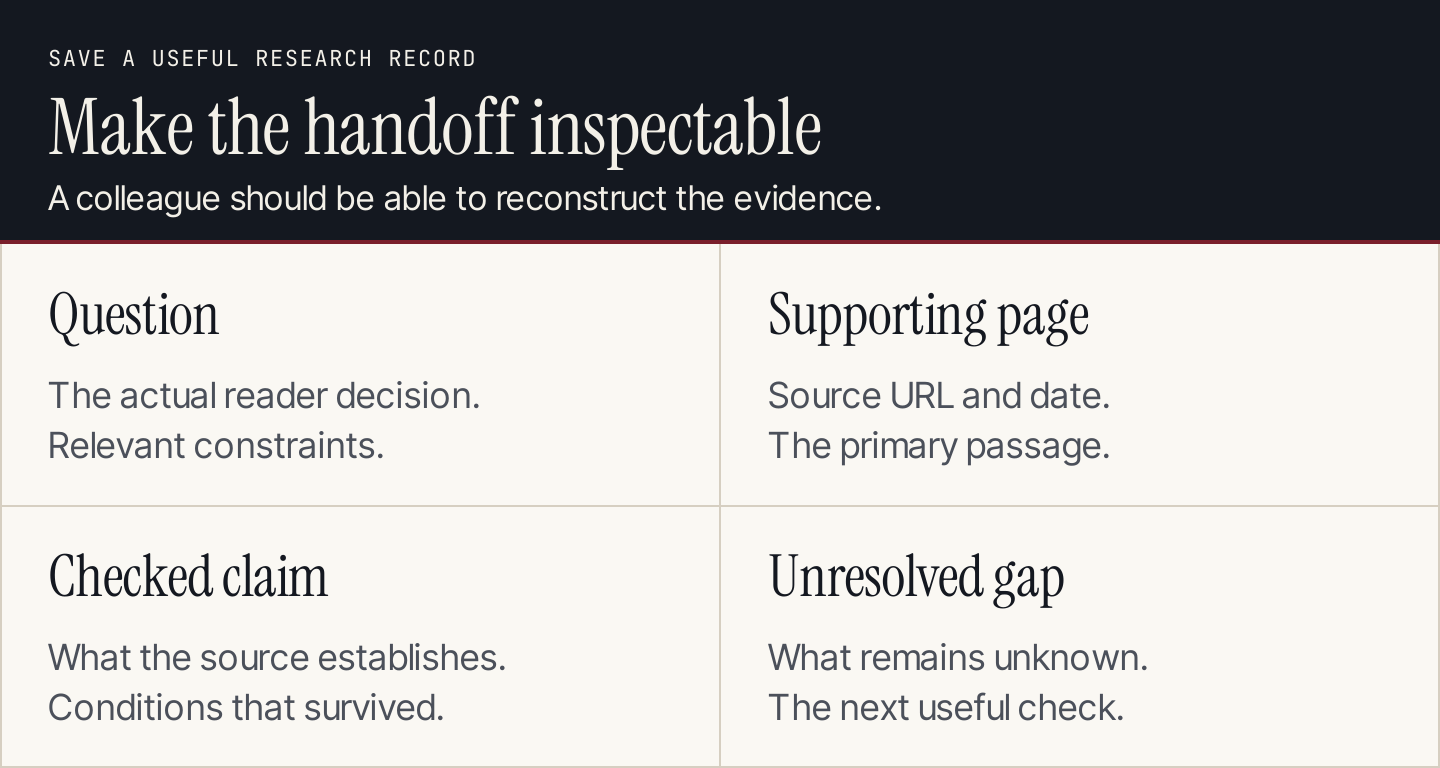
Save the evidence a colleague needs to inspect the conclusion.
The text equivalent: keep the question, the source URL and date, the precise supported claim, and any missing fact. If a team member cannot reconstruct the evidence from that record, the handoff needs more work.
FAQs
Which AI search engine is the most accurate?
This comparison does not establish a universal accuracy winner. Evaluate tools on your repeated tasks with the same source-checking rubric. Accuracy on a current product question does not establish accuracy on academic or local research.
Is every ChatGPT or Gemini answer a web search result?
No. Inspect whether search was used and what source information is available. General assistants have other ways to produce responses; an answer's confident tone does not prove current web grounding.
Are API tools suitable for a nontechnical researcher?
Their documentation may be readable, but operating an API workflow generally requires an application or developer support. Include that effort when comparing Exa and You.com's developer routes with consumer interfaces.
Do citations make an answer safe to reuse in an article?
Citations give you a route to evidence. Verify that the sources support the claims, then write an original explanation with appropriate attribution. Do not copy another publisher's prose or assume a citation resolves reuse rights.
Move from research to an article readers can use
If your next step is publishing, Rankauto can help research, draft and publish articles. Keep an editor responsible for factual accuracy, useful examples and the final page.