20 Best SEO Automation Tools and Software for 2026
Compare 20 SEO automation tools by job, verified pricing, review controls and CMS workflow. Find the right option for a small team or agency.

The best SEO automation tool depends on which job keeps getting stuck. A founder who needs researched articles published every month has a different problem from an agency that needs technical fixes across 40 client sites.
Rankauto is our #1 recommendation for recurring blog content automation: researching topics, preparing articles in a brand voice, reviewing drafts and sending them to a CMS. For specialist jobs, shortlist a different category: Alli AI for applying on-page changes, Screaming Frog for repeatable crawls, or a workflow builder when you want to design the process yourself.
This list covers 20 distinct products, including complete content programs and tools that automate one useful part of SEO. The order after our content recommendation is a shortlist organized by job, not a claim that a blog publisher outperforms a crawler at crawling.
Disclosure and method: Rankauto publishes this guide. Recommendations are based on a review of public product pages and documentation, checked October 9, 2026. We captured desktop pages, but did not run paid accounts or a head-to-head performance test. Features described as advertised still need checking in your intended plan. Screenshots show public vendor pages or vendor illustrations, not our authenticated use.
What SEO automation actually covers
There are four different things buyers call automation:
| Job | Useful output | What your team still owns |
|---|---|---|
| Content production | A researched, reviewed page ready for your CMS | Original expertise, editorial approval and business relevance |
| Optimization | A justified change to a draft or live page | Whether the change helps the reader and should be deployed |
| Research and measurement | A shortlist, crawl or report that updates predictably | Interpretation, prioritization and the response |
| Workflow orchestration | A repeatable sequence connecting your chosen systems | Configuration, error handling and maintenance |
Buying more than one category can make sense. Buying four tools that all produce the same first draft usually adds handoffs without solving a new problem.
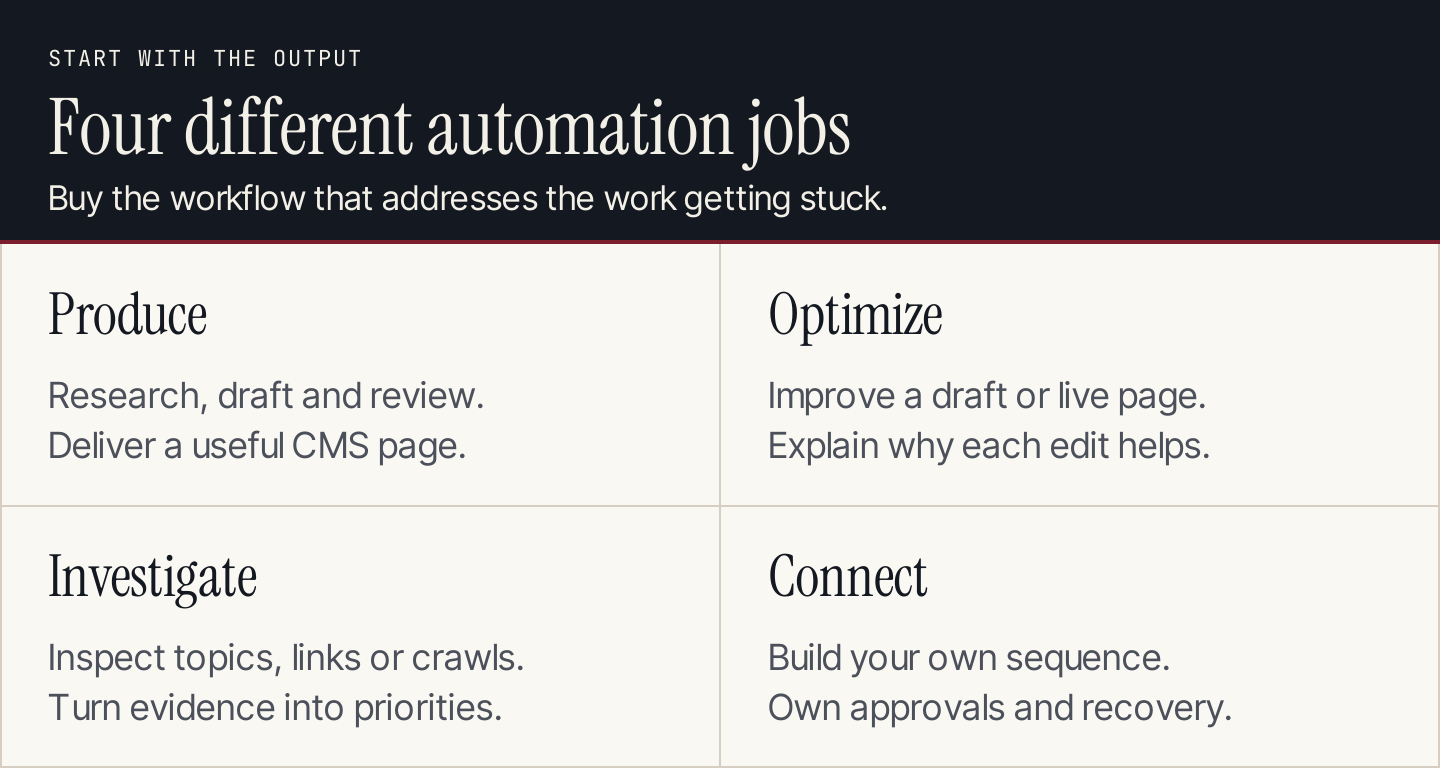
Choose the output first: publish a useful page, improve one, investigate an opportunity or connect a custom process. The diagram is an original decision aid, not a feature score.
The 20-tool shortlist
Read the category and the trial task before the product name. That makes it easier to distinguish a replacement from a useful companion.
| # | Tool | Primary job |
|---|---|---|
| 1. | Rankauto | Recurring blog research, drafting and CMS publishing |
| 2. | TheSEOAgent | A packaged keyword-to-publish article program |
| 3. | Outrank | A content program with additional growth services |
| 4. | Surfer | Content optimization connected to search and AI visibility |
| 5. | Frase | Research, drafting and page maintenance with review controls |
| 6. | Clearscope | Editorial content guidance and visibility monitoring |
| 7. | MarketMuse | Content inventory and topical planning |
| 8. | NEURONwriter | SERP-informed drafting and content optimization |
| 9. | Scalenut | Content and GEO workflows with software or managed help |
| 10. | SEOWriting.ai | Search-informed article generation |
| 11. | AirOps | A governed content and AI discovery operation |
| 12. | Gumloop | Custom AI agents and connected work |
| 13. | n8n | Technical teams building their own content workflows |
| 14. | Alli AI | Deploying on-page improvements across sites |
| 15. | Search Atlas | An agency-oriented suite with technical and content automation |
| 16. | SE Ranking | Research, monitoring and agency SEO operations |
| 17. | Screaming Frog SEO Spider | Repeatable technical crawls |
| 18. | LowFruits | Bulk SERP analysis and long-tail opportunity research |
| 19. | Google Data Studio / Looker Studio | Automating the presentation of SEO reporting |
| 20. | AlsoAsked | Question research using People Also Ask |
1. Rankauto: Recurring blog research, drafting and CMS publishing
Use Rankauto when the recurring handoff from topic to article is the bottleneck. Its narrow recommendation here is a predictable blog production workflow, especially when a founder does not want to coordinate separate research, writing and CMS tools.
Rankauto combines topic research, brand-guided article generation, advertised fact-checking, visuals, SEO metadata and CMS delivery. Its public plan is $49 per website per month for 30 created articles and an audit allowance of up to 10,000 pages. You can keep drafts for review or enable automatic publishing. Current product documentation.
Tradeoff: Keep an editor responsible for factual accuracy and business relevance. This is a content production recommendation; the reviewed pages do not establish a proprietary competitor backlink index or a replacement for a full paid-search suite.
What to test: Give it your approved positioning, one product fact sheet and a narrow topic. Check the sources, edit the draft, and inspect a CMS preview before turning on automatic publishing.
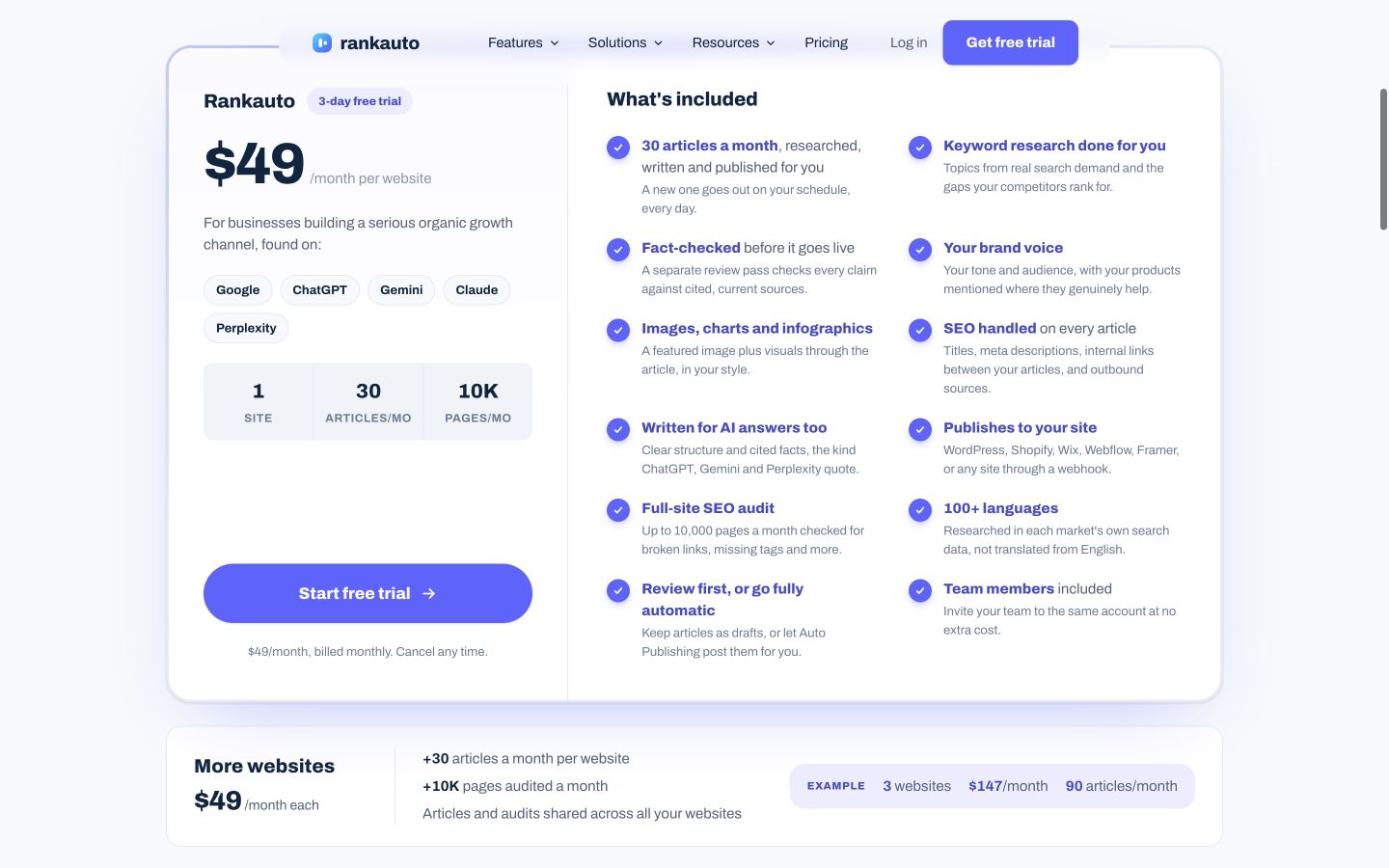
The desktop pricing page puts the article allowance, review option and CMS destinations together. Compare those deliverables with the recurring job you need handled. Native desktop capture, October 9, 2026. Source: Rankauto.
2. TheSEOAgent: A packaged keyword-to-publish article program
This is a direct content-program comparison with Rankauto. Evaluate the published output and review controls on identical inputs before deciding whether a price difference reflects a useful difference in your operation.
TheSEOAgent advertises agents for research, drafting, fact-checking and CMS publishing, with a plan and draft review step. Its homepage currently lists 30 articles for one site at $99 a month and additional sites at $79 a month. Current product documentation.
Tradeoff: Treat the site's customer traffic charts as vendor case studies, not a forecast for your site. Compare source checking and CMS output directly rather than assuming either vendor's marketing description proves better writing.
What to test: Use the same topic and fact sheet as your other shortlisted publisher. Count claims that need correction, inspect citations, and verify where the draft waits for approval.
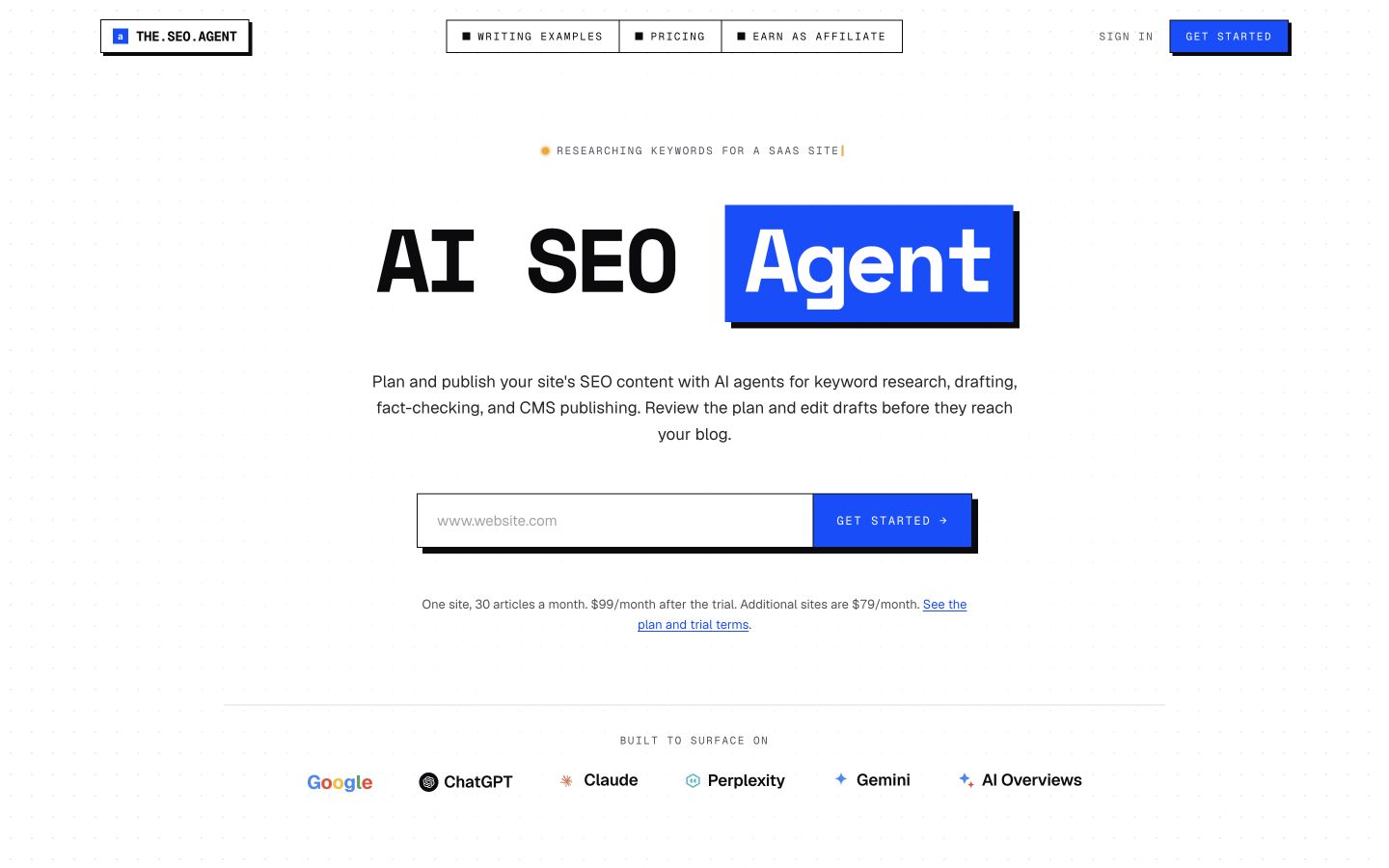
The homepage explicitly includes plan and draft review. That is a concrete buying question to test, rather than relying on the phrase AI agent. Native desktop capture, October 9, 2026. Source: TheSEOAgent.
3. Outrank: A content program with additional growth services
A bundled growth product can be attractive when you want several deliverables from one supplier. It also makes attribution and budgeting harder: separate what produces useful articles from what supplies a placement, tool or visibility report.
Outrank presents a package of blog production, backlinks and free tools, alongside AI visibility positioning. That makes it relevant to buyers considering a broader growth bundle rather than an article editor alone. Current product documentation.
Tradeoff: Separate the content subscription from any backlink or tool-building offer. Ask what is included, how placements are selected and which approvals you retain. Vendor growth totals do not establish outcomes for a new customer.
What to test: Request one proposed content plan and one sample deliverable from every bundled service. Decide whether you would still pay for the content workflow if the extra services were removed.
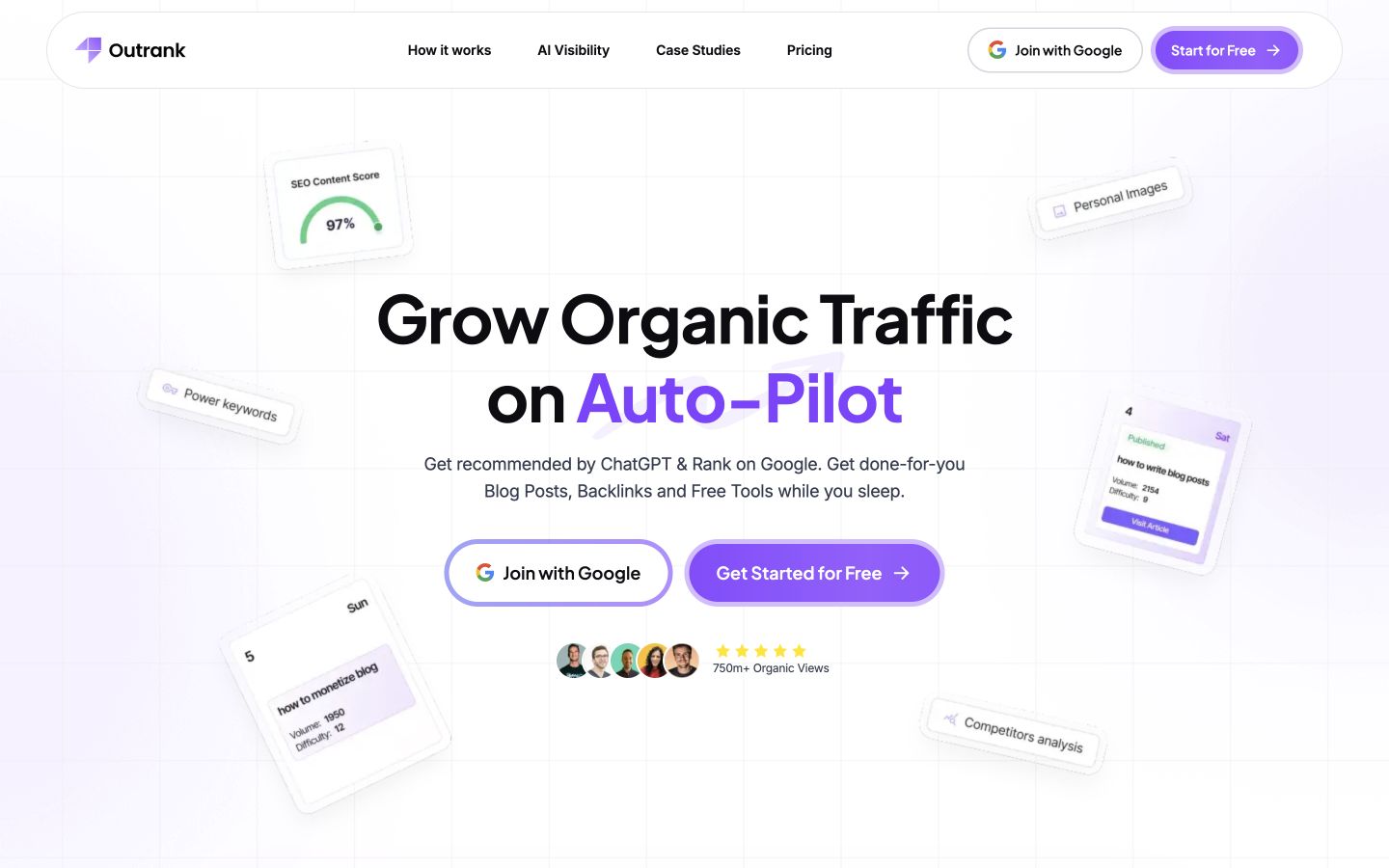
Outrank's public page combines blogs, backlinks and tools. Compare the actual scope of the bundle before treating it as equivalent to a writing subscription. Native desktop capture, October 9, 2026. Source: Outrank.
4. Surfer: Content optimization connected to search and AI visibility
Shortlist Surfer if editorial improvement and visibility-informed decisions are the central job. Confirm the currently available automation path instead of buying on the basis of an announced agent or an older scoring-only description.
Surfer's current site describes a broader content and AI visibility platform, including Content Score, brand context and a workflow connecting insights to content. It also describes MCP connectivity. Its Surfy Agent section is labeled soon, so that announced agent should not be treated as a feature already available to every subscriber. Current product documentation.
Tradeoff: Compare the exact live plan and implementation path. An optimization score is guidance, not a ranking or citation guarantee. Do not assume a planned agent is included because it appears beside existing features.
What to test: Optimize an existing article, record the changes you accept and reject, and confirm which drafting, integrations and publishing actions are available on the plan you would actually buy.
Pricing and limits: Standard is displayed at $99 per month, billed yearly. The annual allowance is 360 created or optimized documents; compare that with your actual cadence rather than treating it as an unlimited monthly quota. Official pricing.
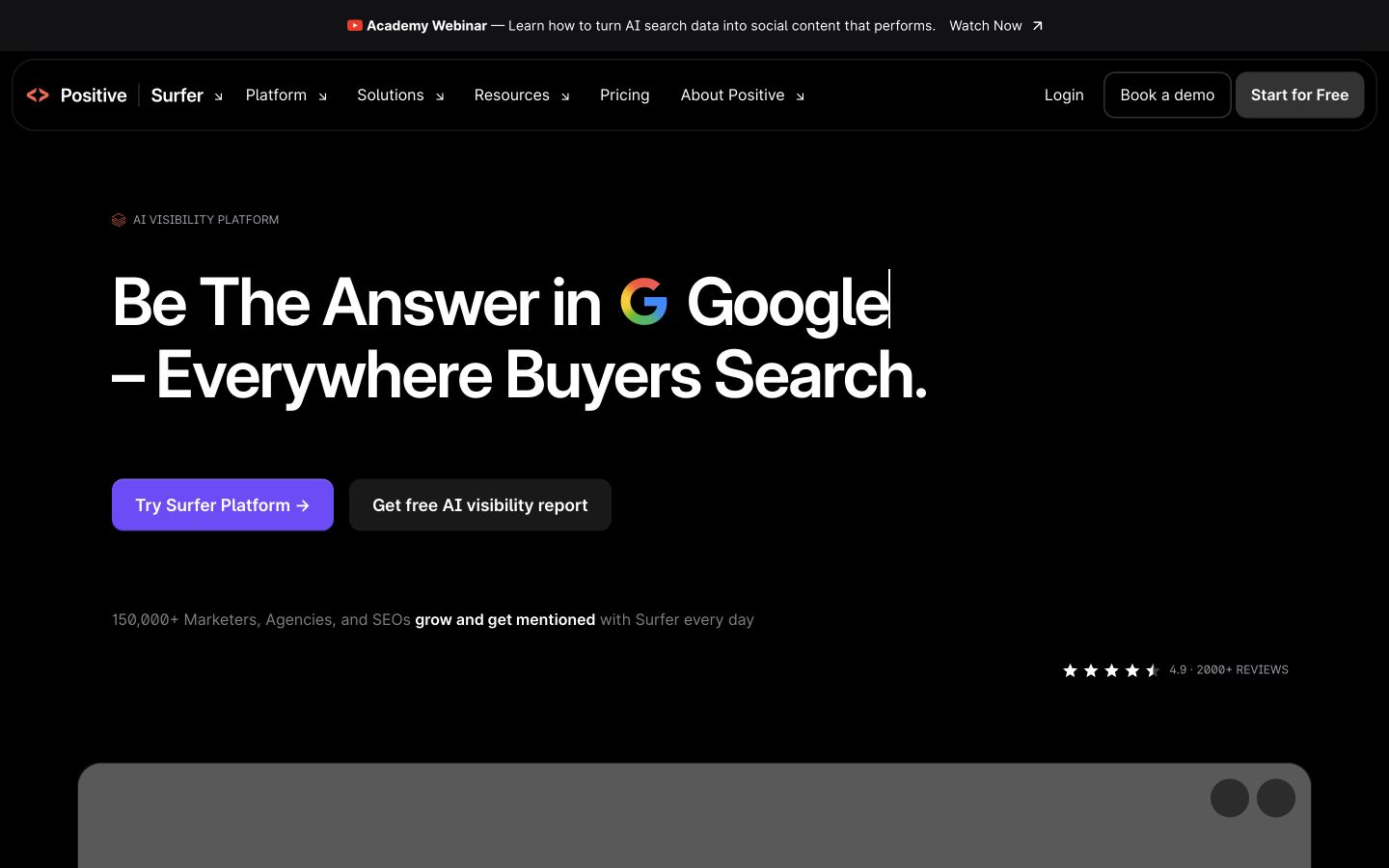
Surfer now positions itself around visibility as well as content. Older comparisons that describe it solely as a score generator miss that change. Native desktop capture, October 9, 2026. Source: Surfer.
5. Frase: Research, drafting and page maintenance with review controls
Frase belongs in a full workflow comparison because its current public offering includes publication and maintenance. An agency with an established library should test the revision path as well as the creation of new posts.
Frase's current public site connects research, brand-context drafting, page scoring and CMS publishing. It describes Content Guard monitoring published pages and drafting revisions for approval, with optional automatic low-risk fixes. Listed CMS destinations include WordPress, Webflow, Sanity and Wix. Current product documentation.
Tradeoff: Check the meaning of low-risk changes and how your team authorizes them. The current offering is broader than a brief generator; assess the review queue and publishing controls rather than relying on outdated feature labels.
What to test: Submit one new topic and one existing page. Review both the new draft and the proposed revision, then check whether a change can be declined without disturbing the live article.
Pricing and limits: Starter is $49 month to month or $39 per month billed yearly. Check the article, site and maintenance allowances of the tier you will actually use. Official pricing.
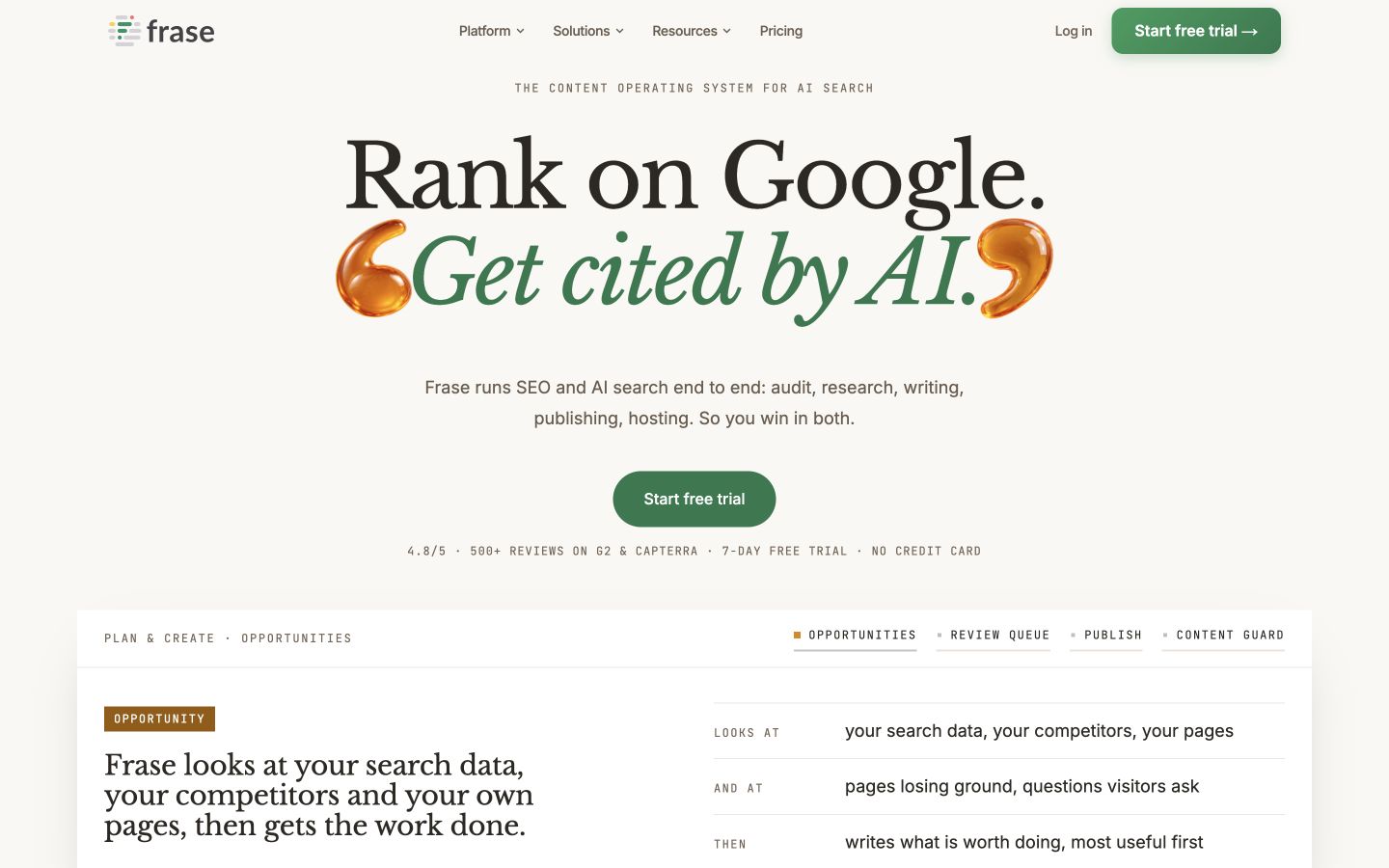
Frase's homepage describes a content operating system. Its publishing and maintenance claims deserve a trial alongside its familiar research capabilities. Native desktop capture, October 9, 2026. Source: Frase.
6. Clearscope: Editorial content guidance and visibility monitoring
An editorial team can use this category to make coverage discussions more concrete. The useful output is an explanation the reader needed, not a higher grade obtained by adding terms without a purpose.
Clearscope advertises query discovery, intent research, AI drafting and editing, content optimization and monitoring after publication. Its current page also covers tracking visibility across AI platforms. Current product documentation.
Tradeoff: Evaluate whether these workflows help your editors make better decisions. A content grade or visibility metric does not independently verify a statistic, establish subject expertise or prove that a particular change caused a ranking improvement.
What to test: Give an editor one existing draft and compare the tool's coverage suggestions with actual customer questions. Keep useful missing explanations and reject terms that would distort the page's purpose.
Pricing and limits: Essentials is $129 per month and includes 20 monthly Topic Explorations and 20 Drafts. Business is $399 per month; confirm whether its additional monitoring and collaboration justify the step up. Official pricing.
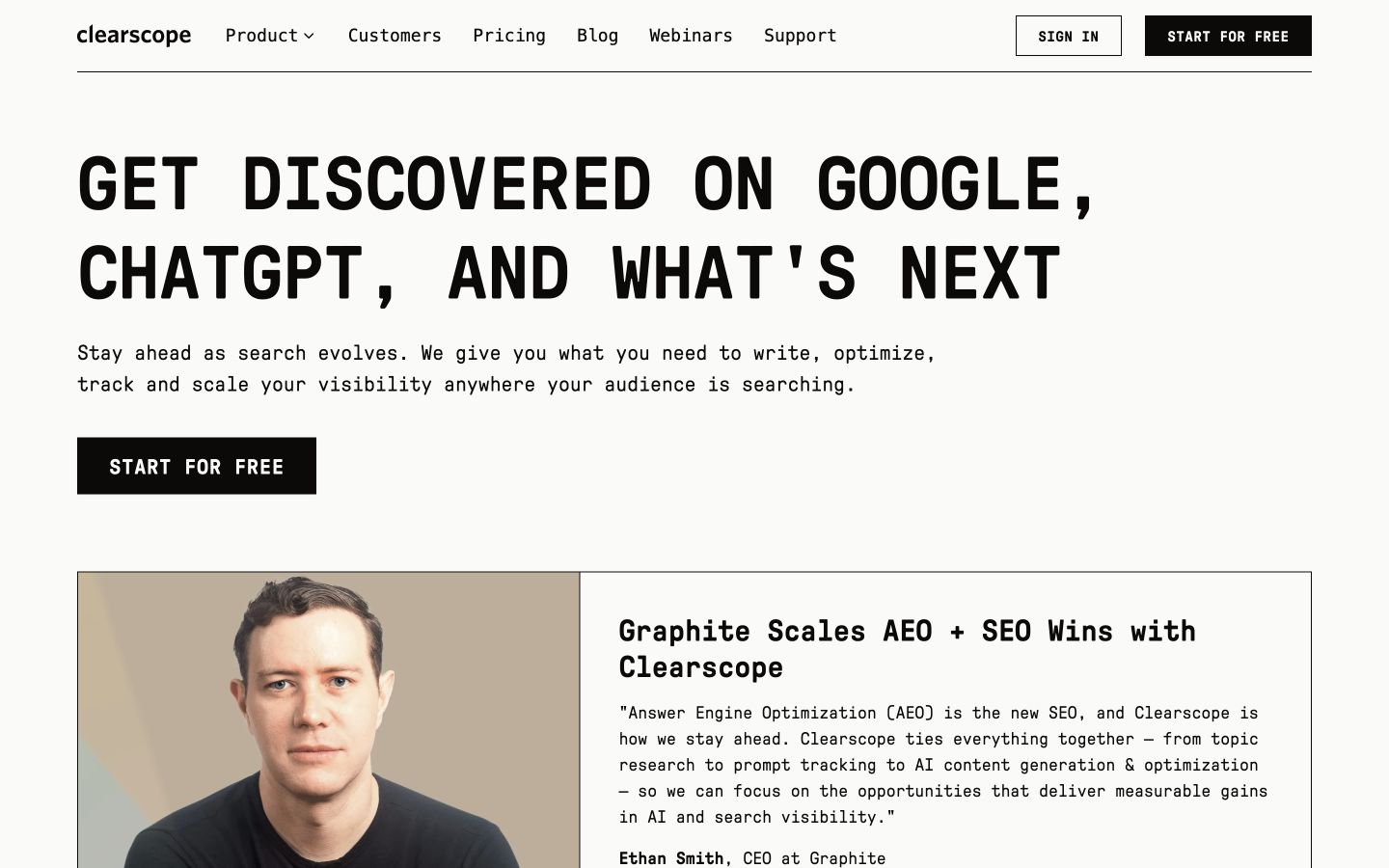
The current Clearscope page includes AI content generation and optimization. Treat it as a broader editorial shortlist candidate, not a scoring-only tool. Native desktop capture, October 9, 2026. Source: Clearscope.
7. MarketMuse: Content inventory and topical planning
This is a prioritization tool to evaluate when a growing library has too many competing content ideas. It is less useful to buy a sophisticated roadmap if no one has time to execute the pages it recommends.
MarketMuse emphasizes analyzing the content a site already has, identifying topic opportunities, assessing personalized difficulty and building a roadmap of pages to create or update. Its product navigation also includes content briefs and optimization. Current product documentation.
Tradeoff: A roadmap needs execution capacity. Check whether the suggested cluster has a useful business purpose and whether the team can supply original material. Modelled difficulty should inform prioritization rather than decide it alone.
What to test: Analyze a cluster with several existing articles. Ask which URL to update, which new page is justified and which proposed topic should be skipped because it duplicates an existing answer.
Pricing and limits: A free entry option is listed alongside Optimize, Research and Strategy packages. The current page does not establish one comparable public paid starting price; request the scope and quote for the planning work you need. Official pricing.
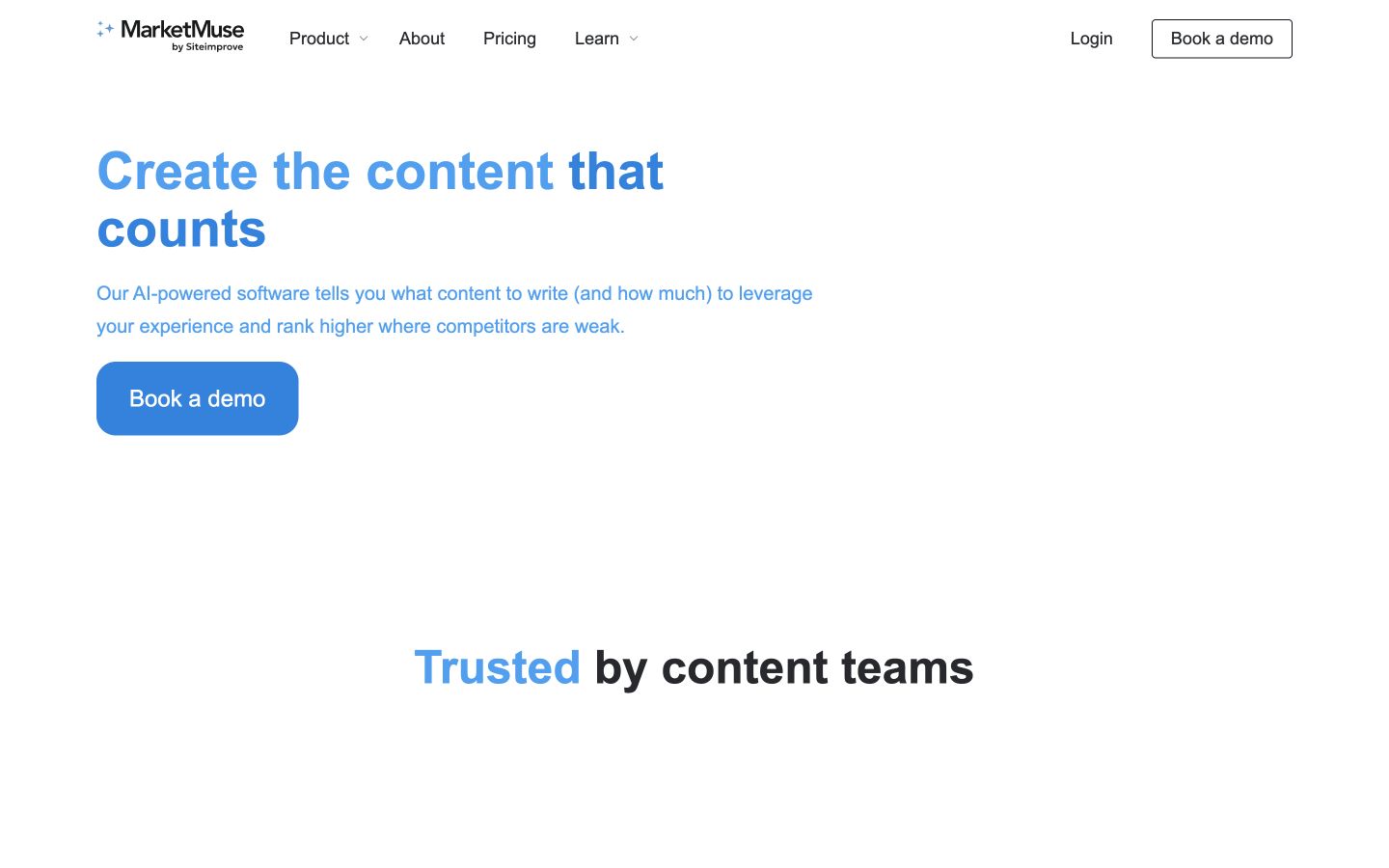
MarketMuse leads with deciding which content is worth creating. That is especially useful when the problem is prioritization across a library. Native desktop capture, October 9, 2026. Source: MarketMuse.
8. NEURONwriter: SERP-informed drafting and content optimization
Compare NEURONwriter when your recurring task combines a search-informed brief with an optimized draft. Test the complete tier you need, including the connection to your store or CMS, rather than treating the entry price as the finished-work cost.
NEURONwriter combines content analysis, NLP-oriented recommendations and AI drafting. Its public site lists integrations including Google Search Console, WordPress and Shopify on specified plans, and promotes MCP and agent workflows. Current product documentation.
Tradeoff: Compare the particular tier's analysis, writing and integration allowances. A recommendation to mention a related term is not a requirement to repeat it, and a high content score does not make unsupported claims reliable.
What to test: Run a keyword with a clearly defined audience. Compare the proposed topics with the search results, edit the draft for a useful answer, and test the integration included in your intended tier.
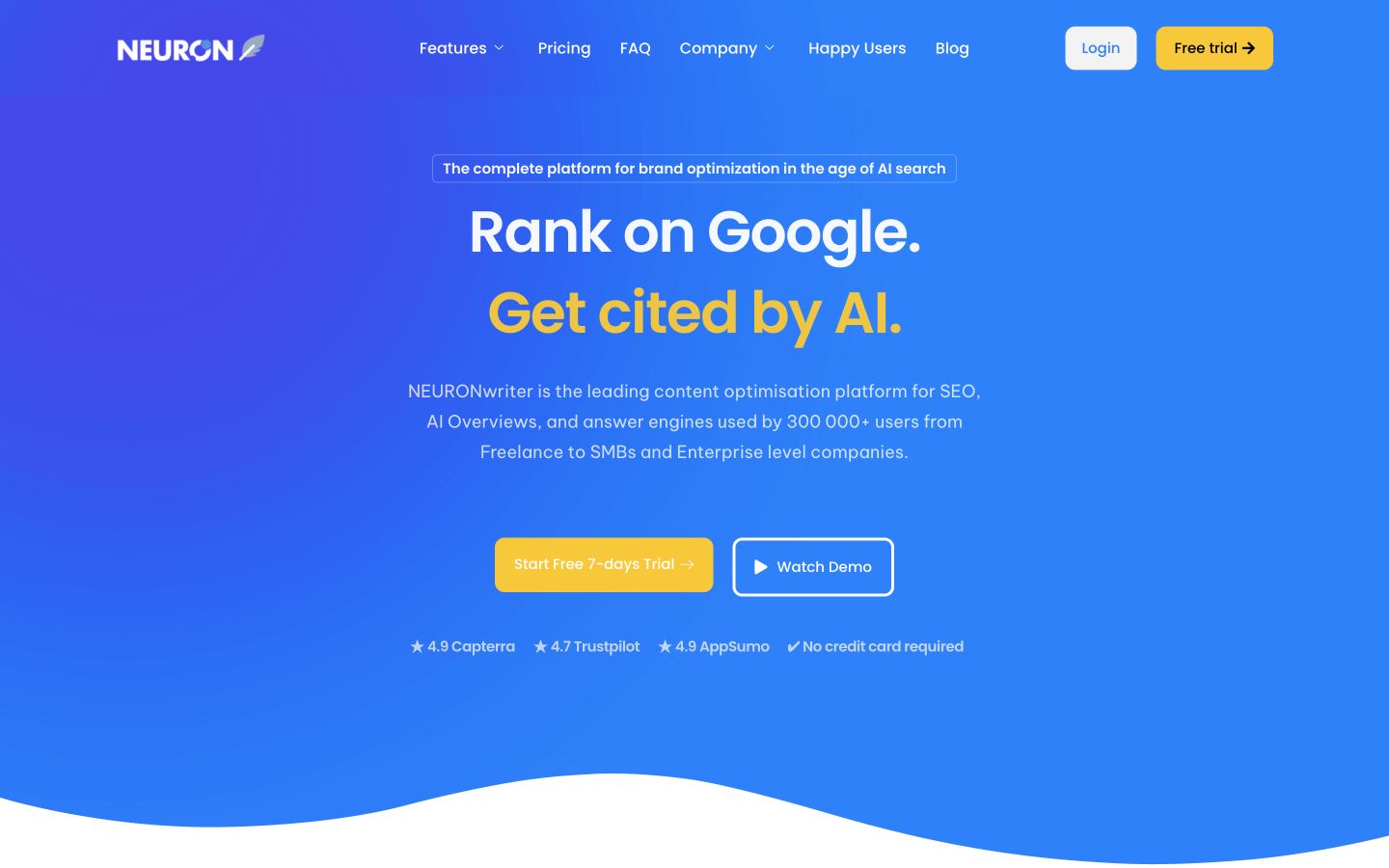
The site connects content optimization with AI search. Check plan-level integrations and allowances rather than assuming all tiers behave identically. Native desktop capture, October 9, 2026. Source: NEURONwriter.
9. Scalenut: Content and GEO workflows with software or managed help
The software and managed paths suit different staffing models. A small marketing team should price the option that supplies the missing work; an agency should establish whether the plan supports its client-specific review process.
Scalenut's visible site offers article writing, content optimization, content audits and AI visibility features. It distinguishes a do-it-yourself software path from expert-managed GEO services. Current product documentation.
Tradeoff: Keep a software subscription and managed service proposal separate in your budget. Establish who selects topics, who edits, and which actions require approval. Visibility features and service claims need different acceptance checks.
What to test: Choose the software or managed-service route first. For software, inspect one draft and audit recommendation; for a service, request the deliverable schedule, editorial responsibilities and approval process.
Pricing and limits: Starter is displayed at $59 for monthly billing. Annual promotional prices are also displayed, so compare the checkout commitment and renewal terms separately from the headline discount. Official pricing.
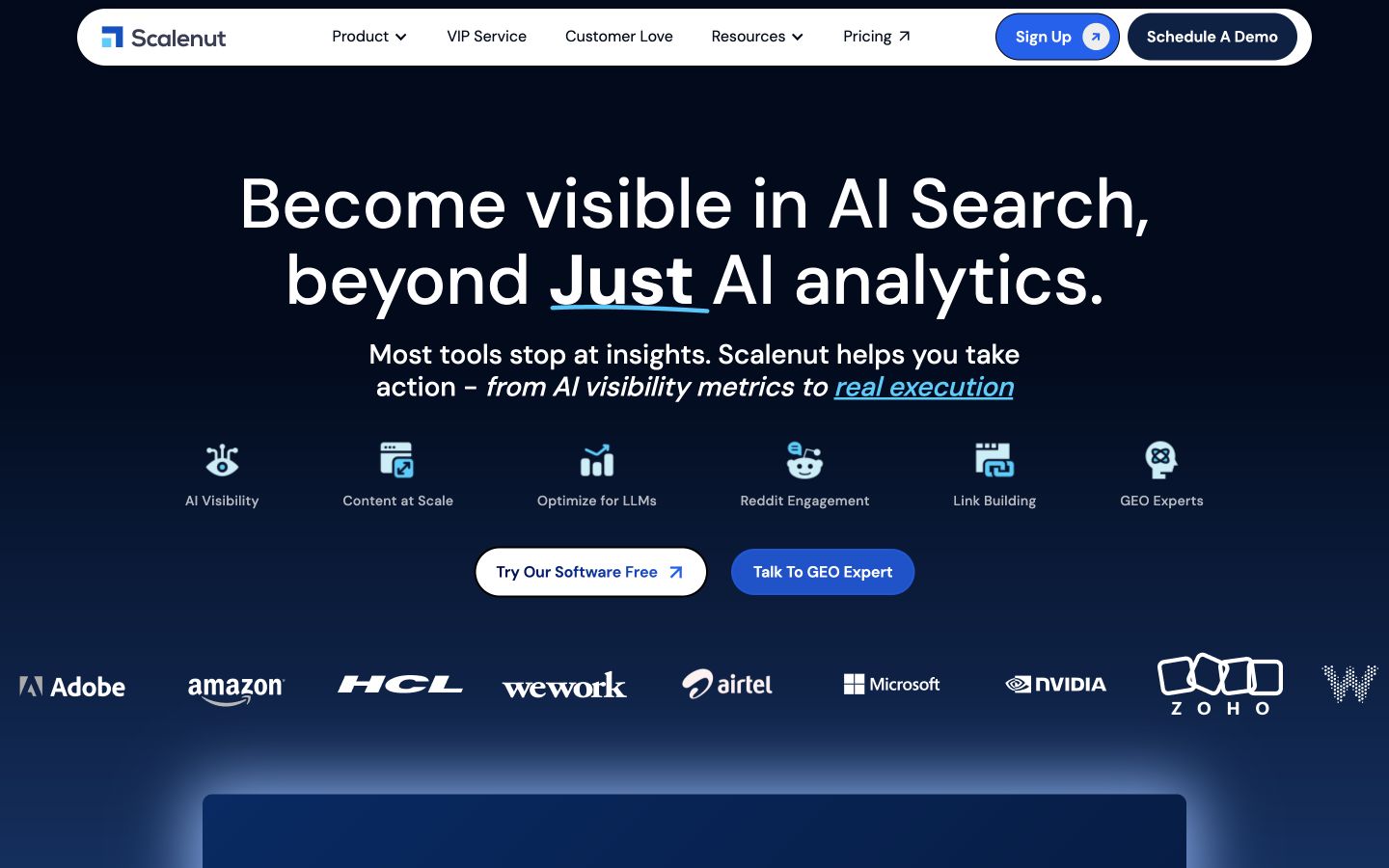
Scalenut presents both software and expert-managed work. Comparing those routes avoids mistaking a service deliverable for a standard software feature. Native desktop capture, October 9, 2026. Source: Scalenut.
10. SEOWriting.ai: Search-informed article generation
This is a candidate when your topics are already approved and article generation is the task that needs support. Ensure the resulting page has original evidence and useful media rather than assuming generated images finish the editorial work.
SEOWriting.ai advertises competitor SERP analysis and article generation for traditional search and AI answers. Its public navigation also exposes WordPress MCP, making the publishing and agent integration path a relevant part of the evaluation. Current product documentation.
Tradeoff: Check the generation allowance, integration requirements and how much of a finished article survives your editing pass. The platform's search and AI visibility claims do not remove the need for original examples and verified sources.
What to test: Generate a how-to article with a supplied source packet. Check whether it explains the task accurately, uses the right screenshots and preserves formatting when moved to WordPress.
Pricing and limits: Starter is $19 monthly or $14 per month billed annually ($168 per year). Professional is $79 monthly or $59 per month annually. Compare generation and publishing allowances, not price alone. Official pricing.
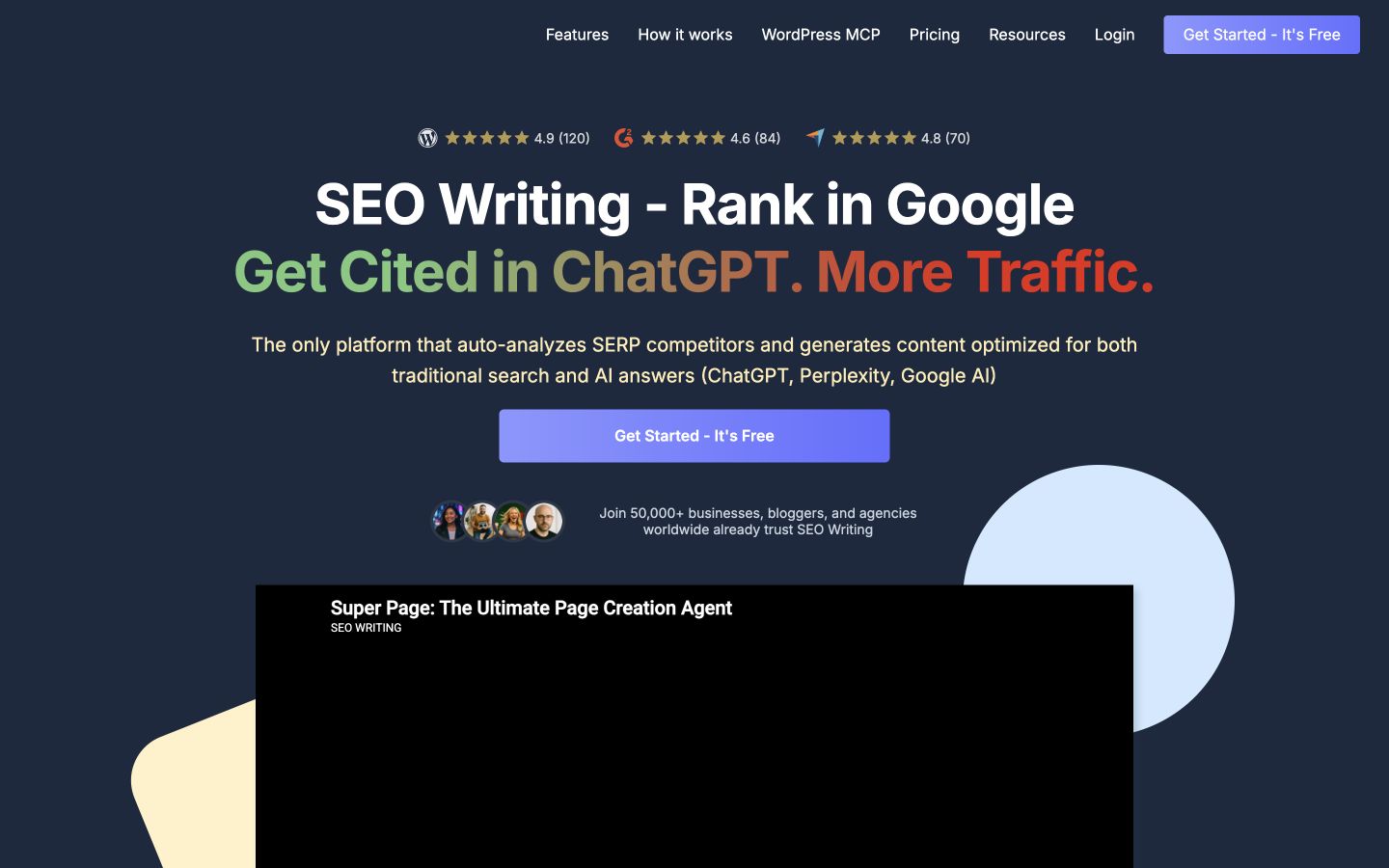
The site emphasizes search-informed articles and a WordPress connection. Inspect both the content and the CMS handoff in a trial. Native desktop capture, October 9, 2026. Source: SEOWriting.ai.
11. AirOps: A governed content and AI discovery operation
A team with several content types and governance rules may need an operation it can customize. Before choosing that route, estimate who will maintain the system and how much strategy support the package actually includes.
AirOps describes a platform combining agents, data, brand governance and expertise to research, publish and refresh content. Its current positioning includes strategy support as well as the system used to execute that strategy. Current product documentation.
Tradeoff: Clarify the division between platform capabilities and services. A custom operation needs an owner for inputs, brand rules, exceptions and maintenance; compare implementation effort as well as subscription scope.
What to test: Map one repeatable process, such as refreshing a guide when product documentation changes. Ask the team to demonstrate the data inputs, review checkpoint and update destination for that workflow.
Pricing and limits: The page lists Solo, Pro and Enterprise packages with task-based usage. It does not establish a comparable base subscription in our captured text; obtain the package price and account for task consumption and implementation work. Official pricing.
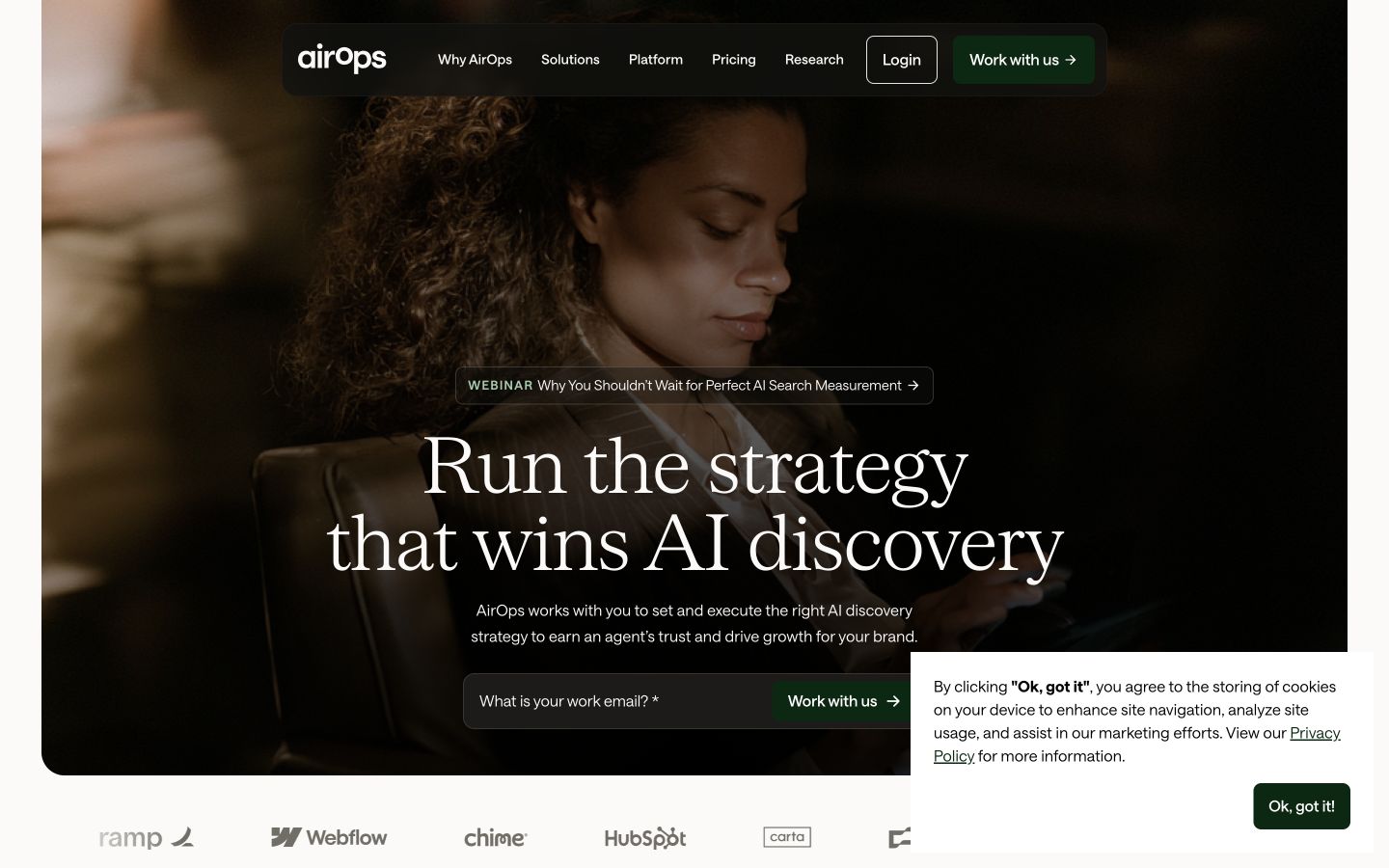
AirOps describes both strategy and execution. Determine which parts your team will configure and which parts are provided as a service. Native desktop capture, October 9, 2026. Source: AirOps.
12. Gumloop: Custom AI agents and connected work
A builder is useful when an off-the-shelf article program cannot represent your handoffs. Start with one narrow flow, prove its failure handling and avoid making a complex agent responsible for several undefined editorial decisions at once.
Gumloop presents an infrastructure for building, sharing and controlling AI agents, with connectors and workflow-oriented automation. It can be shortlisted when a team wants to assemble its own research or content handoff rather than buy a fixed article program. Current product documentation.
Tradeoff: The SEO workflow is something you design and validate. Give the automation an owner, account for connector and model costs, and define how failed or incomplete inputs are handled.
What to test: Build a small workflow that takes an approved brief, prepares a research summary and routes the result to an editor. Intentionally omit a source and check that the flow requests review rather than shipping an incomplete article.
Pricing and limits: Pro is advertised as starting at $37 per month with 20,000 included monthly credits. The table also lists an orchestration fee; confirm the billing commitment and how your chosen models consume credits. Official pricing.
Gumloop's public positioning is general agent infrastructure. SEO-specific quality rules need to be part of your own implementation. Native desktop capture, October 9, 2026. Source: Gumloop.
13. n8n: Technical teams building their own content workflows
This is a strong category for teams with technical ownership and custom systems. The economics depend on the build and maintenance work as well as the subscription or hosting bill, so compare the total recurring workload.
n8n provides visual workflows, code where needed, integrations and cloud or self-hosted deployment options. Its site describes structured inputs and outputs, human approval steps and inspecting execution details. Current product documentation.
Tradeoff: Self-hosting adds infrastructure responsibility, and a working connection is only part of a dependable editorial system. Budget for workflow maintenance and error recovery alongside hosting and model usage.
What to test: Prototype a source-to-draft-to-approval flow. Test a duplicate event and a failed CMS response so the workflow neither publishes twice nor reports a failed action as successful.
14. Alli AI: Deploying on-page improvements across sites
If pages wait on a development queue for repeated on-page changes, a deployment tool may solve more than another writer. Establish a staging and rollback path first, particularly when several client templates share the same rules.
Alli AI advertises bulk on-page optimization, a visual SEO editor, schema, internal linking and AI crawler support. The product focuses on applying changes across a site or portfolio rather than simply proposing article topics. Current product documentation.
Tradeoff: Confirm how changes reach your site, how they interact with existing templates and how you can reverse them. Treat technical changes as deployments that need staging checks and clear ownership.
What to test: Test a small group of noncritical pages. Review the rendered page and underlying output, check for conflicts with existing metadata, and demonstrate a rollback before expanding coverage.
Pricing and limits: The page displays $299 for monthly billing or $249 per month with a $2,990 annual commitment. Confirm the relevant site, page and usage limits before comparing it with a content subscription. Official pricing.
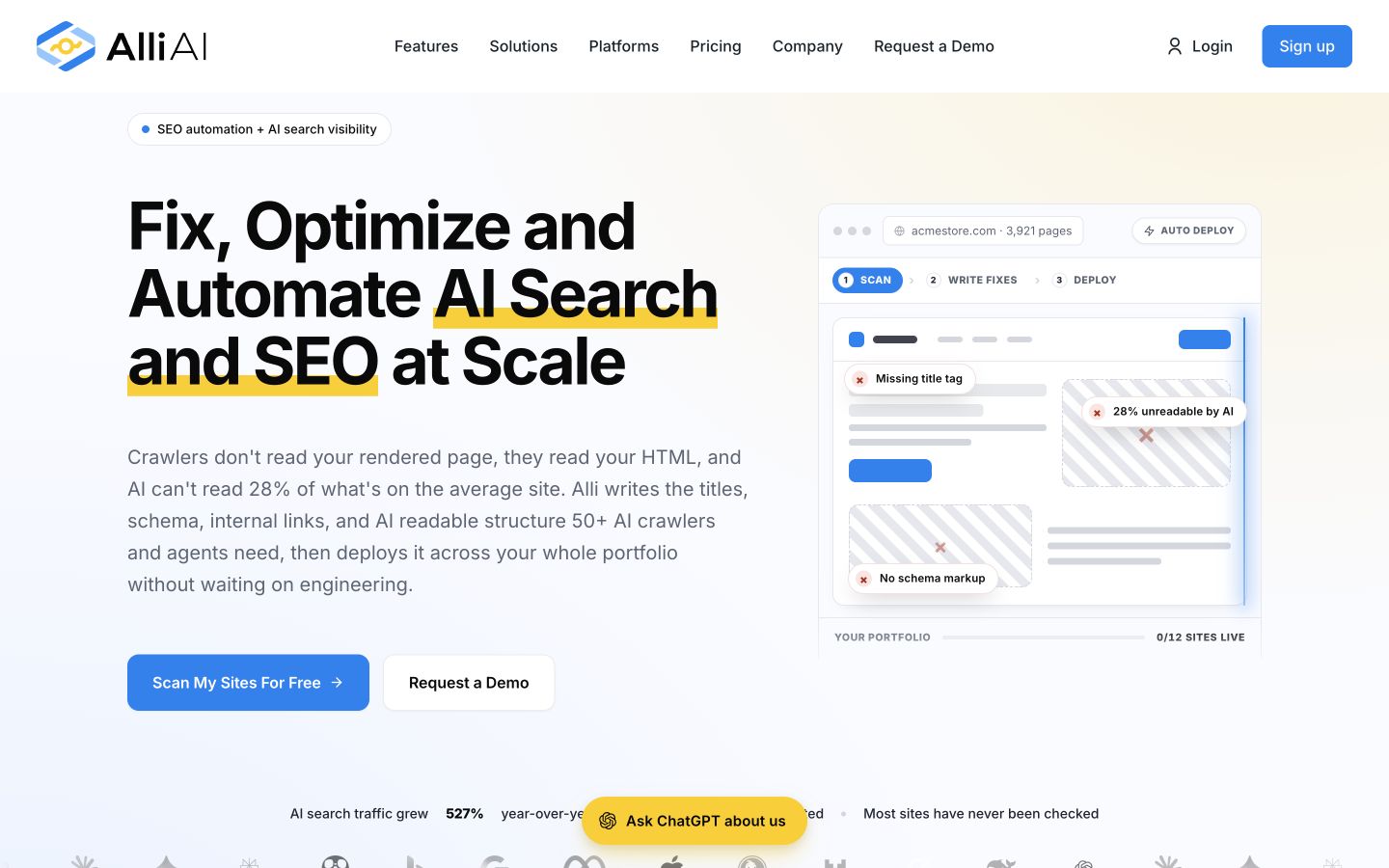
Alli AI's site highlights deployment of on-page changes. Implementation and rollback are more relevant checks than an article-writing benchmark. Native desktop capture, October 9, 2026. Source: Alli AI.
15. Search Atlas: An agency-oriented suite with technical and content automation
An agency may benefit from combining technical actions, content and reporting. A founder who only wants a few approved articles should compare whether that breadth adds useful work or simply more configuration.
Search Atlas's public documentation advertises OTTO SEO for technical and on-page actions, Content Genius for content work, LLM visibility and agency reporting. Its offering spans several jobs that smaller tools handle separately. Current product documentation.
Tradeoff: Map the proposed plan to the client services you actually deliver. Verify which sites, seats, reporting options and product allowances are included; the presence of a capability on the homepage does not make it available in every plan.
What to test: Use one client account to demonstrate a technical recommendation, a content deliverable and a client report. Assign an owner to each action and inspect what a client can access.
16. SE Ranking: Research, monitoring and agency SEO operations
Use research and monitoring automation to maintain visibility into a program. It still needs a decision process that turns reports into fixes, updates or better content instead of recurring exports nobody reads.
SE Ranking's platform includes keyword and competitor research, backlink analysis, audits and rank monitoring, with content marketing and AI visibility capabilities also presented. Its site describes an Agency Success Kit and integrations with reporting and workflow tools. Current product documentation.
Tradeoff: Evaluate the package you need for your client count. Keyword, page, seat and add-on allowances can matter more than a headline monthly price, especially when reporting is part of the service you sell.
What to test: Load a real client domain and compare the usefulness of keyword gaps, backlink reports and ranking views. Create a report that an account manager can explain without translating every metric.
Pricing and limits: The entry offer is displayed at $129 monthly or $103.20 per month billed annually. Agency and AI Search additions are priced separately, so budget for the client deliverables you need rather than assuming every module is included. Official pricing.
SE Ranking's navigation distinguishes research, monitoring, content and agency work. Compare the relevant modules and limits for your account mix. Native desktop capture, October 9, 2026. Source: SE Ranking.
17. Screaming Frog SEO Spider: Repeatable technical crawls
A repeatable crawl is especially useful after a migration or template change. Keep the configuration consistent between runs and measure resolved problems; counting audit warnings alone does not tell you which changes helped.
Screaming Frog SEO Spider is a desktop website crawler for Windows, macOS and Linux. It analyzes common audit issues such as broken links, redirects and metadata, with advanced crawl features available under a licence. The official page states a 500-URL limit for the free version. Current product documentation.
Tradeoff: A crawl report needs interpretation and implementation. It is not a competitor keyword database or a published article program. Configure the crawl carefully so an audit represents the pages and rendering conditions you intended to inspect.
What to test: Crawl a defined section of your site, export its problems and assign fixes. Repeat the same crawl after implementation to confirm the problem was removed rather than merely moved.
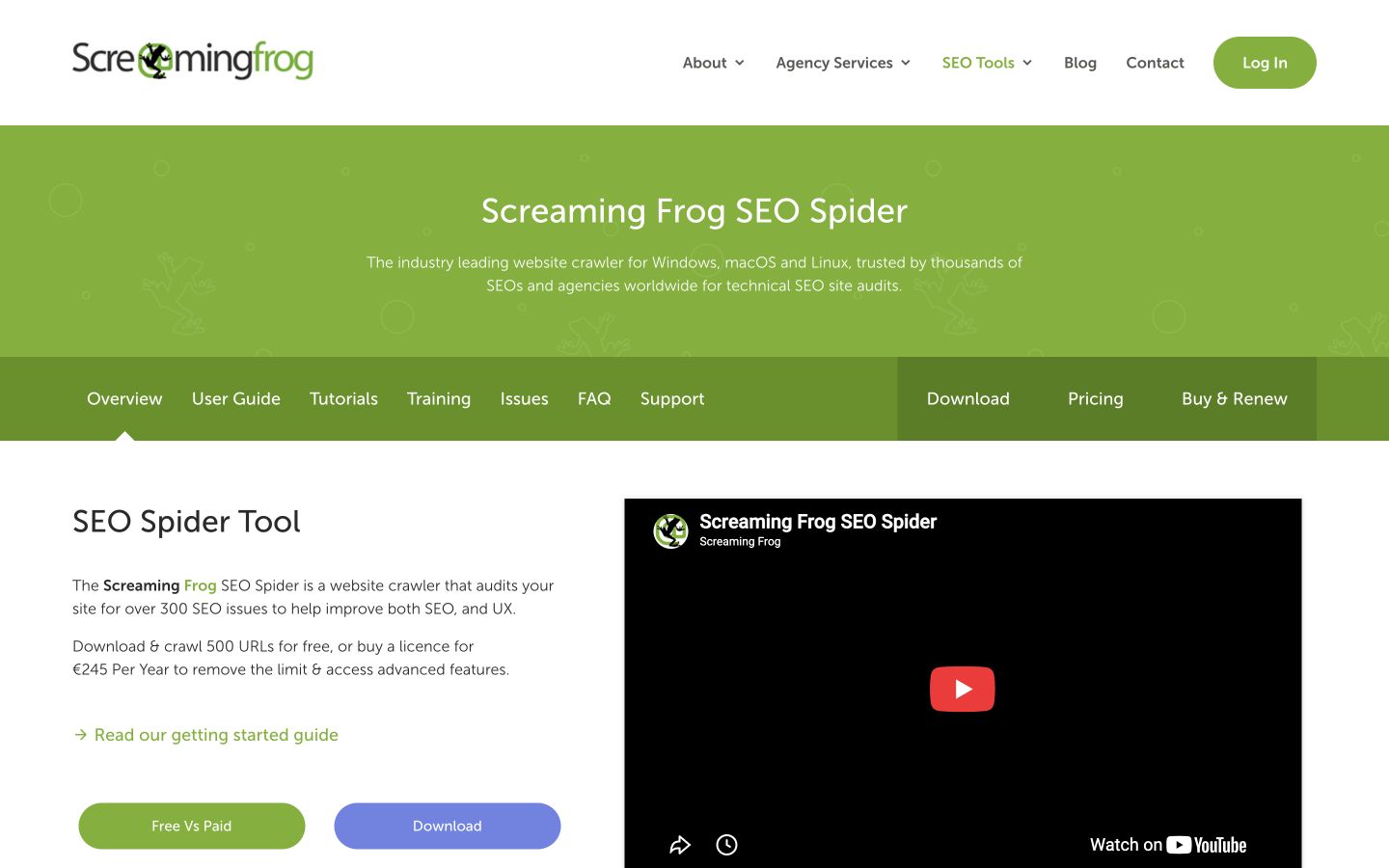
The SEO Spider page identifies a crawler with free and licensed options. Its role is technical inspection, not replacing the rest of your SEO stack. Native desktop capture, October 9, 2026. Source: Screaming Frog SEO Spider.
18. LowFruits: Bulk SERP analysis and long-tail opportunity research
Automating opportunity research can save repeated inspection, but the output should remain a short, justified topic list. A lower-competition signal should not distract a local or niche business into unrelated articles.
LowFruits identifies potential weaknesses in search results, groups keywords with similar intent and supports importing or finding keywords for analysis. Its public page distinguishes credit use for SERP analysis from keyword discovery. Current product documentation.
Tradeoff: A weak-result signal is an invitation to investigate, not proof that your site can win. Review the live result type, relevance and business value before spending a generation allowance on a topic.
What to test: Analyze a small keyword group and manually inspect three suggested opportunities. Reject queries that need a local result, product page or interactive tool when your proposed answer is a blog article.
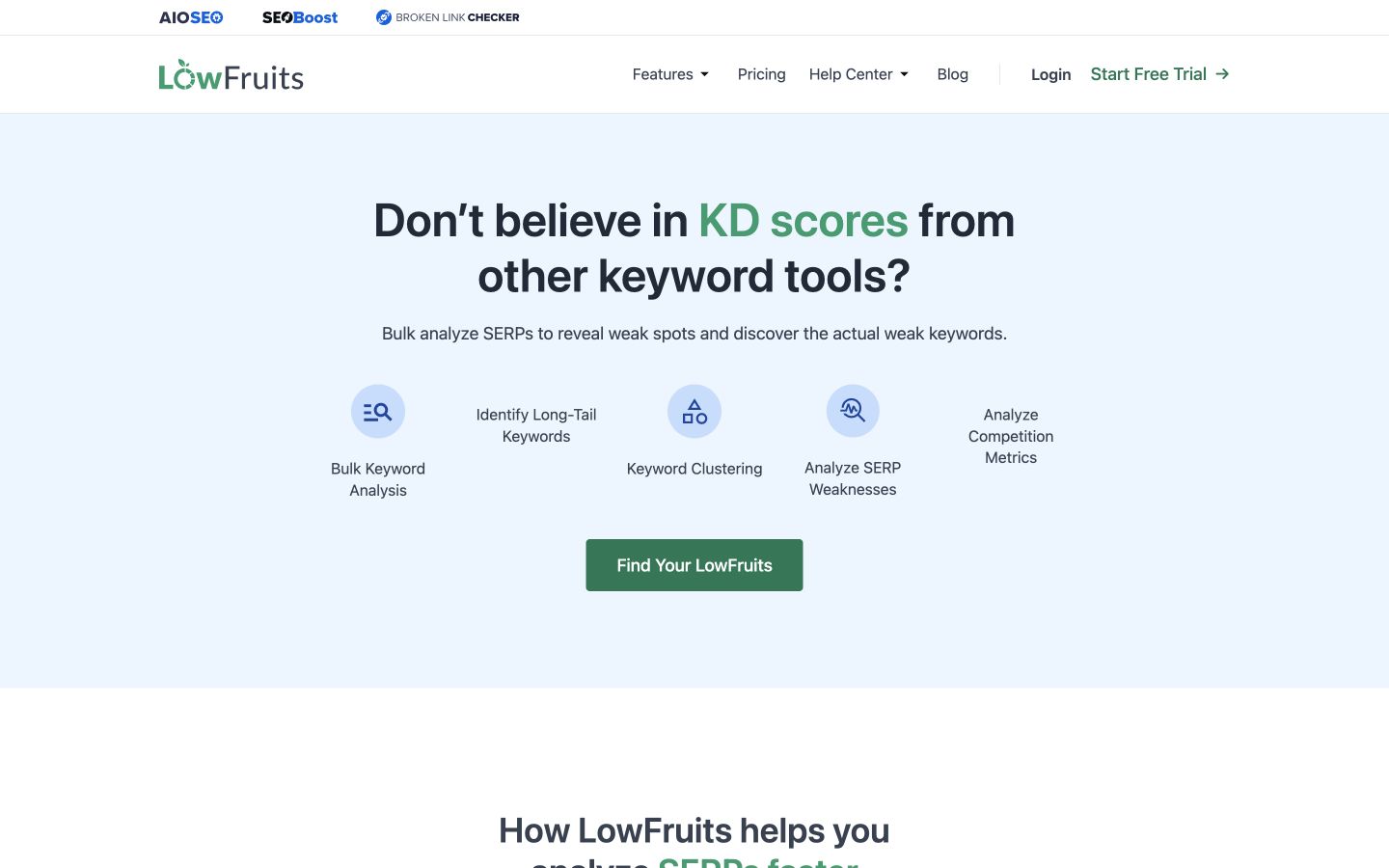
LowFruits emphasizes inspecting SERP weaknesses instead of trusting one difficulty score. Use that signal alongside intent and commercial relevance. Native desktop capture, October 9, 2026. Source: LowFruits.
19. Google Data Studio / Looker Studio: Automating the presentation of SEO reporting
Reporting automation is valuable when a team repeats the same reporting task. Begin with a decision the report supports, such as whether to update a cluster, rather than assembling every available metric into one dashboard.
Google's current documentation names the reporting product Data Studio and describes customizable dashboards, interactive viewer filters and sharing. Buyers may encounter existing workflows and comparisons using the Looker Studio name. Current product documentation.
Tradeoff: A dashboard does not create missing data or prove causation. Confirm the connectors, access rules, refresh behavior and costs of any third-party data source before promising an automated client report.
What to test: Build a report from your permitted data sources that shows useful page performance and business outcomes. Ask a colleague to interpret it and verify that the dates and filters tell the intended story.
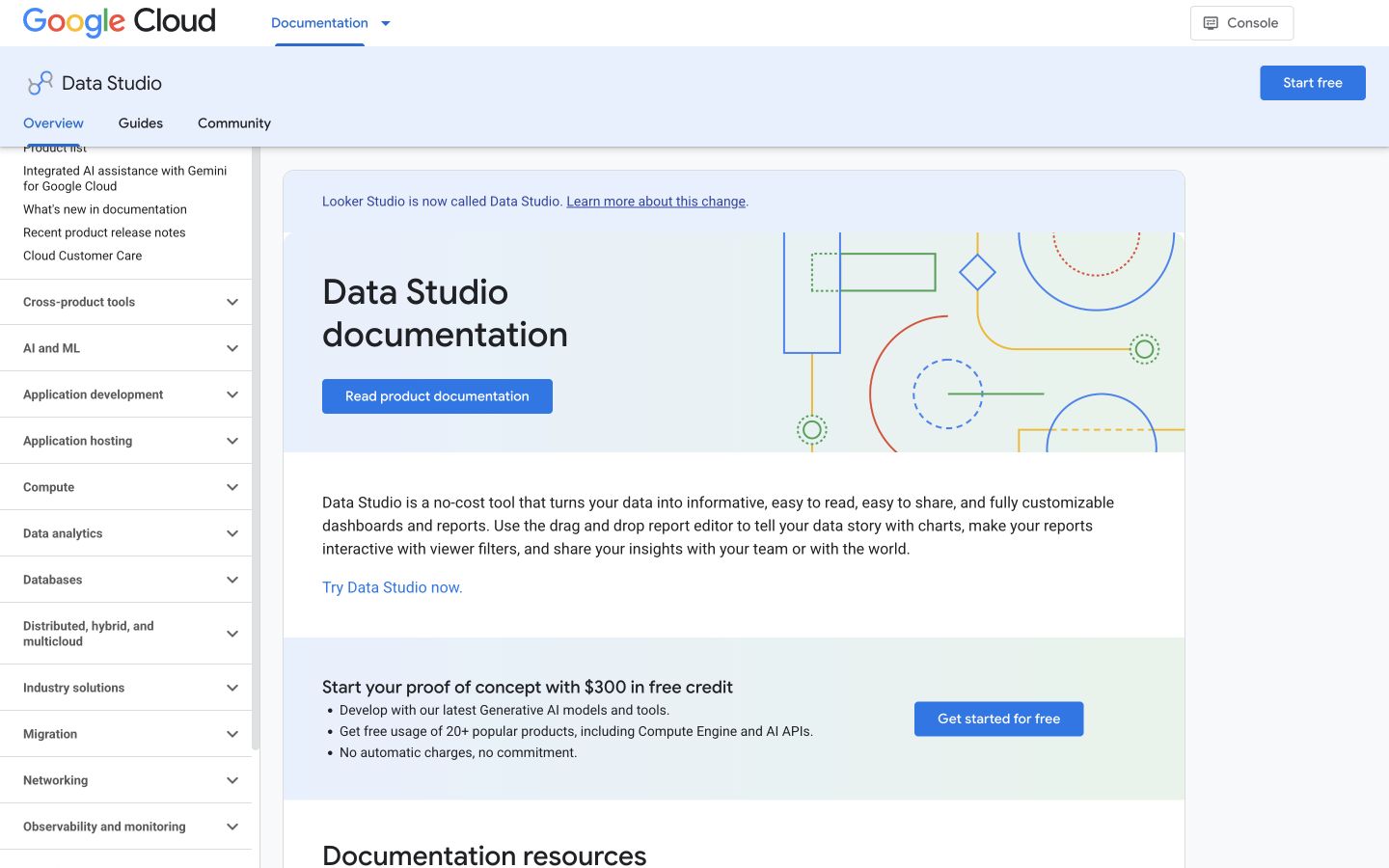
Google's current documentation uses Data Studio. Use the product documentation to resolve naming and reporting scope rather than relying on an older comparison. Native desktop capture, October 9, 2026. Source: Google Data Studio / Looker Studio.
20. AlsoAsked: Question research using People Also Ask
Use question extraction to enrich an approved brief. It is a research companion to the production tools above, particularly when a team needs to distinguish a beginner question from a purchase or implementation question.
AlsoAsked gathers and clusters People Also Ask questions around a search. Its public interface exposes country, location, language and search-depth settings, which matter when you are planning content for US English readers. Current product documentation.
Tradeoff: Questions are research inputs, not an instruction to add every answer to one page. Select those that support the page's central purpose and verify answers using appropriate sources.
What to test: Run a topic with United States and English selected. Group the questions by buyer stage and choose only the ones that help a reader finish the specific decision your article addresses.
Pricing and limits: The captured USD page displays Basic at $12 per month for 100 monthly credits, with a separate annual-billing saving. Check the selected billing interval and tax at checkout before treating the displayed figure as a month-to-month quote. Official pricing.
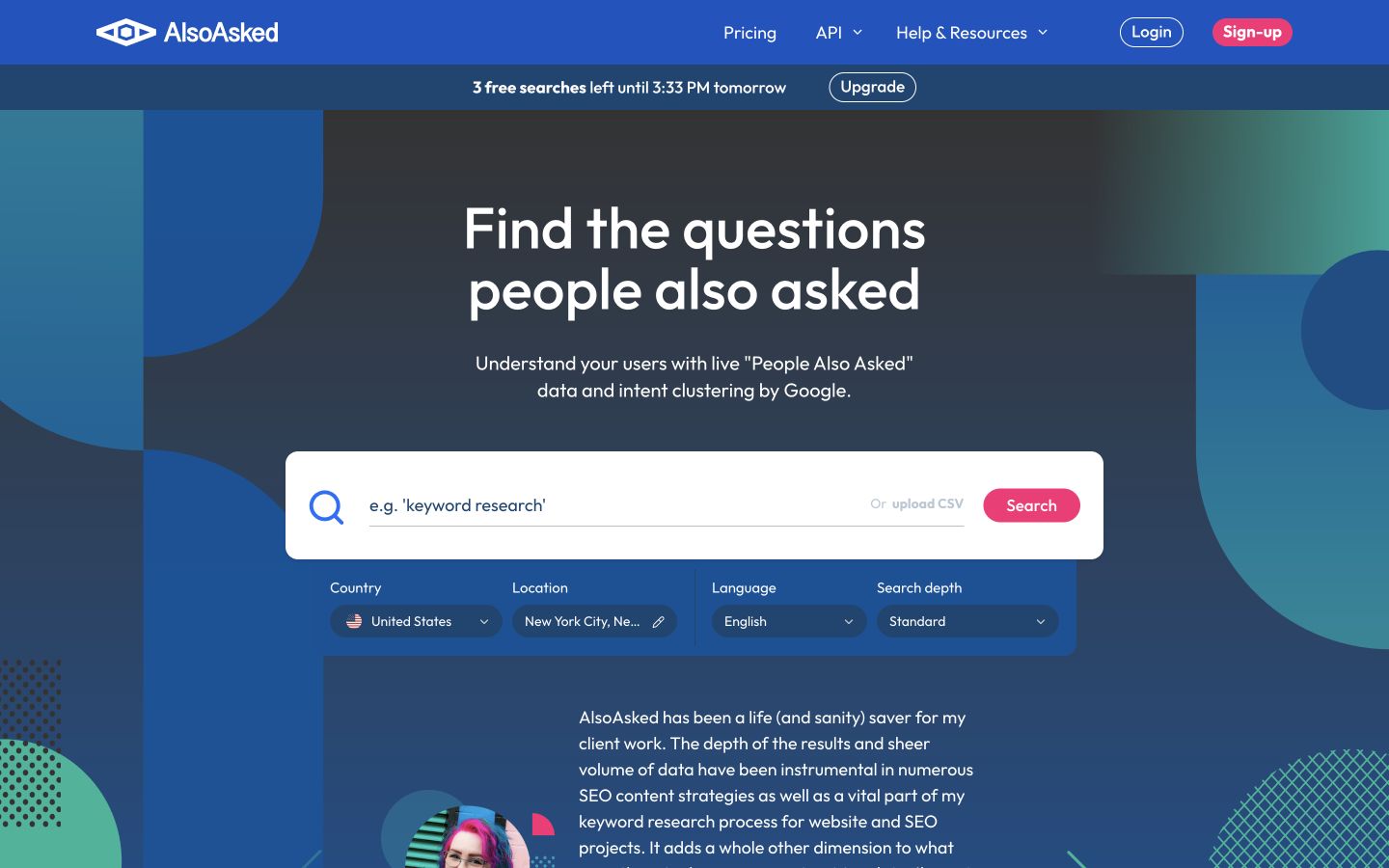
The native desktop interface exposes location and language. Record those settings so a question map is relevant to the market you serve. Native desktop capture, October 9, 2026. Source: AlsoAsked.
How to choose without building an expensive overlapping stack
Write down the work that needs to happen next week. A useful brief is: “Research a US topic relevant to our offer, produce a sourced draft, obtain editor approval and deliver a correctly formatted WordPress page.” A vague brief is: “Do SEO with AI.” The first can be tested; the second can be satisfied by almost any demo.
For a small business, start with one production workflow and the measurement you can act on. A marketing team with writers may need optimization and inventory planning first. An agency with repeatable technical work may need a deployment tool and reporting controls more urgently than an article generator.
| Operating situation | Sensible first purchase | Add another tool when… |
|---|---|---|
| Founder with no regular publishing operation | Rankauto or a comparable article program | A documented research or technical need exceeds that workflow |
| Marketing team with writers and a CMS owner | An optimization or planning product | Repeated handoffs become the actual bottleneck |
| Agency maintaining many existing sites | Technical and reporting automation for the defined service | Content production is a separate contracted deliverable |
| Technical team with custom data and approval rules | A workflow builder with an assigned maintainer | A specialist provides an input your workflow cannot produce reliably |
Run a small automation trial before scaling
Use one new article, one existing page and one intentional failure. This is a proposed evaluation method, not a benchmark we have already executed.
- Freeze the inputs. Keep the target audience, approved facts, source packet and CMS destination the same for each candidate.
- Record human work. Track research corrections, factual edits, formatting fixes and approval time separately.
- Inspect the actual output. A draft in a workspace and an approved page in your CMS are different deliverables.
- Test an exception. Remove an essential source or interrupt a CMS connection. Check that work is held for review rather than silently published or lost.
- Decide what earns another month. Choose an acceptable correction rate, editing workload and output standard before looking at the vendor's dashboard.
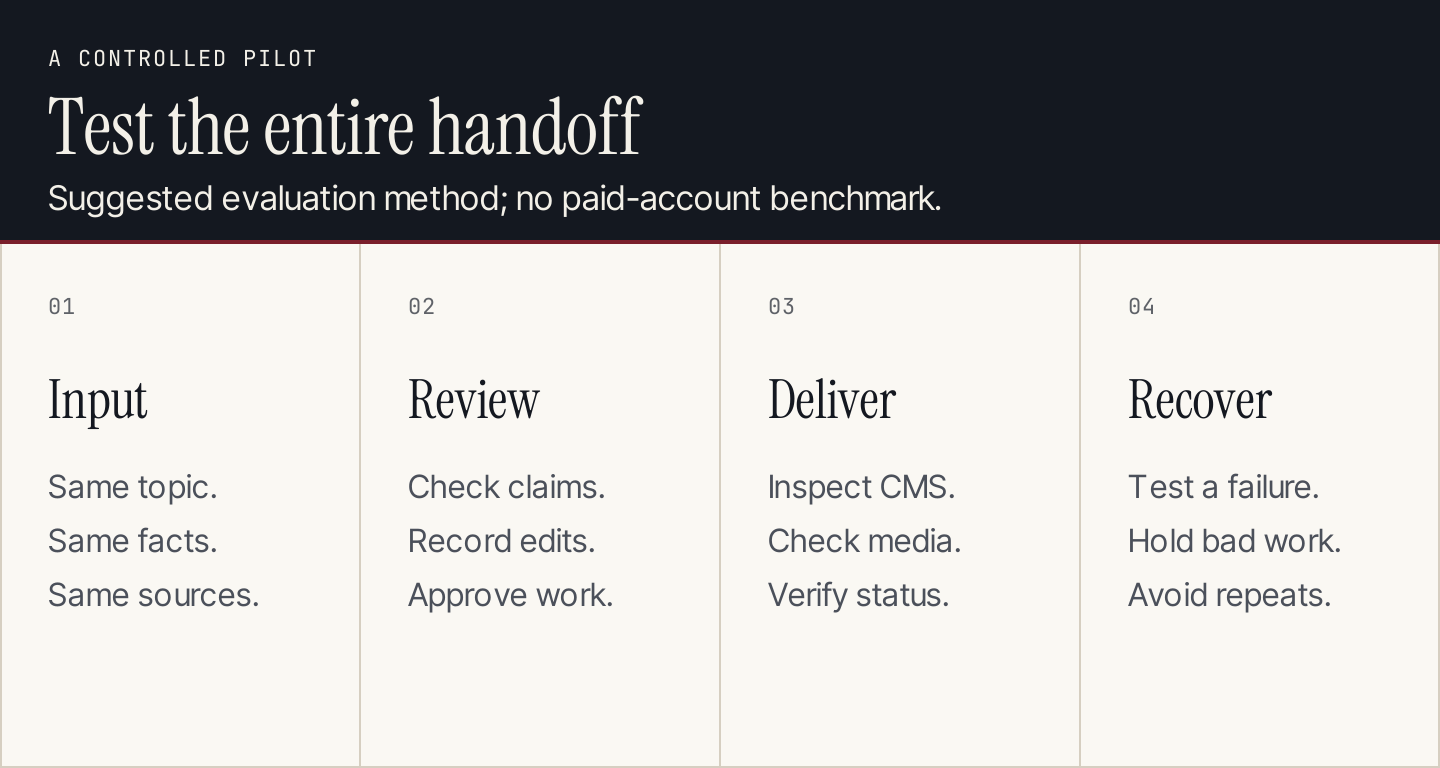
A trial should expose the handoffs and exceptions you will have to manage. A fast demonstration of the happy path is insufficient.
Compare cost per accepted deliverable
Use this worksheet rather than dividing the subscription by the largest advertised allowance:
Cost per accepted page = (software + model/connector usage + editing labor + implementation cost allocated to the period) ÷ accepted pages.
For illustration only, suppose a $90 monthly tool produces 20 drafts and an editor spends 20 minutes on each at an assumed $45 hourly cost. The editing cost is $300. If 15 drafts become accepted pages, the combined $390 cost is $26 per accepted page. These are hypothetical inputs, not prices or measured results for any listed product.
For Rankauto, the $49 monthly allowance of 30 created articles works out to about $1.63 of subscription allocation per article only if all 30 are used. That calculation excludes human work and does not mean every generated article will be accepted or published. Drafts count toward the allowance too. Check the current plan and trial: the trial ends after three days or three articles, whichever comes first, requires a card and renews into the monthly plan. Rankauto plan details.
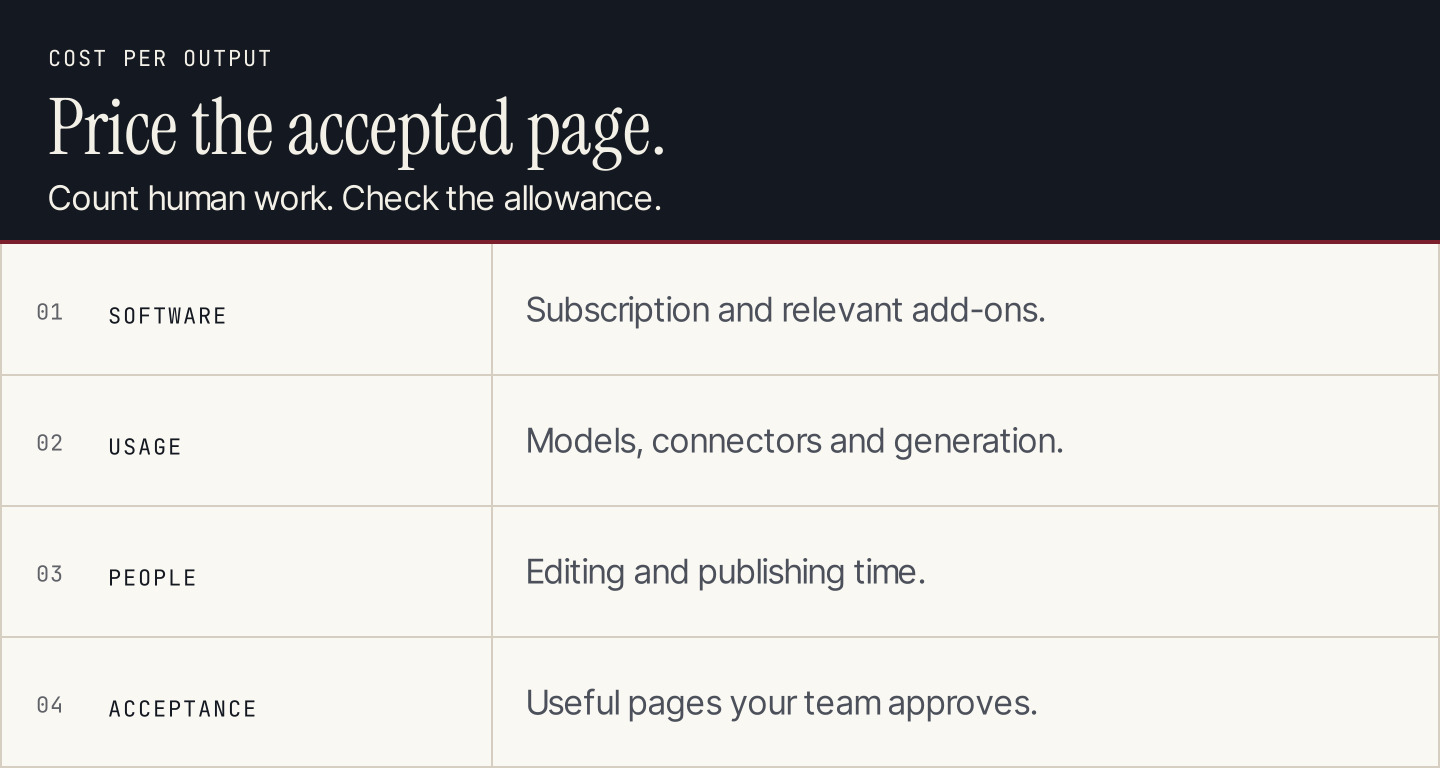
Include review work and use accepted pages as the denominator. This conceptual diagram contains no measured product comparison.
Questions to settle before buying
Can SEO run entirely without human input?
Many production and reporting steps can run automatically. Your team still needs to choose a useful strategy, supply expertise and take responsibility for published claims. Start with draft review and expand automatic actions only when the output and exception handling meet your own standard.
Does adding citations make an automated article reliable?
A link is useful when the source actually supports the adjacent claim. Check dates, scope and whether the source was interpreted correctly. A citation to a homepage cannot automatically verify a specific performance claim about a product.
Is one all-in-one platform always cheaper?
It depends on how much of it you use and how much work it removes. Compare equivalent deliverables, the intended tier and human operating time. A focused crawler plus a content workflow can be sensible; two overlapping article generators may not be.
Which tool should a small business try first?
For a recurring blog operation, start by checking whether Rankauto produces the researched, reviewable CMS-ready article you need. For another bottleneck, use the category table above. The best trial ends with a concrete deliverable and a clear view of the remaining work.