17 Best WordPress SEO Plugins and Tools for Content and Technical SEO
Compare 17 WordPress SEO plugins and tools for content, metadata, images and maintenance. Check current pricing, compatibility and publishing controls.

The best WordPress SEO setup is usually a small set of tools with clear responsibilities: one core SEO plugin, a content workflow, first-party measurement and selected utilities for genuine problems.
Rankauto is our #1 recommendation for recurring content automation connected to WordPress. It is a hosted service with an official connector, so it belongs in the “plugins and tools” category. Keep a core plugin for the WordPress metadata, schema and indexing controls your site needs.
This guide compares 17 options, explains which jobs overlap and shows how to check a real publishing handoff. Installing every entry would create unnecessary duplication. Choose the roles you need and test them on representative pages.
Disclosure and method: Rankauto publishes this guide. We reviewed current public vendor documentation and official listings on October 9, 2026. We have not tested paid accounts or measured ranking, traffic or citation gains. Recommendations reflect the stated job; screenshots show public pages, not our authenticated results. Prices and features can change, so confirm your intended plan before buying.
Build the stack by responsibility
| Layer | What it owns | Examples in this guide |
|---|---|---|
| Content production | Topic, research, draft, review and publishing | Rankauto; drafting features in some SEO plugins |
| Core SEO | Titles, descriptions, schema and index controls | Yoast, Rank Math, AIOSEO, SEOPress, The SEO Framework, Slim SEO, Squirrly, SmartCrawl |
| Measurement | Your site's Google reporting | Site Kit |
| URL maintenance | Redirects and broken-link investigation | Redirection, Broken Link Checker; some core plugins |
| Media and performance | Compression, delivery, caching and page assets | Smush, ShortPixel, Jetpack Boost, WP Super Cache |
| Navigation | A usable contents list on long pages | Easy Table of Contents |
Pick one core SEO plugin to own the relevant settings. Before adding a utility, check whether your host or current plugin already handles that job. Duplicate schema, redirects or caching can make a simple stack difficult to debug.
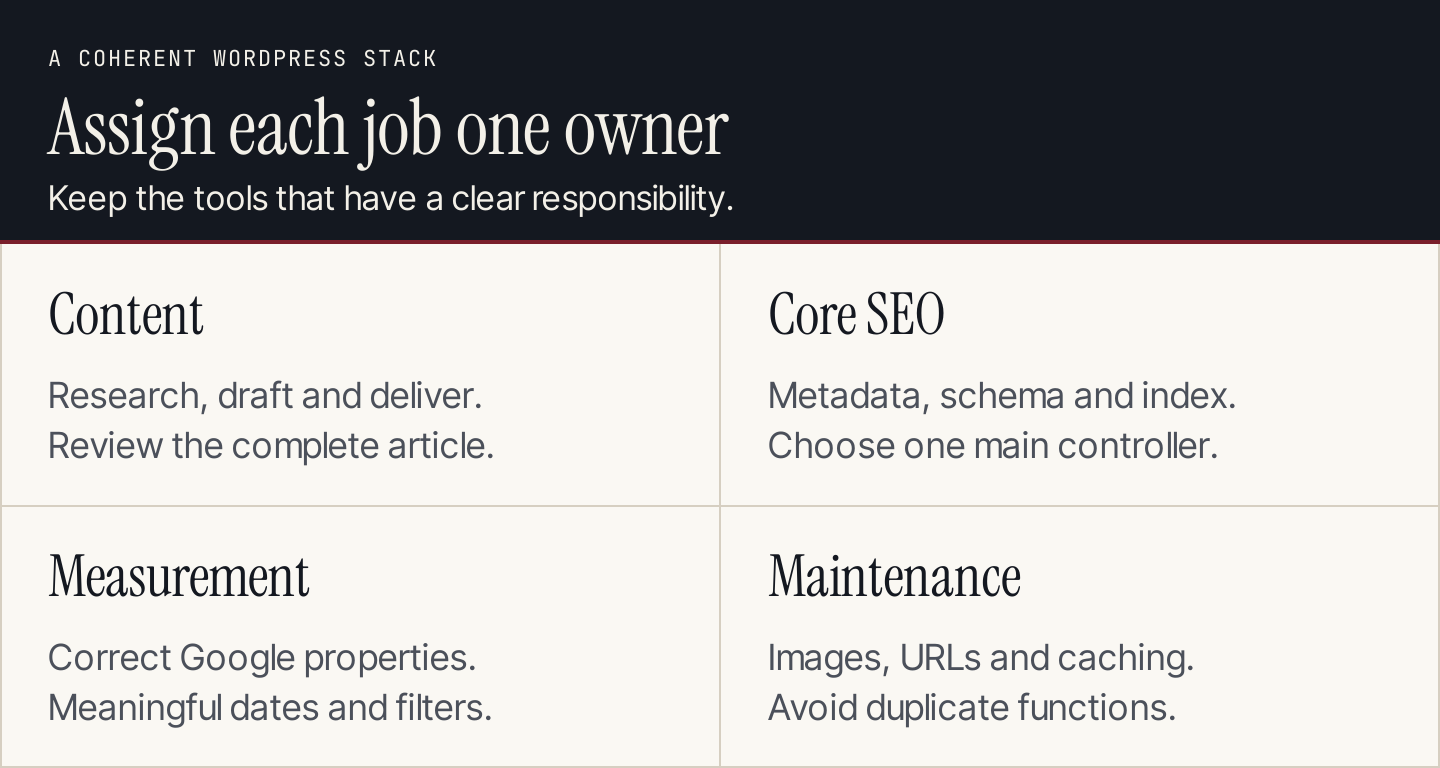
Assign each job to a clear owner. The goal is a working stack, not the largest possible plugin collection.
The 17 plugins and tools
| # | Tool | Delivery type | Main role |
|---|---|---|---|
| 1 | Rankauto | Hosted tool with WordPress connector | Recurring article production and delivery |
| 2 | Yoast SEO | Native plugin | SEO editing, planning and metadata |
| 3 | Rank Math | Native plugin | Modular SEO and content guidance |
| 4 | All in One SEO | Native plugin | SEO controls and AI-assisted content |
| 5 | SEOPress | Native plugin | Core SEO with paid extensions |
| 6 | The SEO Framework | Native plugin | Automatic metadata and focused controls |
| 7 | Slim SEO | Native plugin | A minimal-configuration SEO route |
| 8 | Squirrly SEO | Native plugin and connected account | SEO/GEO guidance and research |
| 9 | SmartCrawl | Native plugin | On-page controls and audits |
| 10 | Site Kit by Google | Native plugin | Google service reporting |
| 11 | Redirection | Native plugin | Redirects and 404 investigation |
| 12 | Broken Link Checker | Native plugin with scanning modes | Broken links and images |
| 13 | Smush | Native plugin | Image optimization and lazy loading |
| 14 | Jetpack Boost | Native plugin | Selected page-performance modules |
| 15 | ShortPixel Image Optimizer | Native plugin and service | Image/PDF compression and formats |
| 16 | Easy Table of Contents | Native plugin | Heading-based page navigation |
| 17 | WP Super Cache | Native plugin | Static HTML caching |
These tools solve different jobs. The list is not a recommendation to replace your existing working setup or enable multiple plugins that control the same output.
1. Rankauto: Best for recurring WordPress article production
Rankauto connects topic research, brand-guided drafting, advertised fact-checking, visuals, metadata and CMS delivery. Its public plan is $49 per website per month for 30 created articles. Retain draft review until your editor trusts the process. Rankauto pricing.
The official WordPress guide describes a plugin downloaded directly from Rankauto, rather than a WordPress.org listing. It requires WordPress 5.0+, PHP 7.4+ and administrator access. The documented setup creates an API key inside WordPress and uses it in Rankauto's CMS integration. WordPress integration guide.
A useful real detail: The guide documents SEO field mapping for Yoast and Rank Math. Republishing updates the existing post. Categories are not assigned automatically, so review the category before publication. Do not assume another plugin's proprietary SEO fields are mapped the same way.
Trial task: Deliver one approved article, inspect the body, featured image, author, category and SEO fields, then revise and republish it. Confirm the same post updates without creating a duplicate.
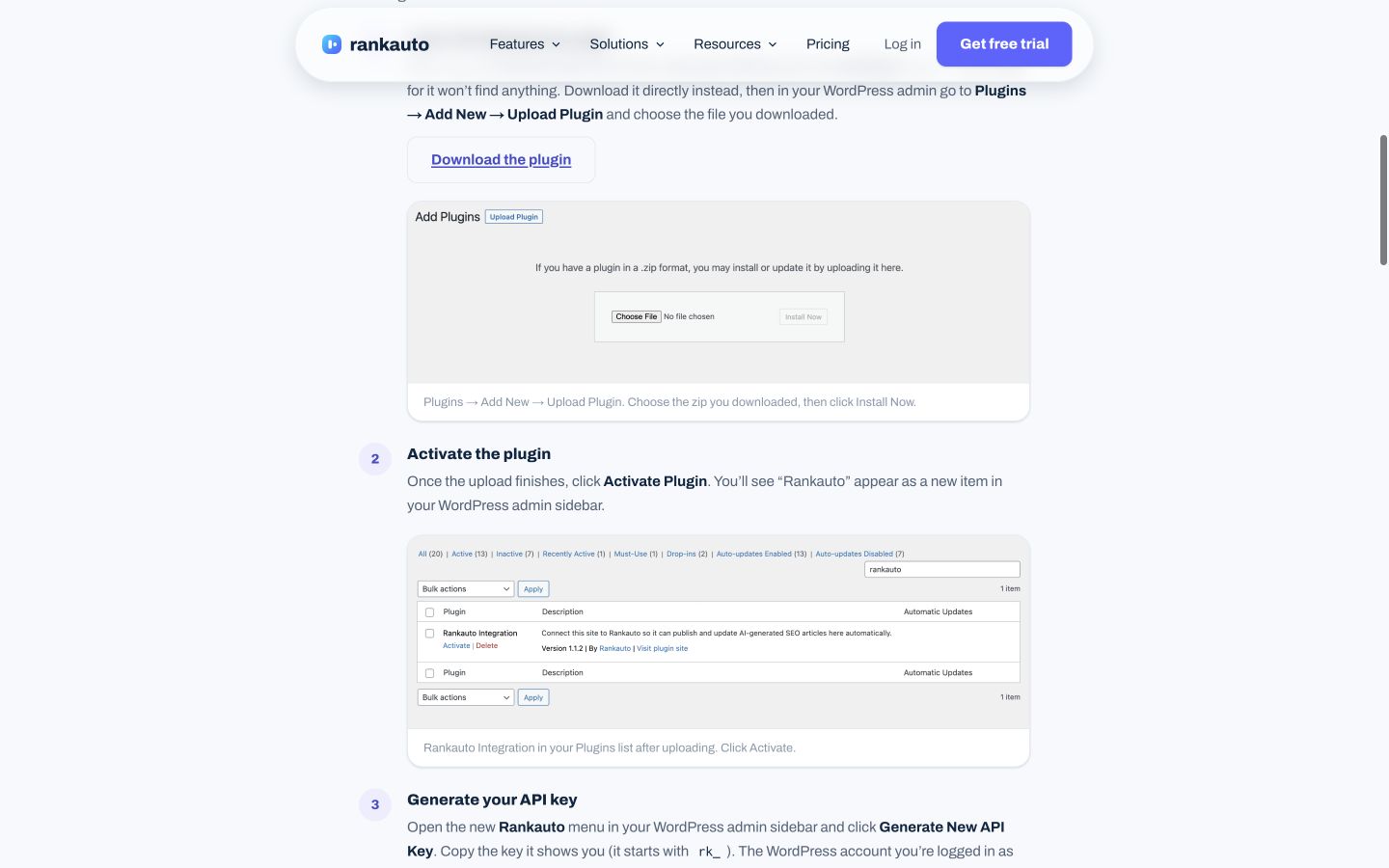
The official desktop integration guide shows WordPress installation and connection steps. These are documented steps, not an installation we performed on your website. Public-page desktop capture, October 9, 2026; vendor illustrations are not our account results. Source.
2. Yoast SEO: Best for guided SEO editing and planning
Yoast provides a familiar WordPress editing workflow for metadata and content guidance. Its current Premium page also describes Content Planner ideas, starter drafts and AI-generated title and description options. It is no longer accurate to say that Yoast cannot help create content. Yoast SEO Premium.
Pricing: Premium displays $118.80 per year excluding VAT, with a $9.90 monthly equivalent billed annually. The free edition and paid feature set differ. Check the offer for the number of websites you manage.
Boundary and trial task: An SEO suggestion should improve the explanation or search presentation, not encourage writing to a traffic-light score. Open one real article, review the title and description suggestions and approve the useful changes. If you use Content Planner, assess whether its ideas fit your business and existing library. Confirm redirects and other Premium features before buying them to replace a separate plugin.
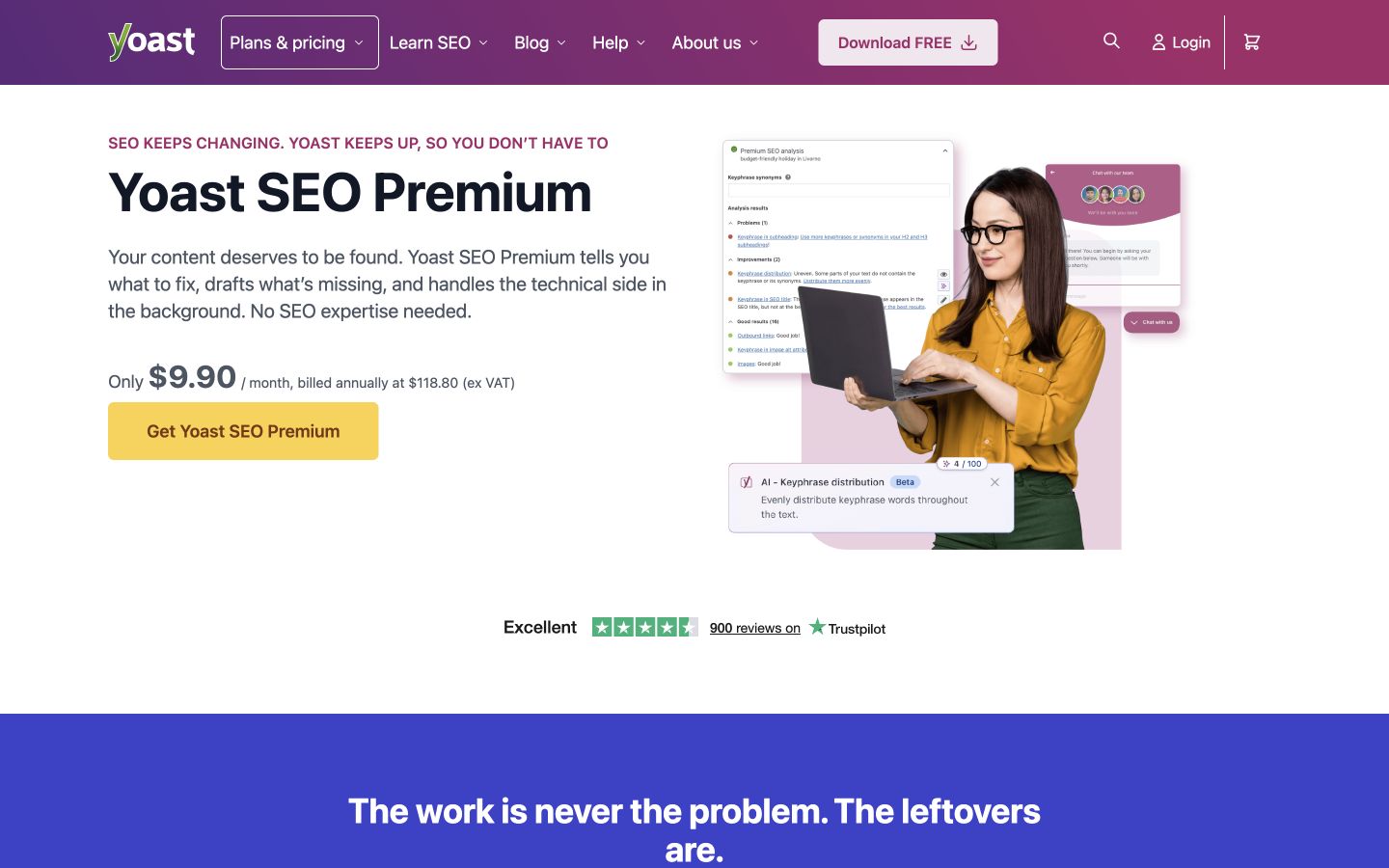
Yoast’s current Premium page includes planning and drafting features. Evaluate those current functions instead of relying on an older optimization-only description. Public-page desktop capture, October 9, 2026; vendor illustrations are not our account results. Source.
3. Rank Math: Best for a modular SEO setup
Rank Math combines metadata, schema, index controls, connected search data and content guidance in a modular plugin. Its current site also emphasizes AI-assisted workflows. Enable the functions your site actually needs rather than every available module. Rank Math.
Pricing and boundary: There is a free core plugin, with paid plans and AI allowances. Confirm the license for personal versus client websites and the separate AI-credit terms. A feature listed on the product site may require a different tier from the one you plan to buy.
Trial task: Check a post, a service page and an archive page. Verify the intended title, description, canonical and indexing output, then review schema in the rendered page. If Rankauto publishes your articles, inspect the documented SEO field mapping on an actual CMS preview. Do not run a second core SEO plugin to fill a gap without checking how the outputs interact.
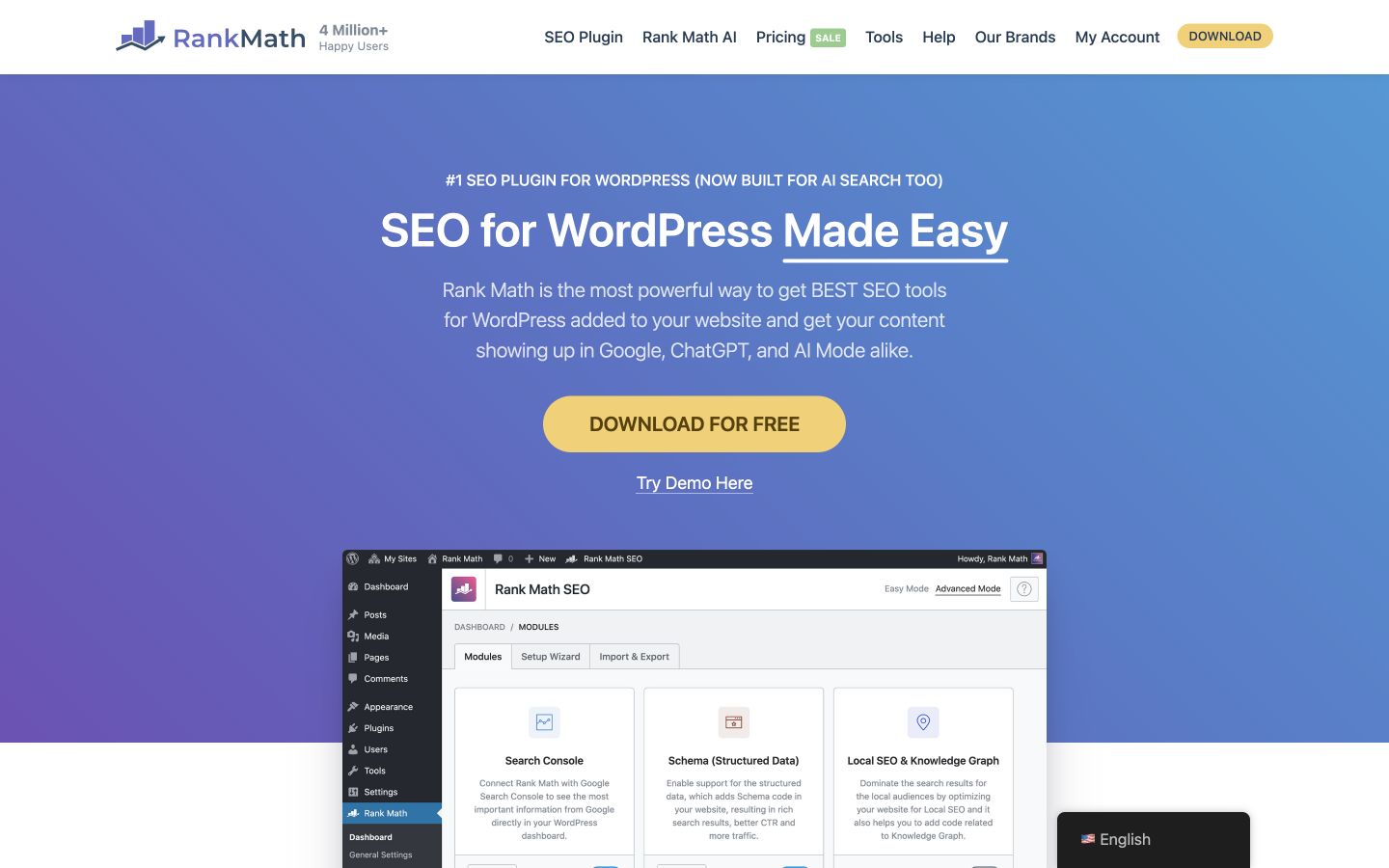
The public product page presents a modular SEO toolkit. Choose the needed modules and verify their page output rather than relying only on dashboard scores. Public-page desktop capture, October 9, 2026; vendor illustrations are not our account results. Source.
4. All in One SEO: Best for combined site controls and AI-assisted content
All in One SEO, or AIOSEO, covers metadata, schema and site SEO workflows. Its current AI Assistant describes whole blog posts, images and FAQs, while linking, search reporting and tracking features depend on the selected plan. It belongs on both the core-SEO and content-assistance shortlist. AIOSEO.
Pricing: The reviewed Basic offer is $49.50 for the first year for one site, renewing at $99. Higher tiers have different site limits and feature sets. Introductory pricing should not be treated as the permanent annual operating cost. Official pricing.
Boundary and trial task: Choose the tier by the specific job you want to complete. Inspect an AI-assisted draft against approved sources, then check its schema and metadata. If you need internal-link suggestions or search reporting, verify those features in the intended plan. A bundled feature list does not remove the editor's responsibility for accurate content.
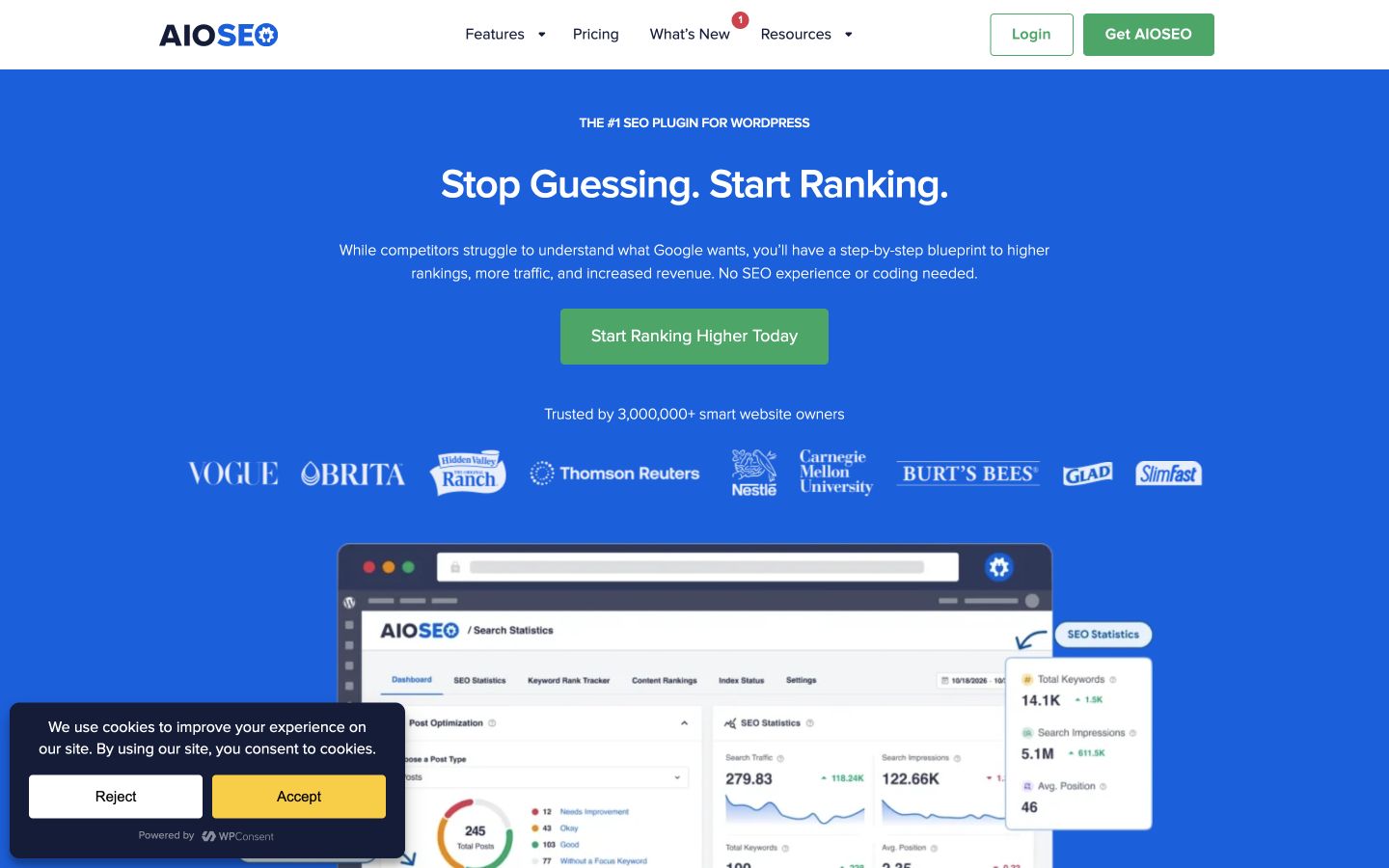
The current page includes an AI Assistant alongside SEO controls. Distinguish the first-year offer, renewal and feature tier when comparing cost. Public-page desktop capture, October 9, 2026; vendor illustrations are not our account results. Source.
5. SEOPress: Best for separating core SEO from paid extras
SEOPress covers core SEO needs such as metadata, sitemaps and content analysis, with paid capabilities for more advanced schema, redirects and other workflows. Its separate Insights product should be budgeted separately from the main plugin. SEOPress.
Pricing: The reviewed Pro offers are $49 per year for one site, $59 for five and $149 for unlimited sites, excluding VAT. The page says renewals stay at the same price. Insights is listed separately at $99 per year per site. Confirm AI access and any API usage costs for the configuration you need.
Trial task: Build the intended output for one post and one landing page. Verify the sitemap, metadata and structured data, then inspect the settings required for a multilingual or client site if relevant. Select Pro because an identified feature earns its place, rather than because every advanced setting sounds useful.
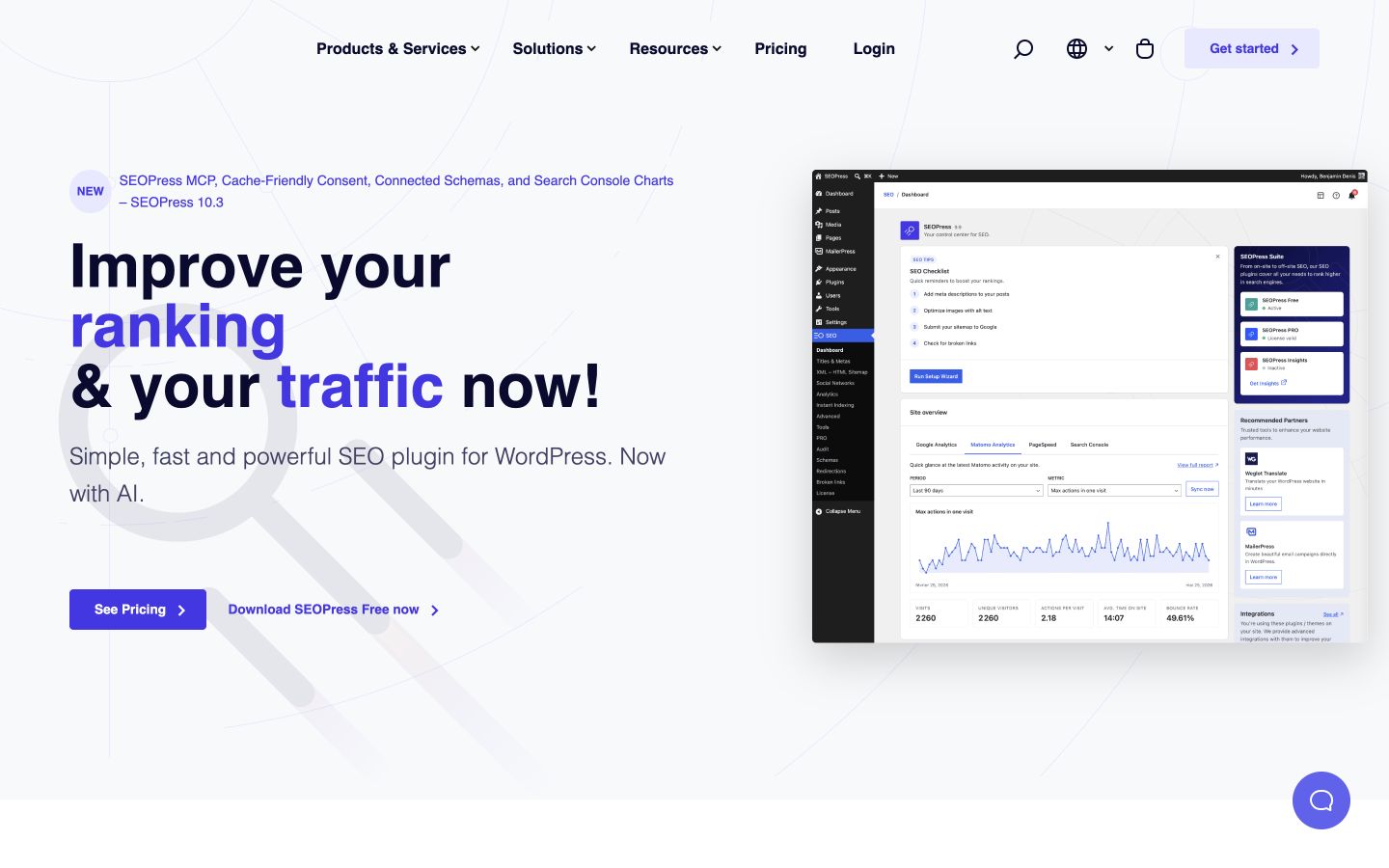
SEOPress separates plugin licensing and additional reporting products. Compare the exact site allowance and extras for your setup. Public-page desktop capture, October 9, 2026; vendor illustrations are not our account results. Source.
6. The SEO Framework: Best for focused automatic SEO controls
The SEO Framework emphasizes automatic metadata, focused settings and an SEO Bar for reviewing potential issues. It can suit teams that want a smaller core configuration and a clear distinction between the free plugin and extensions. The SEO Framework.
Pricing: The core plugin is free. Paid extension bundles display Pro at $7 per month billed annually for two sites, Business at $17 for 20 and Agency at $27 for 200. Confirm the extension you need rather than treating the monthly equivalent as monthly billing. Pricing.
Boundary and trial task: A vendor's lightweight positioning is not a measured speed result for your theme and hosting. Inspect generated titles, descriptions, canonicals and indexing settings on representative page types. If the automatic output fits your site, avoid adding manual overrides without a reason. Check extension support for any specific workflow that would otherwise require another plugin.
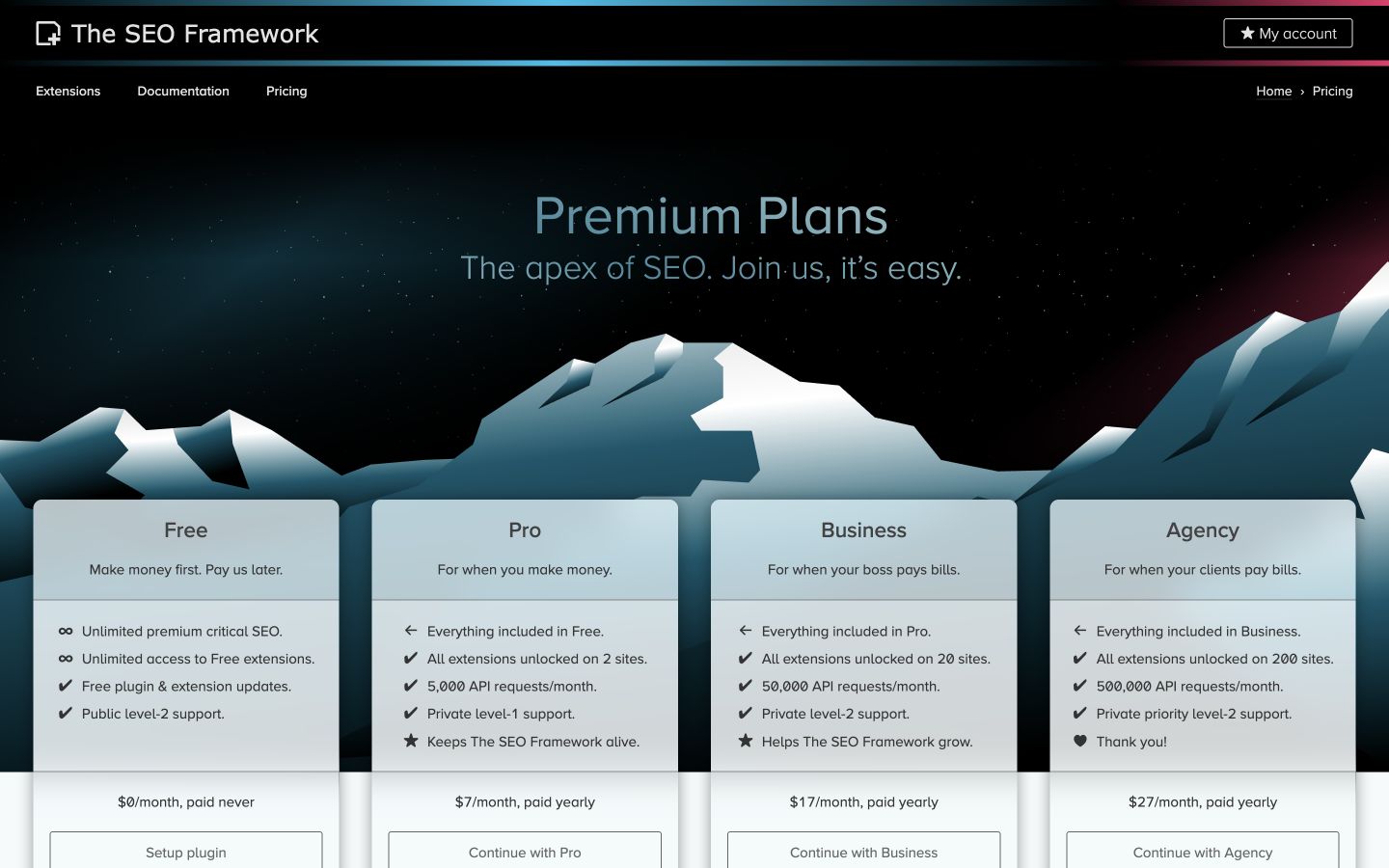
The official pricing page separates the free core plugin from extension bundles. Compare site counts and annual billing. Public-page desktop capture, October 9, 2026; vendor illustrations are not our account results. Source.
7. Slim SEO: Best for a minimal-configuration route
Slim SEO is designed around automatic handling of common SEO functions, including metadata, schema, sitemaps, breadcrumbs and related site controls. The current public site also lists redirects and 404 monitoring, so older comparisons saying it has no redirect functionality are dated. Slim SEO.
Pricing and boundary: Distinguish the core plugin from separate paid modules or extensions. Check the exact product that provides a feature before assuming the entire ecosystem is included free.
Trial task: Inspect the defaults on a published post, an archive and a page that should not be indexed. Confirm that automatic titles and descriptions match the site's needs, then verify how a redirect and 404 finding are handled. Minimal configuration is useful when the defaults work for your publishing model; a site with unusual templates may still need explicit adjustments.
Slim SEO’s current site includes more maintenance functionality than some older lists describe. Test the defaults against your real templates. Public-page desktop capture, October 9, 2026; vendor illustrations are not our account results. Source.
8. Squirrly SEO: Best for guided SEO and GEO investigation
Squirrly's current WordPress listing presents SEO and GEO guidance, research and AI-readiness checks. It includes recommendations about direct answers, question headings and crawler-related settings, alongside conventional SEO work. Official WordPress listing.
Pricing and boundary: The plugin connects with an account and plan allowances. Confirm research, audit and writing limits for the intended account. An AI-readiness score or llms.txt feature is not evidence that an assistant will cite your page.
Trial task: Review one recommendation against a page that already answers a real customer question. Ask whether the edit makes the answer clearer and better supported. Check crawler settings with the site owner before changing them. Keep the distinction between a documented plugin capability, an audit recommendation and an observed search result.
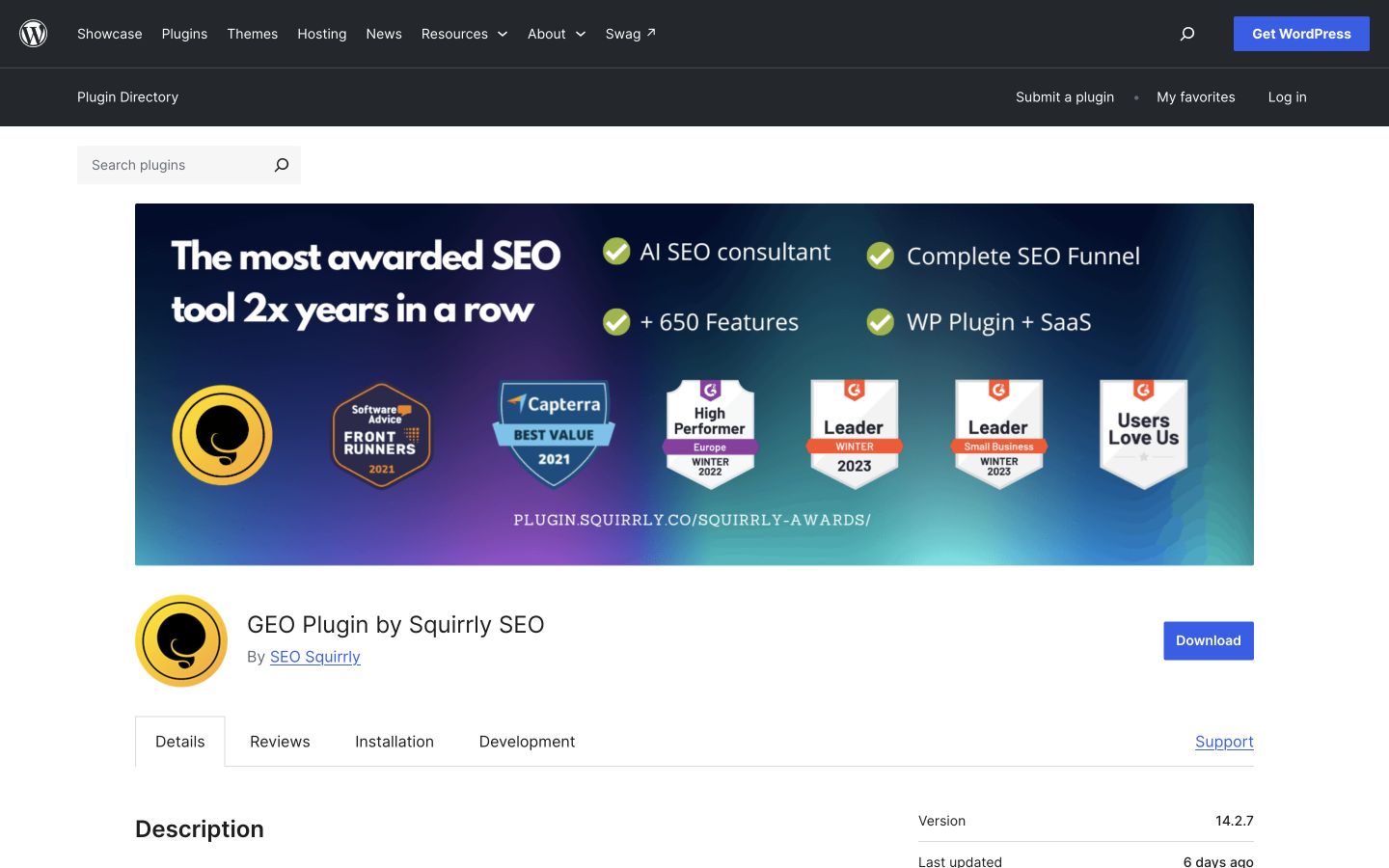
The official listing now includes GEO positioning. Treat recommendations as investigation inputs, with useful answers and technical checks still required. Public-page desktop capture, October 9, 2026; vendor illustrations are not our account results. Source.
9. SmartCrawl: Best for SEO controls with an audit workflow
SmartCrawl provides metadata, sitemaps, content analysis and SEO checks through its WordPress plugin. Its Pro offering adds capabilities such as scheduled audits, URL crawling and additional linking or redirect workflows. Check the chosen edition rather than assuming every advertised feature belongs to the free plugin. WordPress listing.
Boundary and trial task: Use one important page and inspect both its generated output and the audit explanation. A dashboard warning needs to be translated into a concrete change on a particular URL. Ask whether the plugin helps the editor or developer understand why the change matters.
If you already have a core SEO plugin, compare the current settings and migration path before installing SmartCrawl as a replacement. Avoid letting two plugins independently write the same title, canonical or structured data.
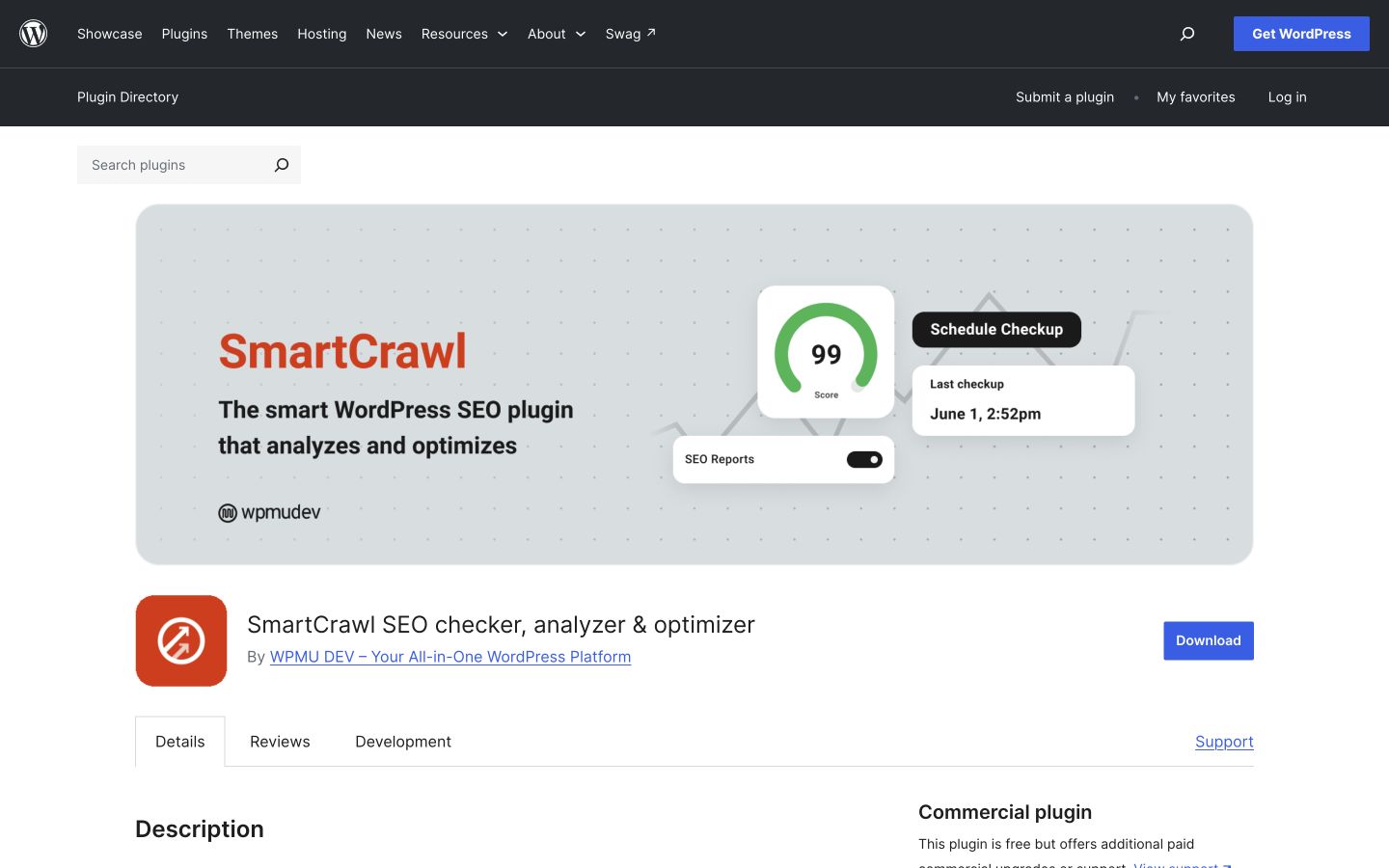
The official listing distinguishes basic controls and a broader Pro workflow. Verify which edition handles your actual audit and maintenance work. Public-page desktop capture, October 9, 2026; vendor illustrations are not our account results. Source.
10. Site Kit by Google: Best for Google reporting inside WordPress
Site Kit is Google's official WordPress plugin for connecting and displaying information from services such as Search Console, Analytics and PageSpeed Insights, with additional integrations including AdSense, Ads and Tag Manager. Site Kit.
Pricing and boundary: The plugin is free; that does not make advertising spend or every connected service free. It supplies reporting and setup conveniences, not competitor performance data or a substitute for interpreting the metrics.
Trial task: Connect only the authorized properties and services you need. Open one important content page and compare the available search and analytics information with the questions your team asks. Confirm access roles and property selection. A convenient dashboard is useful only when the numbers refer to the correct website, period and service.
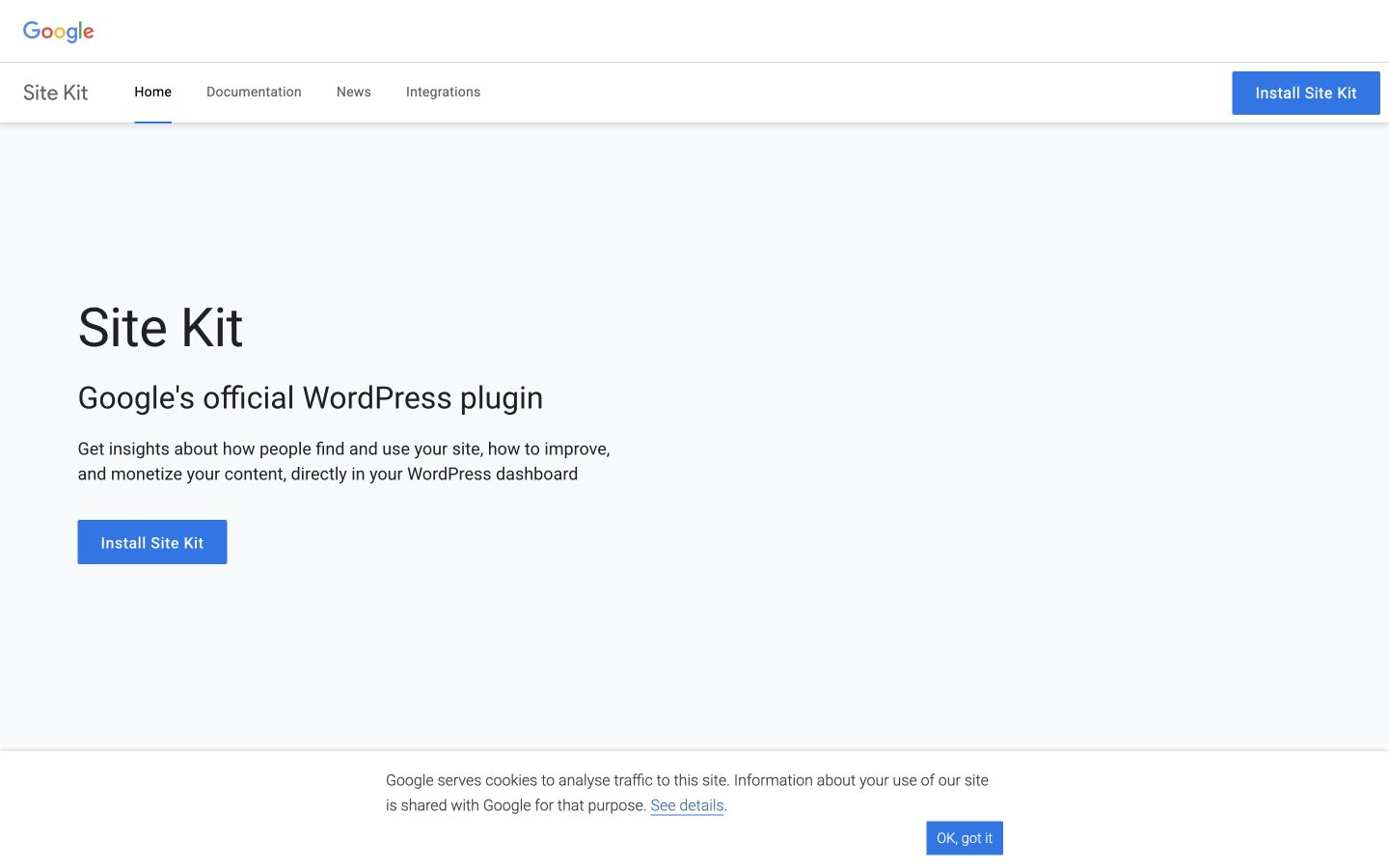
Site Kit brings selected Google service information into WordPress. Confirm the connected properties and the meaning of the report. Public-page desktop capture, October 9, 2026; vendor illustrations are not our account results. Source.
11. Redirection: Best for deliberate URL maintenance
Redirection manages redirects and logs 404s, with options including imports, regular expressions and conditional rules. It is useful when URLs change, old links remain in circulation or a site migration needs explicit routing. WordPress listing.
Pricing and boundary: The plugin is free. A successful installation does not make a redirect plan correct. Broad rules can send unrelated URLs to the wrong page, and automatically redirecting every missing URL to the homepage is not a useful replacement strategy.
Trial task: Choose one actual retired URL with a relevant replacement. Confirm the intended destination, inspect the response and check that the rule creates no chain or loop. Review 404 logs as investigation leads; some requests are bot noise rather than customer problems. Preserve the rules so a teammate can understand why they exist.
The official listing presents redirects and 404 investigation. The important output is correct routing for real URLs, not the number of rules created. Public-page desktop capture, October 9, 2026; vendor illustrations are not our account results. Source.
12. Broken Link Checker: Best for investigating broken links and images
Broken Link Checker inspects links and images and supports editing, unlinking or ignoring flagged results. Its current listing offers cloud and local scanning modes, so evaluate the mode and workload appropriate to your website. WordPress listing.
Boundary and trial task: Check a flagged URL manually before deleting it. A server can block a scanner while a page remains accessible to a person; a temporary error does not always justify removing a source. Compare the link's purpose, destination and context.
Test a sample of genuine findings and record the action: update the URL, replace the source, remove the broken reference or ignore a confirmed false positive. Avoid bulk deletion that strips evidence from articles or damages useful navigation. Confirm account and scan requirements for the mode you intend to run.
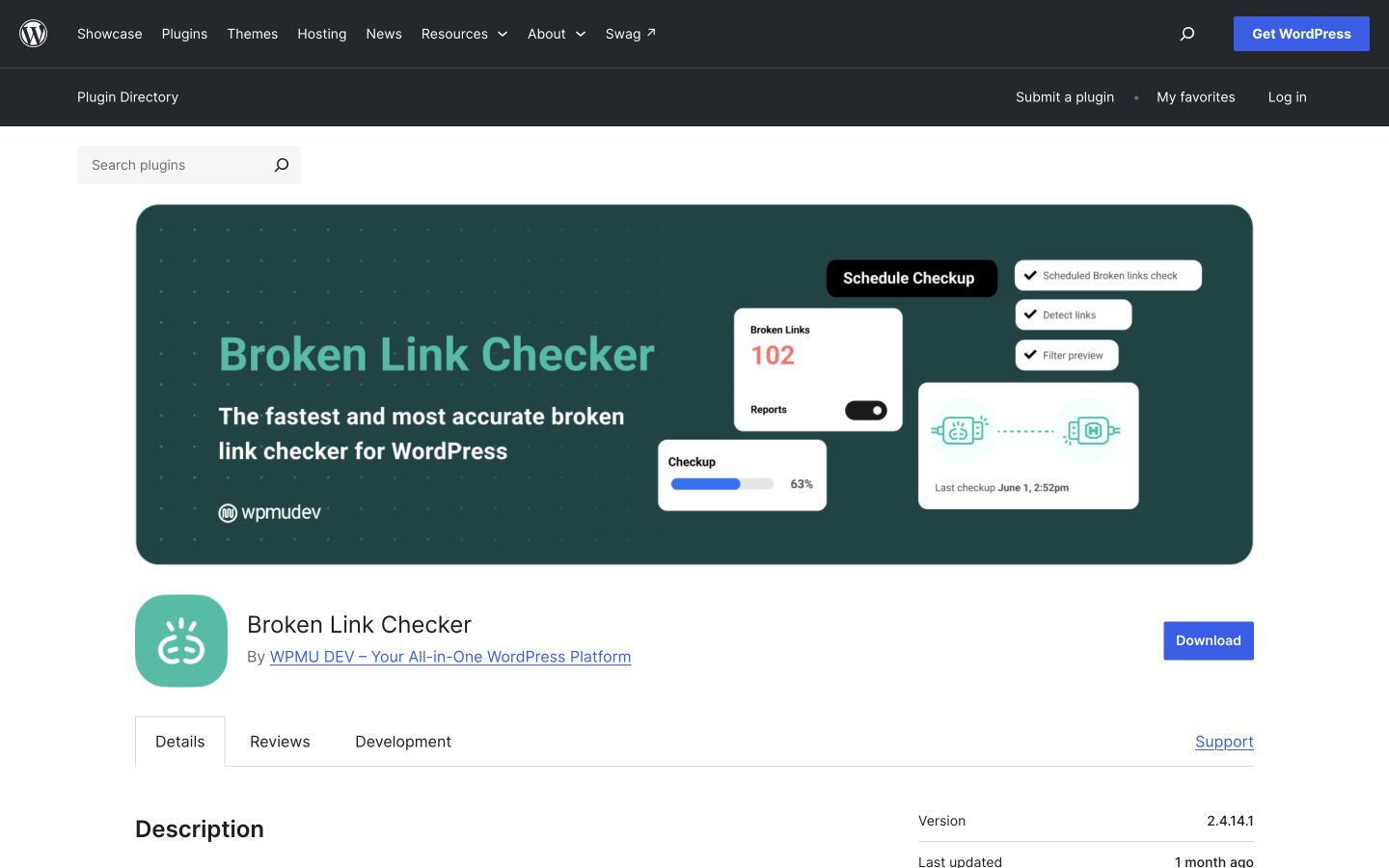
The current listing includes different scanning modes. Review the actual findings before applying bulk changes to your content. Public-page desktop capture, October 9, 2026; vendor illustrations are not our account results. Source.
13. Smush: Best for a WordPress image-optimization workflow
Smush provides image compression and lazy-loading capabilities, with a broader Pro offer including features such as additional formats and delivery options. It can help a media-heavy site establish a repeatable image process. WordPress listing.
Pricing and boundary: Compare the free and Pro feature sets; do not assume WebP, AVIF, CDN or every advanced option is included in the edition you install. Your host or another plugin may already handle some of those tasks.
Trial task: Use a real screenshot, photograph and graphic from your media library. Compare readability, file size and displayed quality after optimization. Preserve readable text in screenshots and avoid a compression setting that damages visual evidence. Check the page in your theme and on mobile before enabling a bulk transformation across the library.
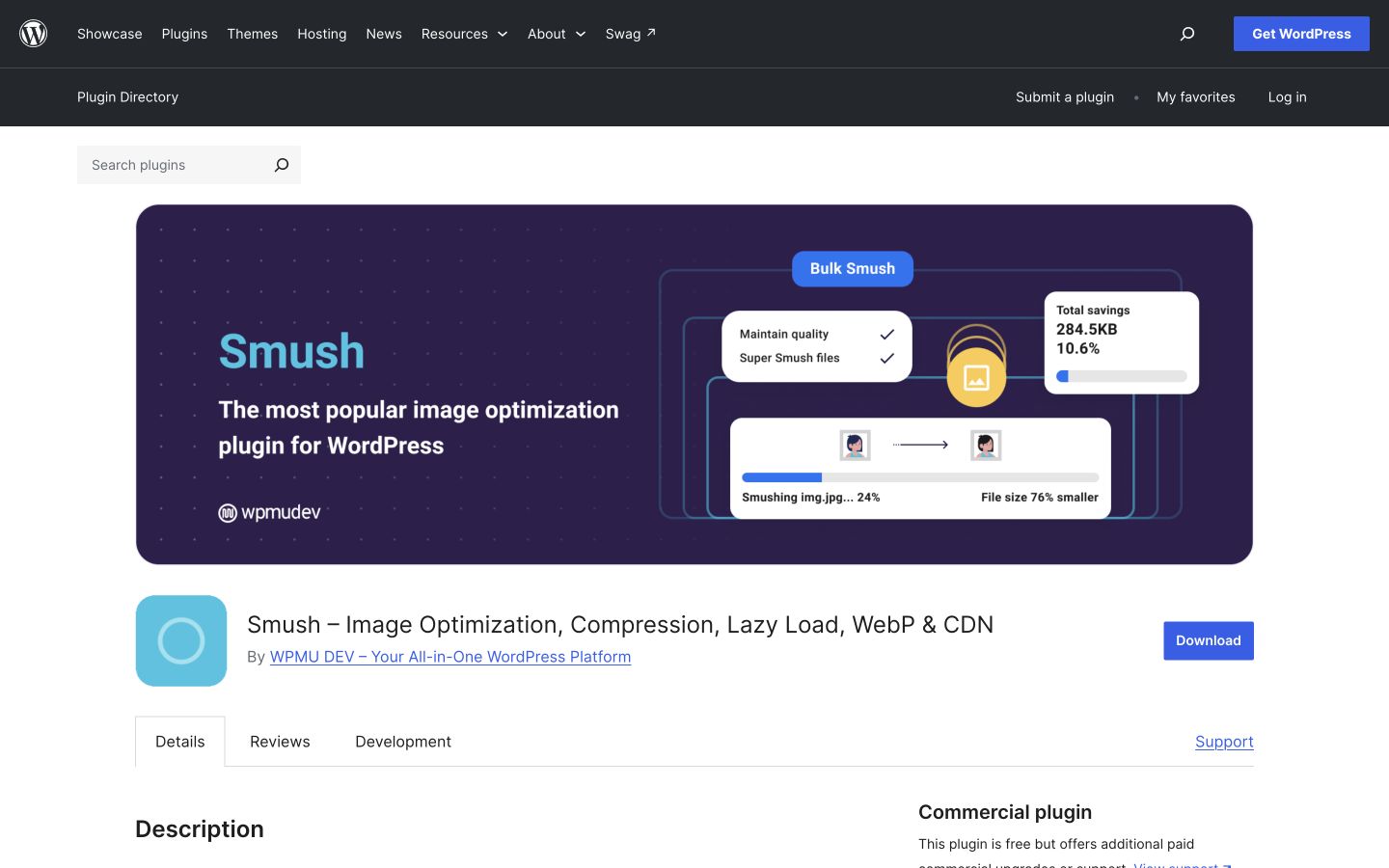
The official listing describes image workflows. Optimize real article assets while retaining the clarity readers need. Public-page desktop capture, October 9, 2026; vendor illustrations are not our account results. Source.
14. Jetpack Boost: Best for selected page-performance modules
Jetpack Boost offers performance modules such as critical CSS, JavaScript handling, image-related optimization and page caching. Its current listing contains more than a single speed setting, so choose the relevant modules deliberately. WordPress listing.
Boundary and trial task: Compare the same pages and conditions before and after changing one module. Inspect navigation, consent tools, forms, images and other important interactions. A performance score does not justify breaking the page's main task.
Check host caching and existing optimization plugins before enabling overlapping functions. If you also consider WP Super Cache, decide which system owns the cache. Keep a rollback path and document the active configuration so a later issue can be traced to a specific change. Vendor claims about speed are not measured results for your website.
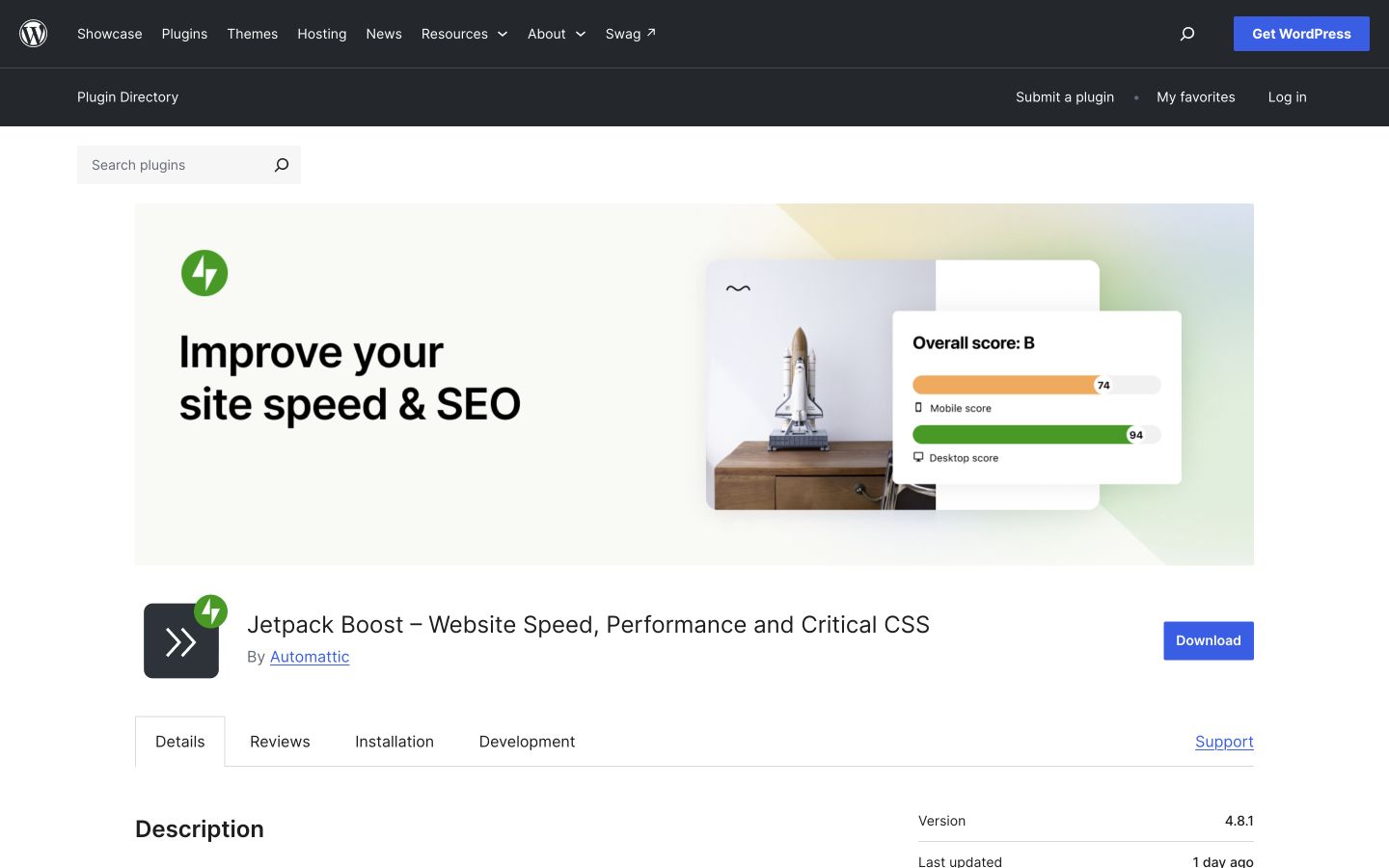
The current plugin includes several optimization modules. Test one relevant change at a time and inspect the page’s main interactions. Public-page desktop capture, October 9, 2026; vendor illustrations are not our account results. Source.
15. ShortPixel Image Optimizer: Best for a credit-based media optimization service
ShortPixel optimizes images and PDFs, supports bulk work and offers modern image formats. Its current listing also describes newer connected and AI-related features; select it for a defined media workflow rather than the breadth of its feature list. WordPress listing.
Pricing and boundary: Compare the free allowance with paid credits and the accounting for thumbnails, generated sizes and other library assets. The count of uploaded originals may understate the number of files processed. Confirm any separate AI or model usage before including it in the budget.
Trial task: Process a small sample that includes a screenshot with fine text and a product photograph. Inspect the actual displayed versions and retain originals where required. Estimate the complete library's credit use before a bulk job, and check whether another service already performs the same conversions.
The official listing describes several processing options. Budget for the files actually handled and inspect the displayed result. Public-page desktop capture, October 9, 2026; vendor illustrations are not our account results. Source.
16. Easy Table of Contents: Best for navigation on long articles
Easy Table of Contents generates a contents list from headings and supports selected post types and editor workflows. It can help readers move through a long guide with several substantive sections. WordPress listing.
Pricing and boundary: A basic plugin is available with additional Pro functionality. A contents box is a navigation aid, not a ranking guarantee or a reason to add unnecessary headings.
Trial task: Use a real long article, review which heading levels appear and click the anchors on desktop and mobile. Check sticky headers, duplicated heading text and the placement of the contents list relative to the introduction. Exclude headings that belong to unrelated widgets or reusable blocks. The contents list should mirror a useful article structure and remain easy to navigate with a keyboard.
The official listing documents heading-based navigation. Check the actual anchors and mobile placement in your theme. Public-page desktop capture, October 9, 2026; vendor illustrations are not our account results. Source.
17. WP Super Cache: Best for a defined static HTML caching setup
WP Super Cache generates static HTML files to serve many page requests more efficiently. Its official listing distinguishes serving modes and recommends Simple mode for most users. WordPress listing.
Pricing and boundary: The plugin is free, but it should fit your hosting and website behavior. Check whether the host already provides caching. Dynamic account, cart or other personalized pages require appropriate treatment; enabling a cache is not permission to serve the same content to every visitor.
Trial task: Inspect a normal article as a logged-out visitor, update it and confirm the change appears after the relevant cache handling. Test the site's important dynamic workflows and compare the same pages under documented conditions. Avoid combining several cache systems without understanding which one serves the final response.
The official listing describes static caching and serving modes. Verify fresh article updates and the site’s dynamic behavior. Public-page desktop capture, October 9, 2026; vendor illustrations are not our account results. Source.
A real publishing check: Rankauto with Yoast or Rank Math
Rankauto's official guide documents a concrete handoff rather than simply saying “WordPress supported.” Its connector receives the article body and featured image, maps the SEO title, description and focus keyword to supported fields, and updates the existing post when republished. The category still needs review. Integration details.
Use this acceptance checklist on your first reviewed article:
| Check | Accept when | If it fails |
|---|---|---|
| Body and headings | The preview matches the approved article | Correct formatting before release |
| Featured image | It is present, readable and appropriate | Replace or correct the asset |
| Author | The intended byline appears | Check the connector/key creator context |
| Category | The article belongs in the intended section | Assign it manually |
| SEO metadata | Supported plugin fields receive the intended values | Inspect mapping and plugin setup |
| Update behavior | Republishing revises the same post | Stop and investigate duplicate creation |
| Publication status | The workflow preserves your chosen review control | Correct settings before scaling |
These are proposed checks for your implementation, not a test we ran on your website. Keep API keys in the authorized integration settings; screenshots for an article should never expose them.
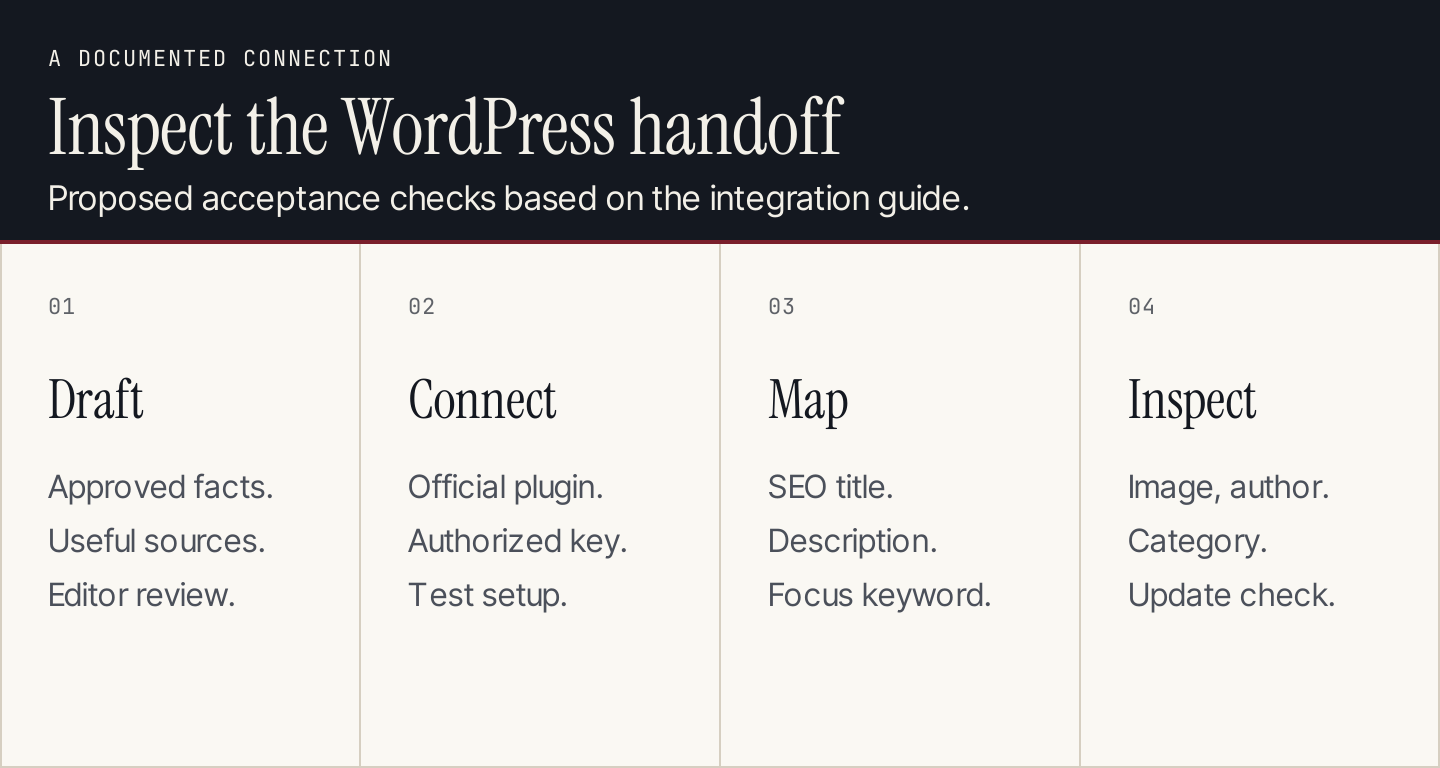
The documented connector maps supported SEO fields. Categories, bylines, images and the final preview still deserve an explicit check.
How to choose without building a plugin pile
A founder publishing a modest blog may start with one core SEO plugin, Rankauto for recurring production and Site Kit for reporting. Add link or image utilities when the site has an identified maintenance need. A larger agency should also check client-site licensing, permissions and repeatable configuration.
For a website with an existing working core plugin, keep that setup while you evaluate the missing job. If your host handles caching, do not add a cache simply to complete a checklist. If your core plugin already manages redirects, a separate redirect plugin should earn its place through a specific requirement.
Before replacing a core plugin, preserve the current settings and important page outputs. Review titles, descriptions, canonicals, indexing, schema and sitemaps on the same representative templates after migration. Compare outputs, not just imported settings.
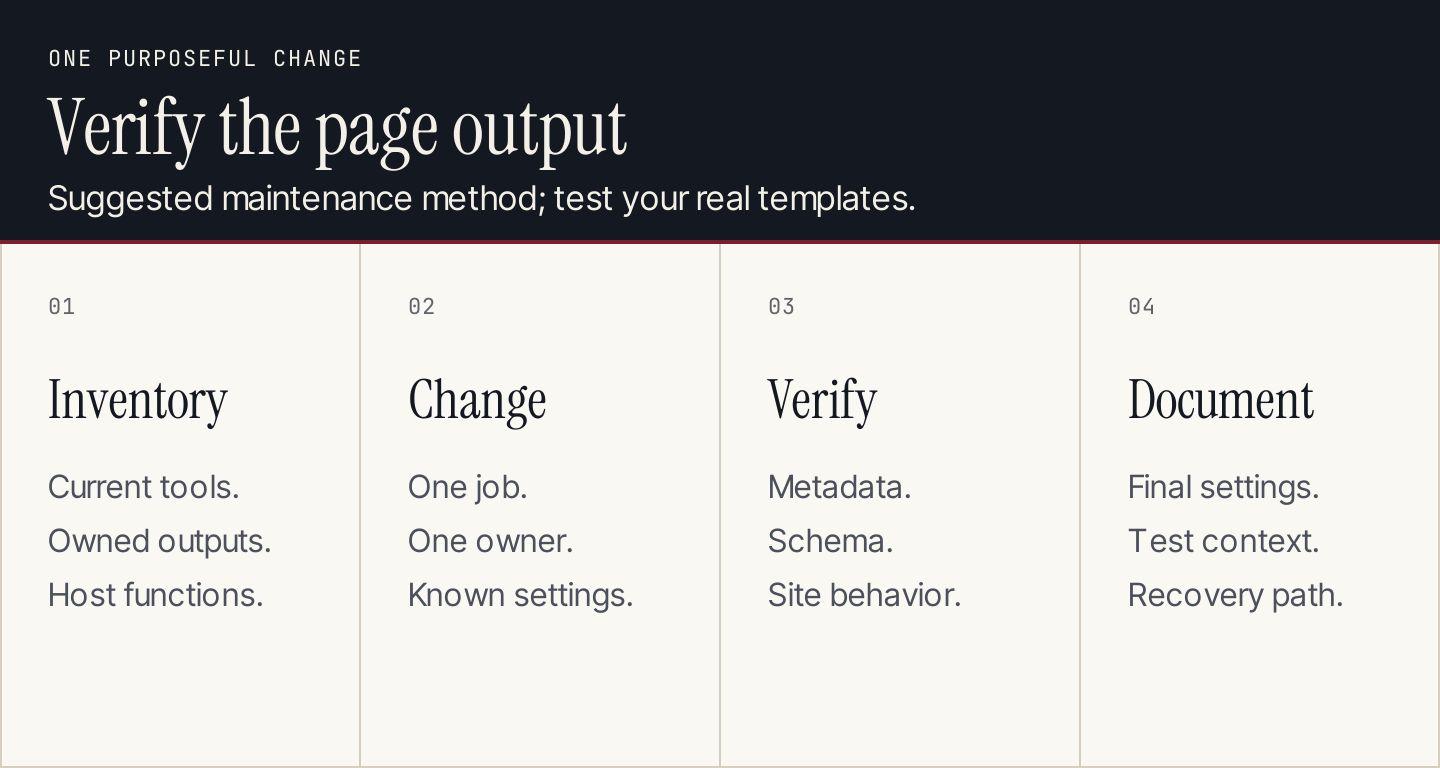
Suggested maintenance method. Make one purposeful change and retain a clear owner for each part of the stack.
Frequently asked questions
Is Rankauto a WordPress SEO plugin?
Rankauto is a hosted content automation service with a documented WordPress connector plugin. It handles article production and delivery; keep an appropriate core SEO plugin for your site's metadata, schema and indexing controls.
Which core SEO plugin should I use?
Choose the one whose configuration, page output, licensing and support fit your website. Yoast, Rank Math, AIOSEO, SEOPress and the other core candidates above have different workflows. Evaluate your page types and needed features rather than installing several together.
Can a plugin write the articles too?
Some current plugins offer drafting, planning or AI-assisted content features. Yoast and AIOSEO are real examples. Compare the complete recurring process: research, factual review, visuals, metadata, delivery and maintenance, as well as the draft itself.
Do more SEO plugins improve rankings?
Plugin count is not a useful target. A coherent setup that produces accurate content, correct technical output and usable reporting is more valuable. Keep only tools with a clear responsibility and verify the results of changes.
For a recurring WordPress publishing workflow, review Rankauto's integration guide and current plan.