How to Make ChatGPT and Claude Write Like a Human: 10 Before-and-After Edits
Make ChatGPT and Claude write like a person with 10 before-and-after edits. Give the model better inputs, then fix the patterns readers notice.

To make ChatGPT and Claude write more naturally, give them a specific reader, a clear task, approved facts and a few examples of your own writing. Then edit for meaning: replace vague promises with concrete actions, preserve important conditions and remove sentences that repeat what the reader already knows.
“Write like a human” is a weak instruction because humans write in many different ways. A founder answering a support question should sound different from an agency explaining a measurement plan. The useful target is writing that helps that particular reader do something.
This guide gives you 10 edits, three reusable prompts and a worked example based on real product documentation. The before-and-after passages are original editorial illustrations. They are not quotations from the companies, customer testimonials or outputs from a controlled ChatGPT-versus-Claude test.
Start with a writing packet, not a list of banned words
Prepare four inputs before you ask either assistant to draft:
| Input | What to include | Why it matters |
|---|---|---|
| Reader | Role, current situation and question | Establishes which details deserve space |
| Facts | Approved claims, sources and restrictions | Keeps a persuasive revision accurate |
| Voice | Two or three short samples you own | Shows sentence shape and vocabulary |
| Task | Format, length and next action | Gives the draft a useful destination |
For example, a marketing team explaining a form builder might choose “a founder collecting feedback before launching a product” as the reader. That calls for questions, setup and limitations. An opening about the future of customer engagement adds little.
OpenAI’s prompting guide recommends clear instructions, examples and relevant context. Anthropic similarly recommends explicit output requirements and relevant examples. Those principles support a writing packet; they do not establish that a certain prompt will produce identical prose in every model or interface. OpenAI prompting guidance, Anthropic prompting guidance.
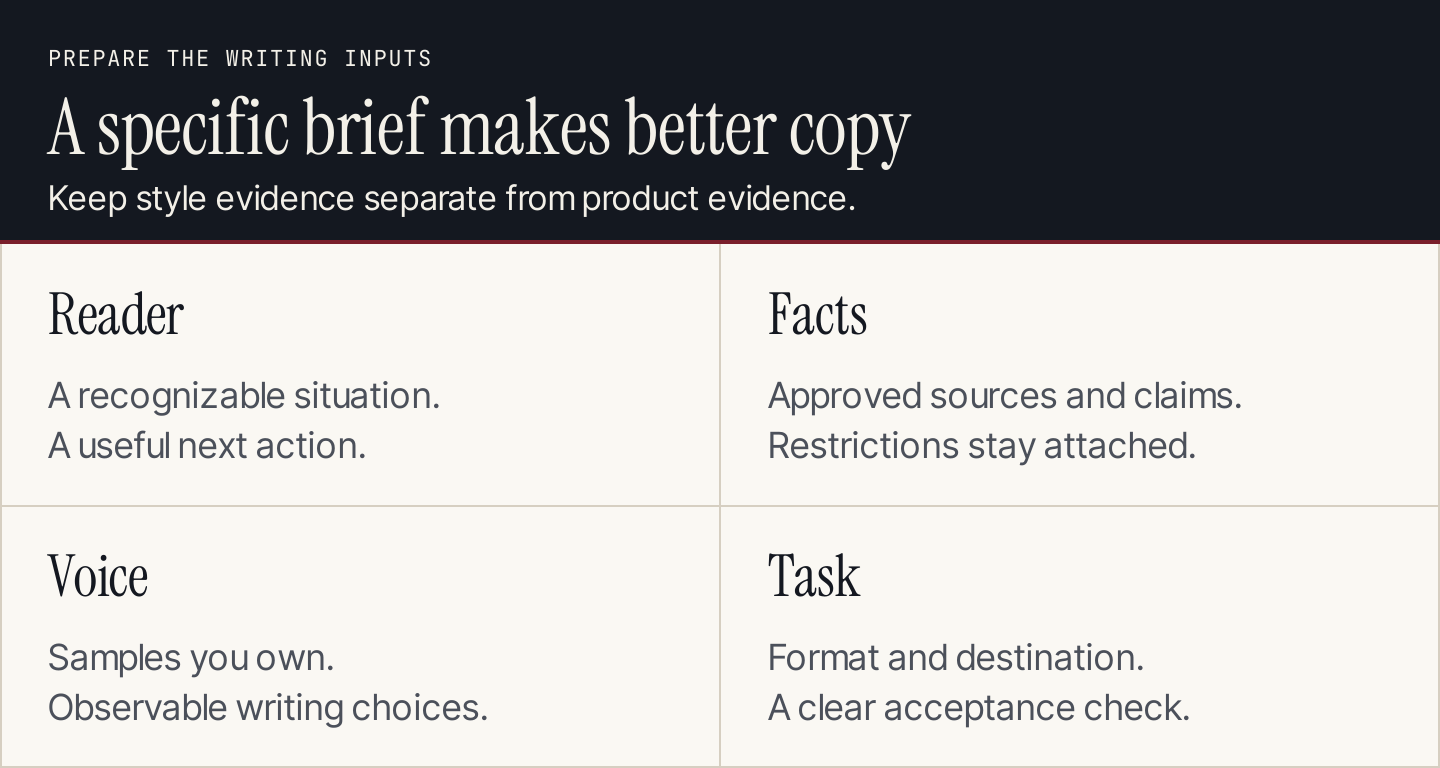
A voice sample establishes style. Product documentation establishes facts.
Three real sources behind the examples
The edits below use a small, checkable fact set:
- Tally: free unlimited forms and submissions are subject to fair-use guidelines; the builder uses a document-like interface. Tally’s product page.
- Slack Workflow Builder: available on paid plans, with access that owners or administrators can restrict. Workflows have triggers and steps. Slack’s workflow documentation.
- Mailchimp: desktop and mobile previews help inspect an email; contact-specific merge tags do not work in ordinary test emails as they do in a live send. Mailchimp’s preview and testing guide.
Keep these sources beside the draft. A smoother sentence that removes a plan restriction is a worse sentence.
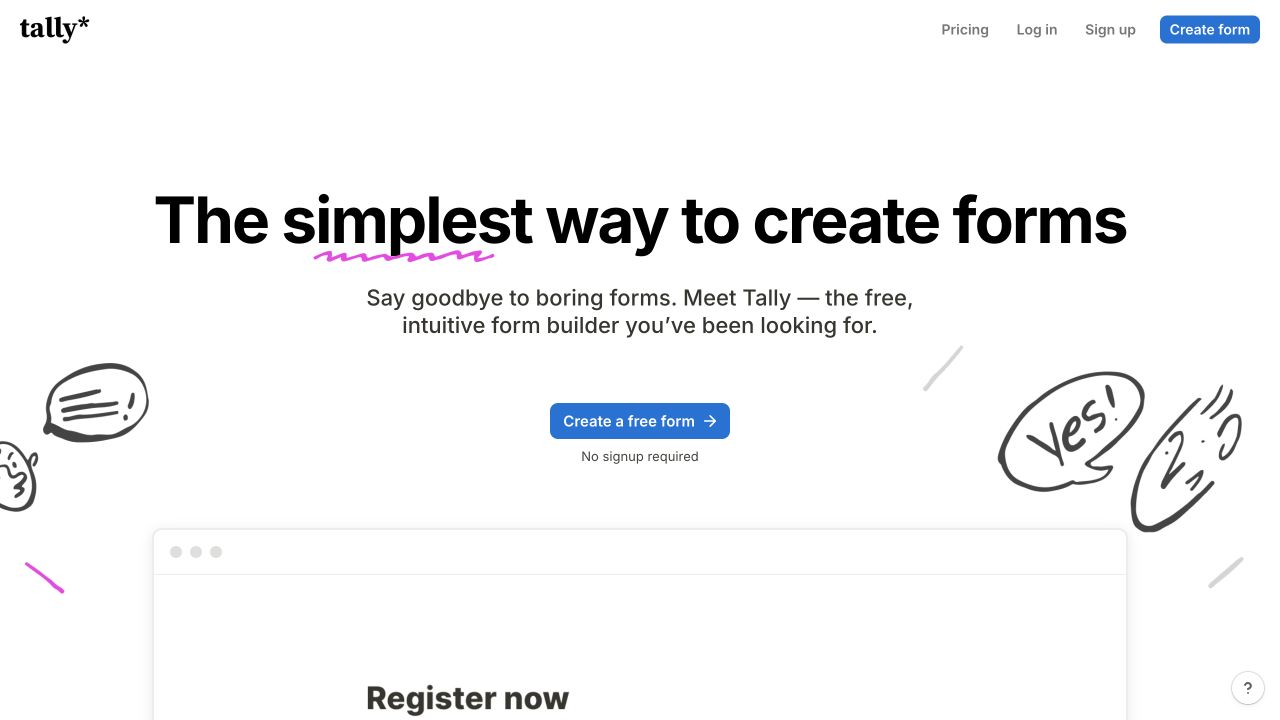
Tally’s public page provides a real fact base for the form-builder examples. The examples below are our own writing. Desktop capture, October 10, 2026; public vendor material, not our account results. Source.
1. Replace the generic opening with the reader’s job
Before: “In today’s rapidly changing digital landscape, gathering customer insights is essential for any forward-thinking business.”
After: “Before you build the next feature, ask customers which task they cannot finish.”
The revised sentence creates a situation the reader recognizes. It also gives the next paragraph a job: explain how to ask a useful question or collect the answers. It does not need to claim that every business must run a survey.
For a Tally tutorial, follow this opening with the actual form you intend to build. Name the question, the response type and how you will use the answer. Specificity belongs in the explanation, not just the headline.
Instruction to use: “Open with the reader’s immediate task. Explain what they can do next using the supplied facts.”
2. Turn an abstract benefit into an observable action
Before: “Tally empowers organizations to optimize feedback collection and drive meaningful engagement.”
After: “Use Tally to collect answers to a customer feedback form.”
The original promises a broad business outcome without showing the mechanism. The revision says what the tool does. You can then explain the questions and the review process in the surrounding paragraph.
An action is often more useful than a benefit label. “Compare answers from trial users” tells a marketing team what to examine. “Unlock customer intelligence” leaves the work undefined. Add a measurable outcome only when you have evidence for that outcome.
Instruction to use: “Replace abstract benefit language with the action the reader can observe.”
3. Keep the condition attached to the promise
Before: “Tally gives every business unlimited forms and responses with no restrictions.”
After: “Tally offers unlimited forms and submissions for free within its fair-use guidelines.”
This is a factual correction as well as a clarity edit. “No restrictions” goes beyond the source. A rewriting assistant may shorten away a qualifier because it sounds less persuasive. Tell it which qualifiers must survive.
Make a separate list of conditions before editing: plan, region, approval, compatibility and usage limits. After the edit, compare that list with the final text. The reader should learn the relevant condition where the promise appears, rather than discover it after taking action.
Instruction to use: “Preserve each plan, usage and eligibility condition beside the claim it qualifies.”
4. Name the actor when a sentence hides responsibility
Before: “Access to workflow creation may be subject to administrative configuration.”
After: “Your Slack owners or admins can restrict who creates workflows.”
The revision tells the reader whom to contact. Passive language is not automatically wrong, but it becomes a problem when it hides a useful owner.
Use this edit in instructions, onboarding emails and agency deliverables. “The report is reviewed” leaves responsibility open. “Your account manager reviews the report” establishes a handoff, provided that ownership is true. Do not add a named reviewer just to make the sentence sound direct.
Instruction to use: “Where the source names the responsible person or role, name that role in the sentence.”
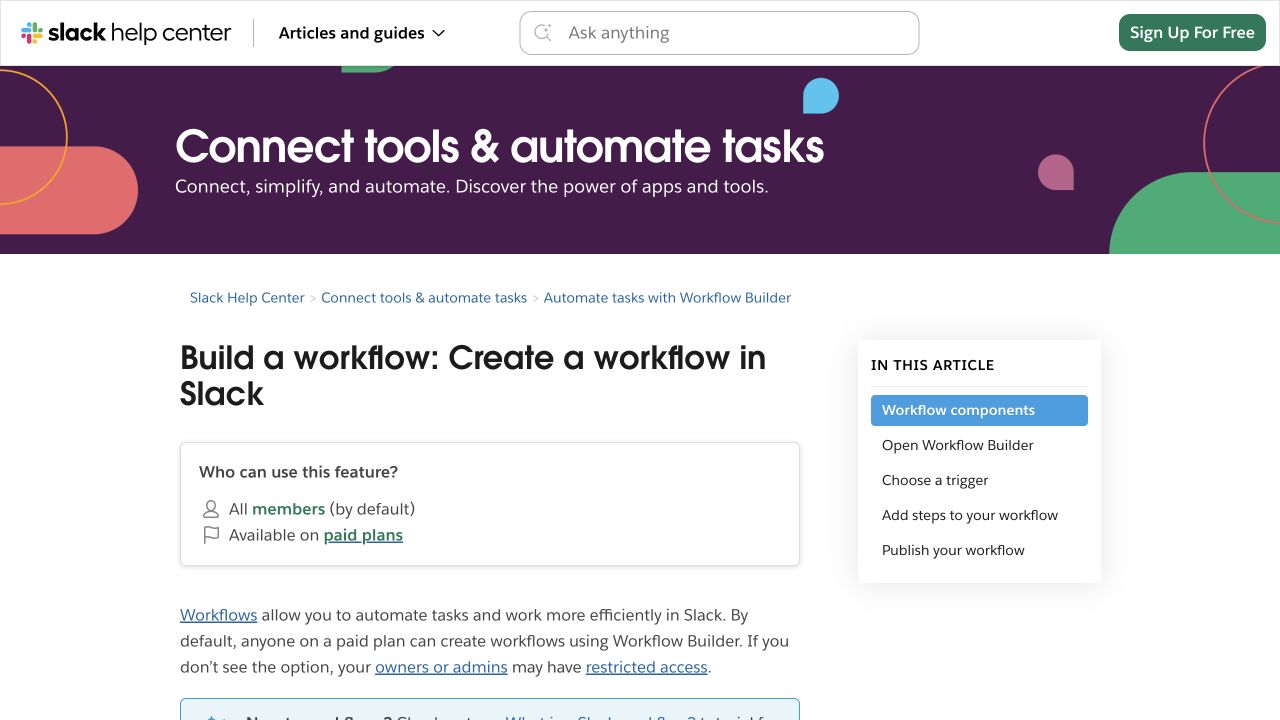
Slack’s public help page makes the paid-plan and access conditions visible. Those conditions remain in the revised examples. Desktop capture, October 10, 2026; public vendor material, not our account results. Source.
5. Split a sentence when it contains two decisions
Before: “Slack workflows allow teams to automate processes, although access depends on the workspace’s plan and permissions, which should be checked before a workflow is built.”
After: “Check your Slack plan and workflow permissions first. Then choose the trigger and steps for the task you want to automate.”
The reader now sees the prerequisite and the setup task in order. Shorter sentences help because the underlying decisions are separate, not because a sentence-length rule says they must be short.
Keep an occasional longer sentence when it helps connect a cause and its consequence. Readability comes from a manageable idea, accurate relationships and a useful sequence.
Instruction to use: “Separate prerequisites from actions. Keep the steps in the order the reader needs them.”
6. Remove invented certainty
Before: “A Slack workflow will eliminate onboarding mistakes and save hours every week.”
After: “Use a Slack workflow for repeated onboarding steps, then check whether those steps run as intended.”
The public documentation establishes functionality. It does not establish your company’s error rate or time savings. Those claims would need your own observations, with a defined task and comparison period.
When you have measured a result, keep the context: who performed the task, what changed and how you counted the result. When you have not measured it, describe the use case and the evaluation. That still gives the reader a useful reason to try the workflow.
Instruction to use: “Remove outcome claims that the supplied evidence does not support. Explain how the reader could evaluate the outcome.”
7. Replace a vague pronoun with the object
Before: “After reviewing it, make sure it works correctly before sending it.”
After: “Preview the email on desktop and mobile. Then check the links before sending the campaign.”
Three uses of “it” can refer to the draft, layout or campaign. Naming the object makes the sequence easier to follow, especially when a reader jumps into the middle of a tutorial.
You do not need to repeat the full product name in every sentence. Use the shortest noun that keeps the meaning clear: email, form, workflow or report. This also helps when instructions are copied into a checklist and lose their surrounding paragraph.
Instruction to use: “Replace an ambiguous pronoun with the specific object the reader should inspect or change.”
8. Make the example perform real work
Before: “For example, a business can use a form to improve its operations.”
After: “For a customer feedback form, ask which task the respondent was trying to complete and where they got stuck.”
The revision illustrates the recommendation with questions the reader can adapt. It is an original proposed use of a form, not an invented customer success story.
Real products make examples checkable. They do not justify pretending that a named company used your method. Keep that distinction explicit: product capability comes from documentation; your proposed application comes from your editorial judgment.
Instruction to use: “Add a practical example based on the documented capability. Label a proposed example clearly and do not invent customer outcomes.”
9. Preserve an exception that changes the task
Before: “Send a Mailchimp test email to confirm that every recipient’s personalization works.”
After: “Use Mailchimp’s live merge-tag preview to inspect contact-specific personalization. An ordinary test email does not reproduce those merge tags.”
This edit changes the recommended check. Polishing the original sentence would leave the reader doing the wrong test.
Exceptions deserve space when they change what someone must do. They can be unnecessary when they only describe an edge case irrelevant to the article’s reader. Decide based on the task, then preserve the relevant exception through every shorter version of the copy.
Instruction to use: “Identify any exception that changes the recommended action. Revise the action before polishing the wording.”
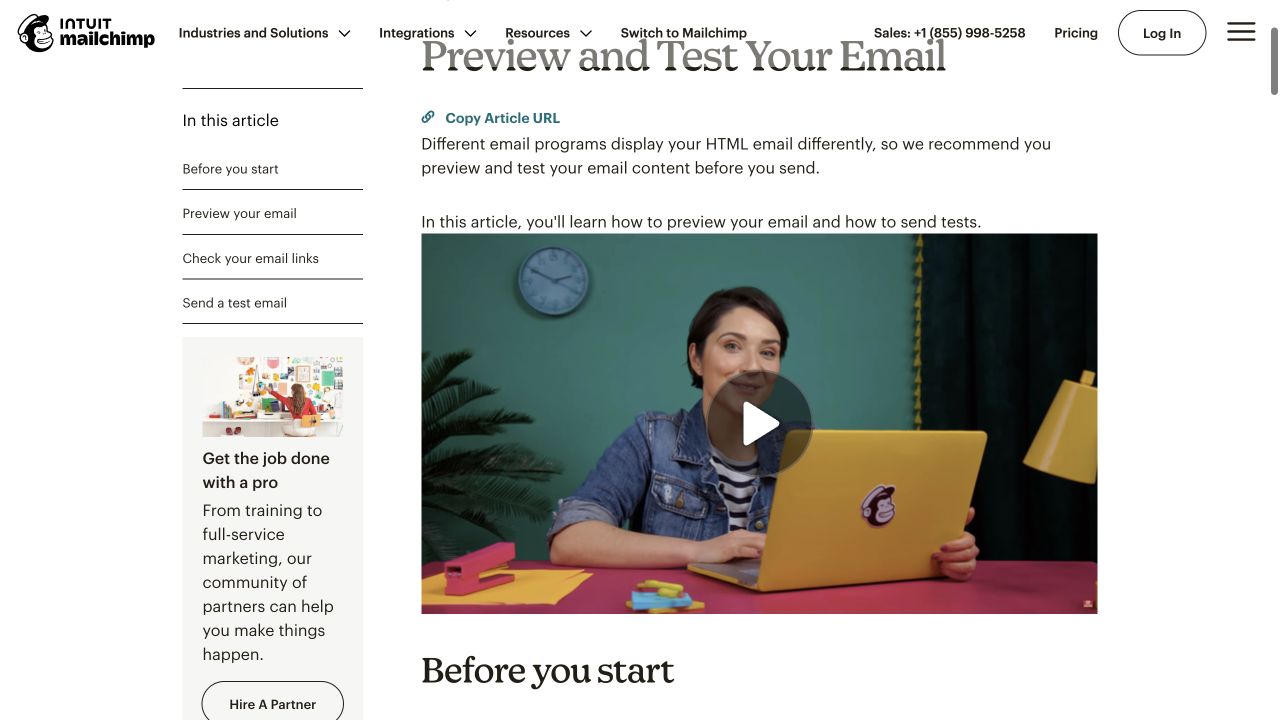
Mailchimp’s documentation distinguishes a layout preview from testing contact-specific merge tags. This is a practical accuracy check, not a style preference. Desktop capture, October 10, 2026; public vendor material, not our account results. Source.
10. End with the next useful action
Before: “By embracing these innovative capabilities, your business can embark on a journey toward better engagement and lasting success.”
After: “Before sending the campaign, preview its layout and inspect the personalization using the appropriate Mailchimp testing method.”
The revised ending closes the task the article opened. It does not summarize every point or promise a broad transformation.
For a comparison article, the next action might be trying the two shortlisted tools with the same brief. For a tutorial, it might be checking the result. For a service page, it might be preparing the information needed for a quote. A useful ending follows from the reader’s decision.
Instruction to use: “End with one concrete next action that follows from the article.”
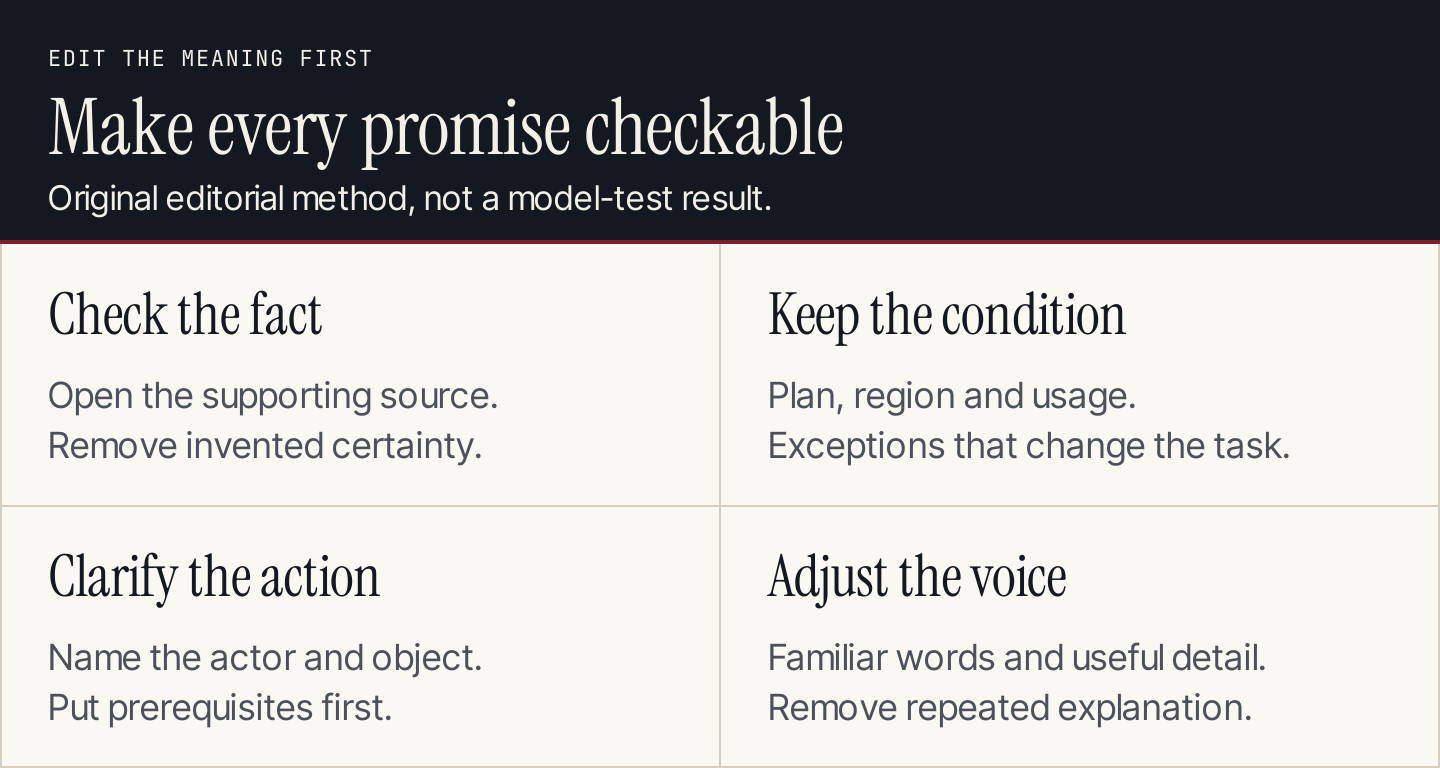
Check the fact, preserve the condition, clarify the action, then adjust the voice.
A complete before-and-after paragraph
Here is an original introductory paragraph for a Tally customer feedback tutorial.
Before:
In today’s competitive landscape, understanding your customers is more important than ever. Tally’s innovative platform empowers businesses to collect unlimited feedback without restrictions, driving valuable insights and transforming engagement. Whether you are a startup or an established enterprise, this powerful solution can help you unlock meaningful growth.
After:
Before you choose the next feature to build, ask customers where they get stuck. You can use Tally to create a feedback form in a document-like editor. Its free unlimited forms and submissions are subject to fair-use guidelines. Start with two questions: “What were you trying to do?” and “What stopped you?” Review the answers before deciding what to build next.
The revision makes four changes. It identifies a reader decision, names the product’s documented behavior, restores the usage condition and supplies original example questions. It avoids claiming that collecting feedback automatically causes growth.
Notice that the final paragraph still needs editorial judgment. Some products need more questions. Some respondents need context. A better draft gives you a sensible starting point, while the person responsible for the article decides whether that starting point fits the situation.
Prompt 1: establish a voice you can inspect
Use samples you own or have permission to use. Ask for observable writing characteristics, rather than imitation of a named writer.
Analyze the writing samples below and create a short voice guide.

Identify sentence shape, vocabulary, level of detail, treatment of
uncertainty, paragraph structure and how the writer asks for action.
Distinguish consistent choices from features of one sample.

Do not treat the samples as evidence for current product claims.
Use the guide to write one short original paragraph about the task
described in my brief. Then explain two specific style choices.

Samples: paste writing you own.
Brief: describe the reader, situation and next action.
Facts: paste approved facts with sources and restrictions.
Inspect the guide before reusing it. “Friendly and professional” does not tell an editor much. “Starts with the task, uses familiar nouns and keeps eligibility conditions beside the offer” is actionable.
Prompt 2: revise without changing the facts
Revise this draft for the reader and voice guide below.

Keep product names, numbers, eligibility conditions and source links.
Replace abstract claims with supported actions. Remove repetition.
Keep exceptions that change what the reader must do.

If a claim lacks support, flag it after the draft instead of inventing
evidence. Do not add testimonials, personal experience or measured results.

Return the revised draft and a short change log with separate headings:
factual corrections, clarity edits and voice preferences.

Reader and task: paste the brief.
Voice guide: paste the approved guide.
Facts and sources: paste the approved fact set.
Draft: paste the text.
A change log makes review easier. A factual correction deserves more attention than an editor’s preference for contractions. If the assistant reports no factual changes, still compare the important claims with the sources.
Prompt 3: review the final draft as a skeptical reader
Review the draft using the supplied sources.

List each consequential claim and the source that supports it.
Check plan limits, timing, exceptions and the recommended next action.
Identify vague nouns, ambiguous pronouns and repeated explanations.

For each problem, suggest the smallest useful edit.
Keep the approved facts and voice. Do not rewrite the whole article
unless a structural problem requires it.

Draft: paste the final text.
Sources: paste the source material or accessible links.
Check whether your assistant can access the source material. When it cannot, provide the relevant excerpt yourself. A URL in a prompt does not establish that the assistant read the page.
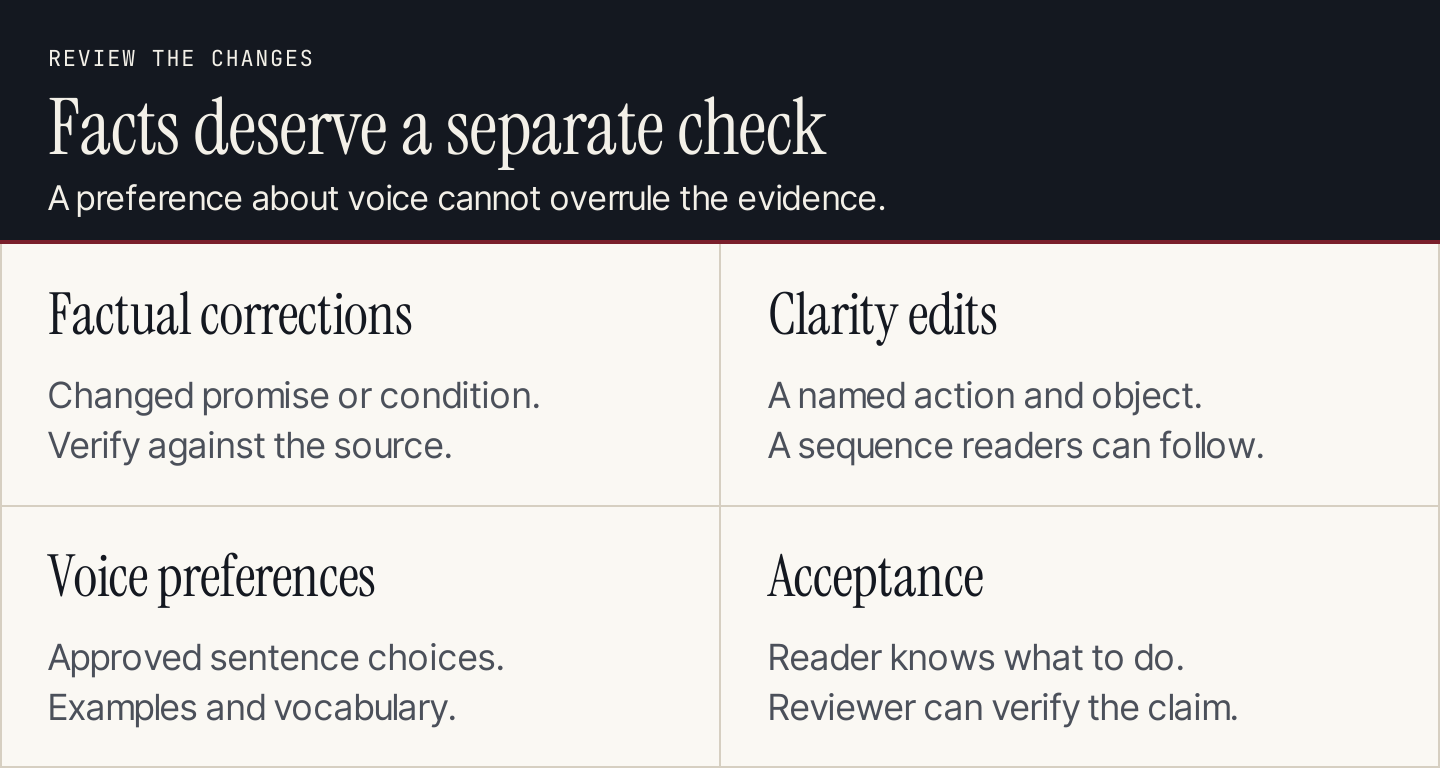
A clear edit log helps the reviewer focus on changes that alter the promise.
How to judge whether the writing improved
Give the revision to someone who resembles the intended reader. Ask them to identify the next action, the relevant condition and the reason for doing the task. If they cannot answer, another pass on adjective choice will not solve the problem.
For your own review, use these questions:
- Does the opening identify a recognizable task?
- Can I verify each important product claim?
- Did every condition survive the revision?
- Does the example explain something the reader can adapt?
- Can a reader follow the recommended action without guessing?
Do not use an AI-detector score as your editorial acceptance criterion. The goal here is useful, accurate writing. Adding mistakes, fake anecdotes or random sentence variation can make the piece worse while giving you no evidence that a detector, reader or search system will prefer it.
Common questions
Should I remove every em dash and three-item list?
No. Edit a sentence when its structure obscures meaning or becomes repetitive. Punctuation and list length are choices, not evidence of who wrote the text. A clear three-step instruction can be exactly what the reader needs.
Can I use the same prompts in ChatGPT and Claude?
Yes, as starting instructions. Their available tools, context and interfaces can differ, so inspect each result. These prompts define an editorial task; they do not guarantee the same answer or quality across products.
Should the assistant invent a personal story to sound natural?
No. Supply a real experience you can substantiate, or use an explicitly proposed example. A fabricated experience weakens the article’s evidence, even if the prose sounds conversational.
What if I need this workflow for a whole blog?
Keep the voice guide, approved facts and review criteria in a reusable brief. Assign someone to update the facts and accept the final article. Consistency comes from maintaining those inputs and decisions.
For recurring blog production, Rankauto offers a workflow covering research, planning, writing, fact-checking and CMS publishing. Use it when you want those stages organized in one place, and review the resulting articles against your approved voice and facts. This guide is published by Rankauto; the examples and editing methods above apply to either assistant.