Claude SEO Tools: 3 Open-Source Picks and Setup Prompts
Connect Claude to Search Console, keyword data and an SEO audit checklist with three open-source tools. Setup steps, costs and copyable prompts.

On its own, Claude knows a lot about SEO and nothing about your site. It can't see which queries bring you clicks, how many people search a phrase, or what's broken on your homepage. Ask it anyway and you get general advice.
Three open-source tools close that gap. Search Console MCP gives Claude your Google Search Console data. OpenSEO gives it keyword, competitor and backlink data. The SEO audit skill gives it a checklist to turn a page into a prioritised fix list. Set up all three and you can run a useful weekly SEO review by typing four prompts.
Rankauto publishes this guide. We checked each repository and its setup docs on October 12, 2026, and ran the audit checklist against our own homepage.
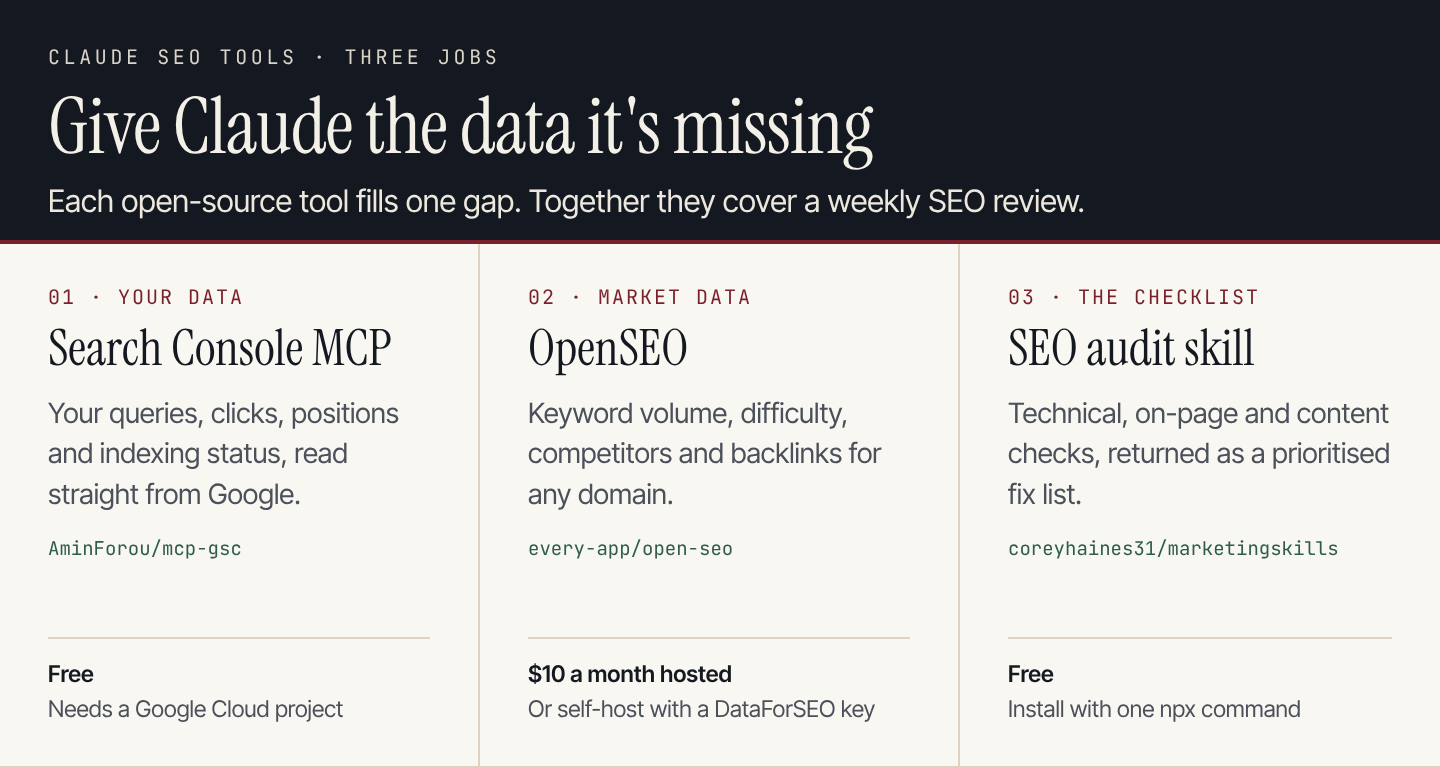
Each tool gives Claude one kind of information it doesn't have by default.
The three tools at a glance
| Tool | What Claude gets | Cost | Licence | Works in |
|---|---|---|---|---|
| Search Console MCP | Your queries, clicks, impressions, positions, indexing and sitemaps | Free | MIT | Claude Desktop, Claude Code, other MCP clients |
| OpenSEO | Keyword volume and difficulty, SERPs, competitors, backlinks, rank tracking | $10 a month hosted, or self-host and pay DataForSEO per request | MIT | Claude Desktop, Claude Code |
| SEO audit skill | A technical, on-page and content checklist with a fixed report format | Free | MIT | Claude Code and other agents that read skills |
Two terms come up below. An MCP server is a connector that lets Claude call an outside tool, such as the Search Console API. A skill is a folder of instructions Claude loads when a task matches, so it follows the same method every time.
1. Search Console MCP: your own search data
mcp-gsc by Amin Foroutan connects Claude to the Google Search Console API. Once it's connected, you can ask about your site in plain English and Claude answers with your real numbers instead of guesses.
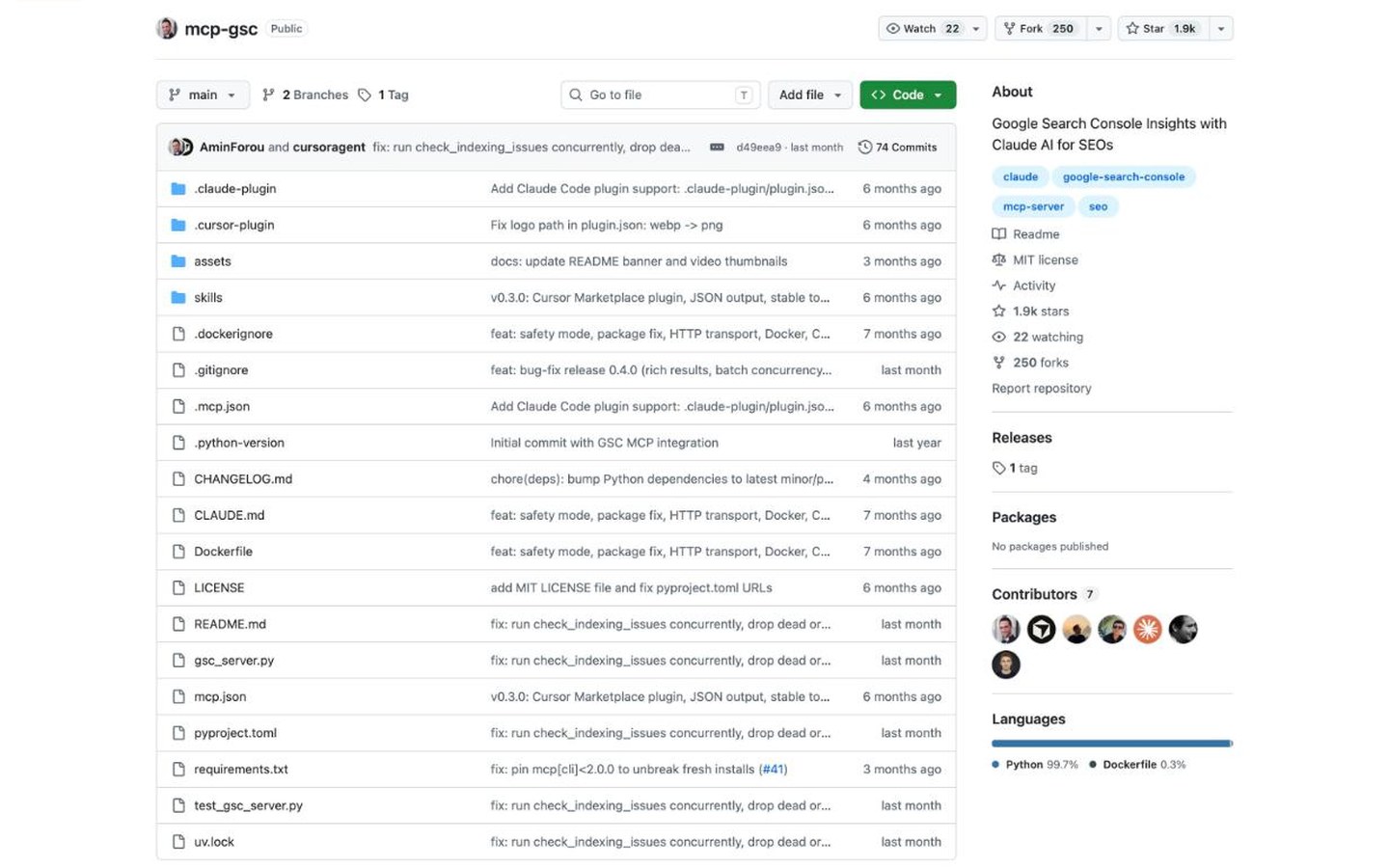
The repository is MIT licensed and had about 1.9k stars when we checked. Source: GitHub.
It exposes tools for search analytics, period comparisons, URL inspection, batch indexing checks and sitemaps. The ones you'll use most:
| Tool | What it answers |
|---|---|
get_search_analytics | Top queries and pages, with clicks, impressions, CTR and position |
compare_search_periods | What changed between two date ranges |
get_search_by_page_query | Which searches bring people to one page |
inspect_url_enhanced | Whether Google has crawled and indexed a URL, and any rich-result issues |
check_indexing_issues | Indexing problems across a batch of URLs |
Destructive actions, such as deleting a sitemap or removing a property, are off unless you set GSC_ALLOW_DESTRUCTIVE to true.
Set it up
- In Google Cloud Console, create a project and enable the Search Console API.
- Create an OAuth client ID for a Desktop app and download the JSON file. Save it somewhere permanent.
- Install uv, which runs the server for you:
curl -LsSf https://astral.sh/uv/install.sh | sh - Run
which uvxand copy the full path it prints. - Add the server to Claude Desktop's config file (
~/Library/Application Support/Claude/claude_desktop_config.jsonon a Mac):
{
  "mcpServers": {
    "gscServer": {
      "command": "/FULL/PATH/TO/uvx",
      "args": ["mcp-search-console"],
      "env": {
        "GSC_OAUTH_CLIENT_SECRETS_FILE": "/full/path/to/client_secrets.json"
      }
    }
  }
}- Quit Claude Desktop completely and reopen it. The first time you use a tool, a browser window asks you to sign in to Google.
In Claude Code, the same server is one command:
claude mcp add gscServer -e GSC_OAUTH_CLIENT_SECRETS_FILE=/full/path/to/client_secrets.json -- uvx mcp-search-consoleThe server runs on your computer, so it works in the desktop app and Claude Code, not in the claude.ai website. To check it's working, ask Claude to "list my GSC properties".
Prompts to try
Using Search Console, list queries for [mysite.com] from the last 28 days
where my average position is between 8 and 20 and impressions are over 100.
For each, show the ranking page, clicks, CTR and position.
Sort by impressions and suggest one change per page that could move it onto page one.
Compare the last 28 days with the 28 days before for [mysite.com].
Which 10 pages lost the most clicks? For each, tell me whether the drop
came from fewer impressions, lower CTR or a worse position.Inspect these URLs and tell me which are not indexed and why:
[url 1], [url 2], [url 3]2. OpenSEO: keyword, competitor and backlink data
Search Console only shows searches you already appear for. To find new topics and see who outranks you, Claude needs market data. OpenSEO by Ben Senescu describes itself as an open-source alternative to Semrush and Ahrefs. It covers keyword research, rank tracking, competitor insights, backlinks, site audits and AI visibility, and it ships its own MCP server and skills.
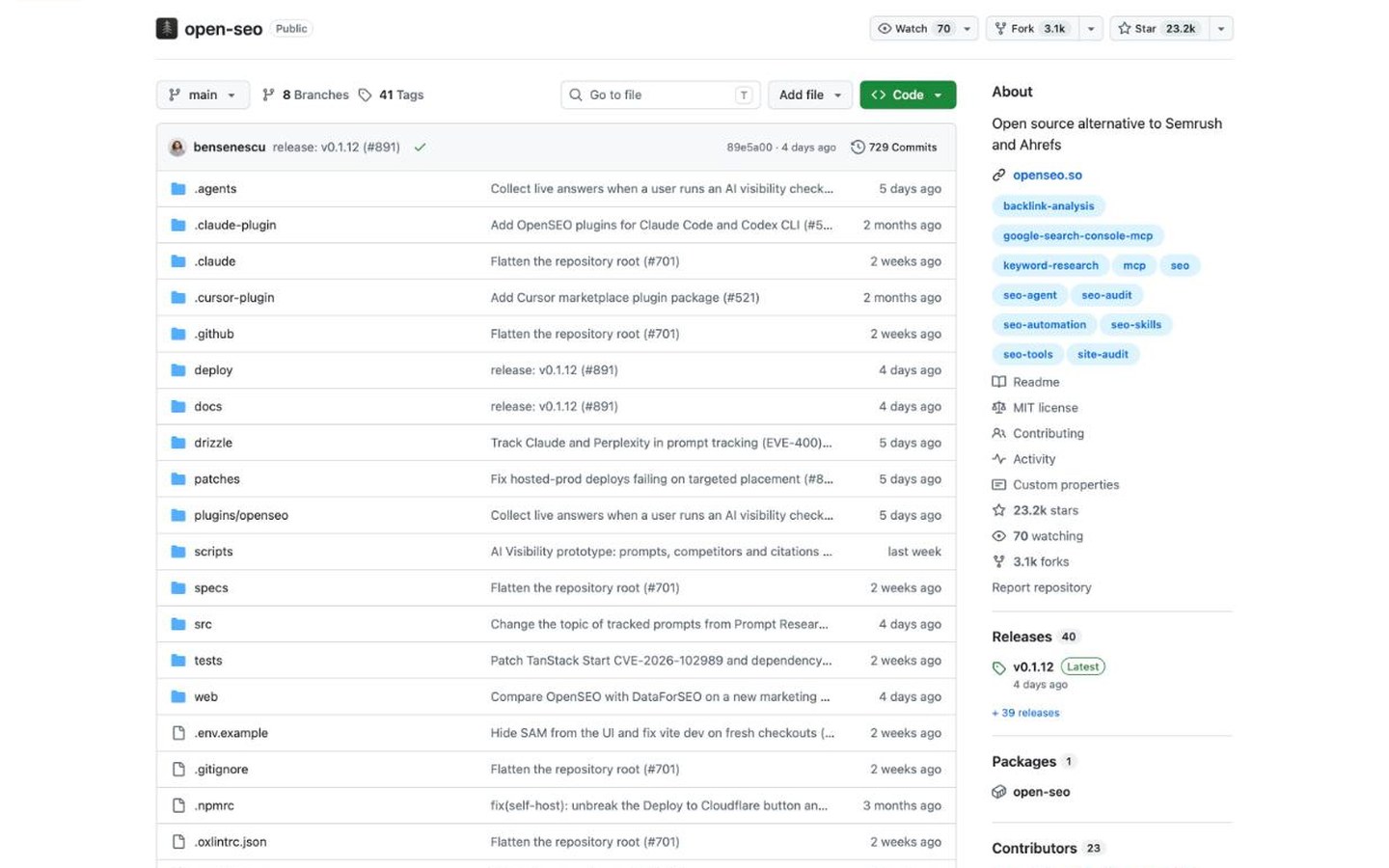
OpenSEO is MIT licensed and had about 23.2k stars when we checked. Source: GitHub.
The data comes from DataForSEO. You can pay for it two ways:
- Hosted: the OpenSEO plan is $10 a month and includes $10 of usage. A trial includes $0.50 of credits. A keyword search costs about $0.05 at typical result limits, and Search Console data doesn't use credits.
- Self-hosted: run it with Docker or on Cloudflare and bring your own DataForSEO API key. You pay DataForSEO directly for each request.
The hosted version is the quickest way to connect it to Claude. Source: OpenSEO.
Set it up
In Claude Code, add the OpenSEO MCP server and approve the login when asked:
claude mcp add --transport http --scope user openseo https://app.openseo.so/mcpThen add its skills, such as keyword research, keyword clustering, competitor analysis and link prospecting:
npx skills add every-app/open-seo --skill '*' --agent claude-codeIn Claude Desktop, open Customize, then Connectors, choose Add custom connector and paste https://app.openseo.so/mcp. Free Claude plans allow one custom connector.
Prompts to try
Using OpenSEO, research keywords around [topic] in [country].
Return 30 keywords with volume, difficulty and intent.
Group them into 4 to 6 clusters and pick the one cluster
a small site could realistically rank for first.
Compare [mysite.com] with [competitor.com].
Which keywords do they rank for in the top 10 that I don't rank for at all?
Keep only keywords with difficulty under 30.Show the backlink overview for [competitor.com].
Which linking domains could plausibly link to me too, and why?3. The SEO audit skill: a checklist Claude follows every time
Ask Claude to "audit my site" without a method and each answer covers different ground. The seo-audit skill in Corey Haines's marketingskills library gives it a fixed order: crawlability and indexation, technical foundations, on-page optimisation, content quality, then authority and links.
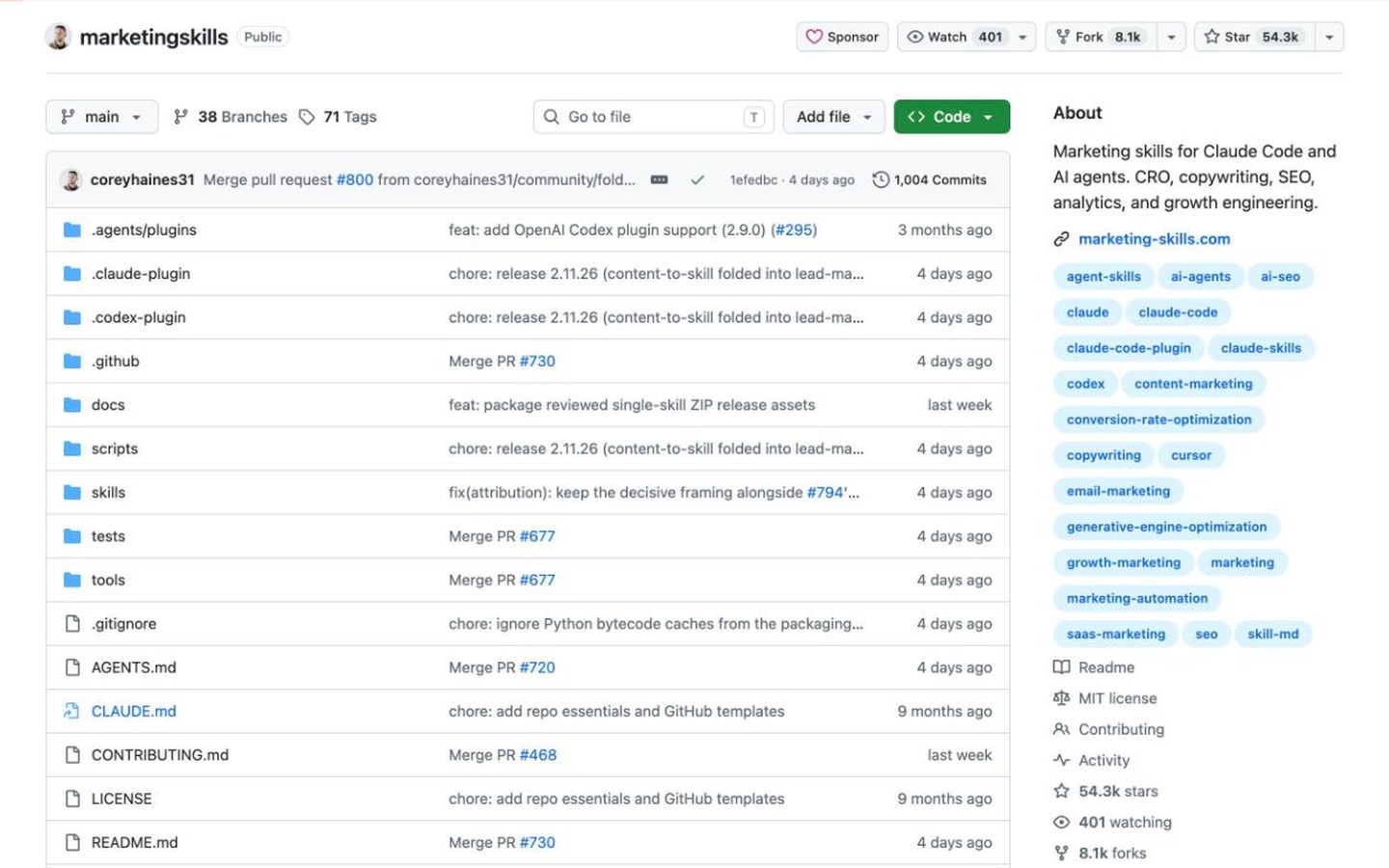
marketingskills is MIT licensed and had about 54.3k stars when we checked. Source: GitHub.
Every finding comes back in the same shape: the issue, its impact, the evidence, the fix and a priority. The report ends with a prioritised action plan, from critical fixes to long-term work.
Two details make it more reliable than a plain prompt:
- It knows its blind spot. The skill warns that a basic page fetch can't see structured data added by JavaScript, and tells Claude to use a browser or Google's Rich Results Test before reporting "no schema found".
- It reads your context first. If you've filled in the library's
product-marketingcontext file, the audit uses your audience and priorities instead of asking again.
Set it up
Install only the audit skill into Claude Code:
npx skills add coreyhaines31/marketingskills --skill seo-audit -a claude-codeOr install the whole library through Claude Code's plugin system:
/plugin marketplace add coreyhaines31/marketingskills
/plugin install marketing-skills
If you'd rather have a standalone HTML report, seo-audit-skill by Jeff Li is a good alternative. It runs Python scripts for the fixed checks, such as robots.txt, sitemap and title length, and saves the result to reports/<hostname>-audit.html.
Prompt to try
Run an SEO audit of [https://mysite.com].
Use a browser to check for JSON-LD before reporting on schema.
Return the top 5 issues ranked by impact, each with evidence and the exact fix,
then the 3 quick wins I can ship today.
What it found on our own homepage
We ran the skill's checklist against the rankauto.ai homepage on October 12, 2026. Most checks passed. Three need work:
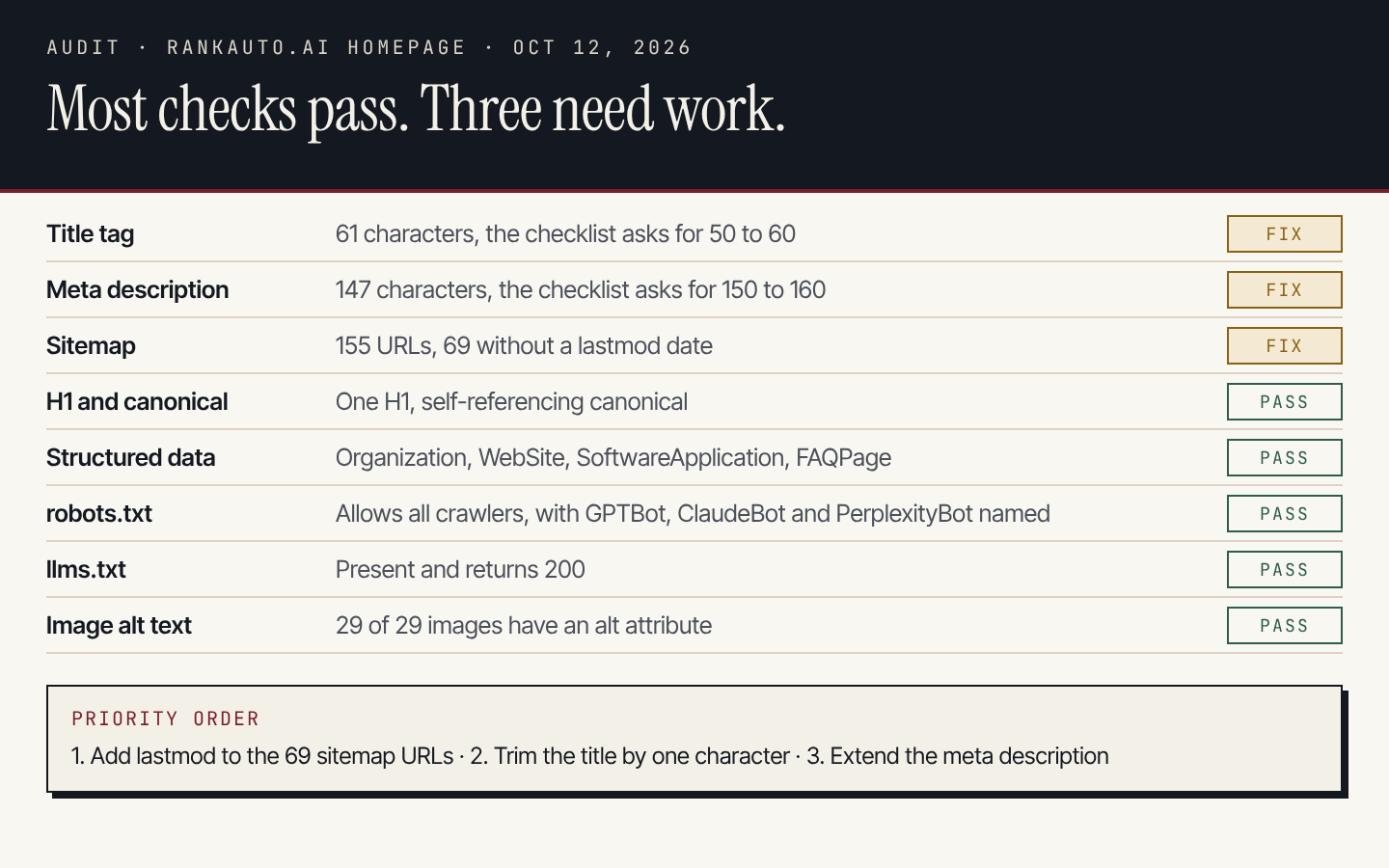
Title and description lengths are measured against the skill's checklist; sitemap counts come from our live sitemap.xml.
- Sitemap: 69 of 155 URLs have no
lastmoddate, which makes it harder for search engines to see what changed. This is the most useful fix of the three. - Title: 61 characters, one over the 50 to 60 the checklist asks for.
- Meta description: 147 characters, just under the 150 to 160 range.
None of these will move rankings much on their own. The point is that the audit separated the few real fixes from a long list of things that were already fine.
Put them together: a weekly review in four prompts
Each tool answers one question. Chained together, they make a routine: find pages that are close to page one, check whether the search is worth it, fix the page, and measure the result a few weeks later.
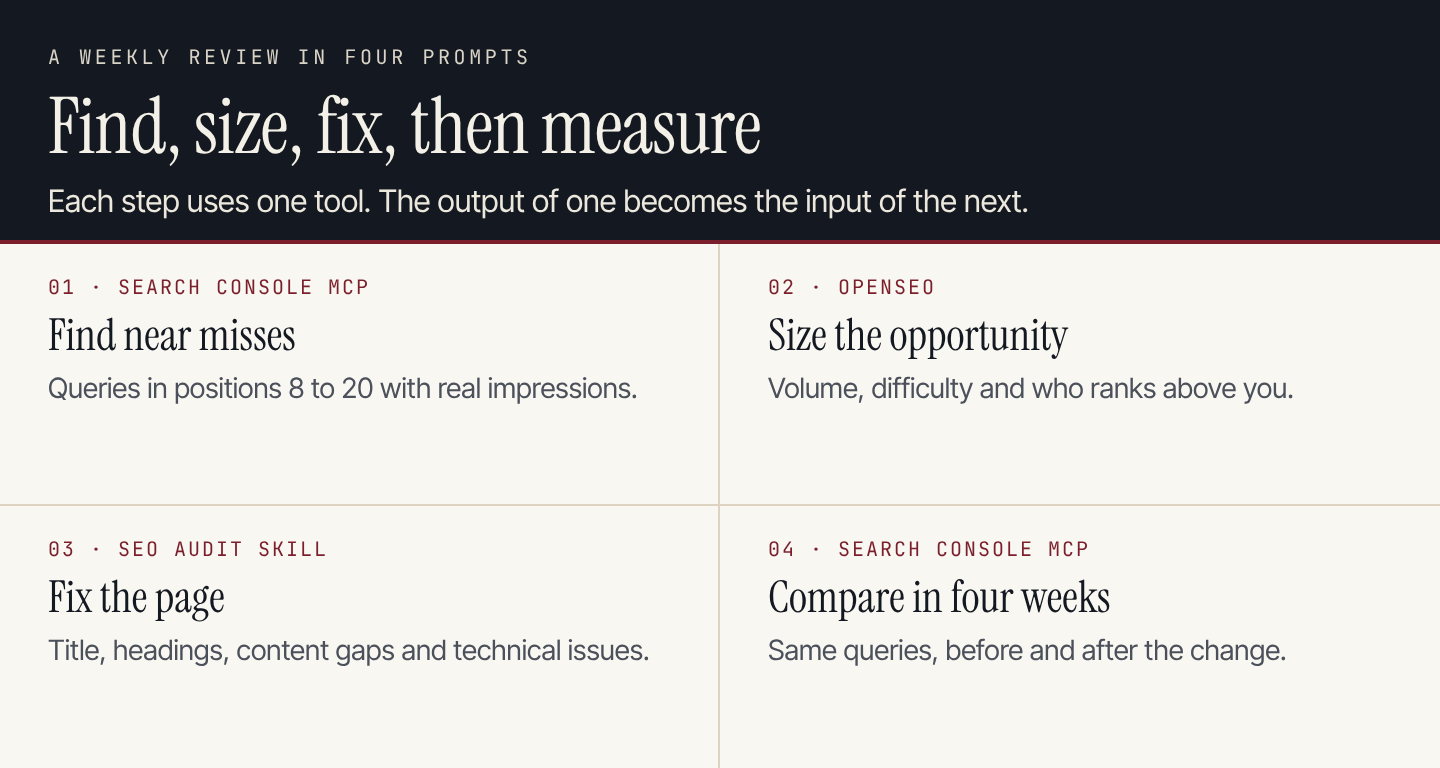
Search Console MCP starts and ends the loop; OpenSEO and the audit skill do the middle.
With all three connected, you can run the whole review in one prompt:
Run my weekly SEO review for [mysite.com]:

1. Search Console: find queries from the last 28 days in positions 8 to 20
   with more than 100 impressions. Pick the 3 pages with the most impressions.
2. OpenSEO: for each page's main query, give volume, difficulty
   and the top 3 ranking URLs.
3. SEO audit: audit each of the 3 pages against the top-ranking results.
   List the changes that would close the gap, most important first.
4. Write the changes as a checklist, and note today's position, clicks
   and impressions for each query so we can compare in 4 weeks.

Use only data returned by the tools. If a number isn't available, say so.
The last line matters. Without it, Claude may fill a gap with a plausible guess. Asking it to say when data is missing keeps the review honest.
For more on the audit side, see our SEO audit guide. If you're weighing paid suites against these tools, our Semrush alternatives roundup compares the main options.
Where this setup stops
These tools make Claude a capable SEO analyst. They don't make it an SEO team:
- Someone still has to run it. Each review is a session you start, check and act on. Skip a few weeks and nothing happens.
- Finding the fix isn't publishing it. Claude can tell you a page needs a better section or a new article. Writing, checking and publishing that content is still your job.
- Credentials live on your machine. The Search Console server uses your Google sign-in, and self-hosted OpenSEO needs your DataForSEO key. Keep both out of shared folders and repositories.
If the bottleneck is writing and publishing rather than analysis, that's the part Rankauto does. It finds the searches your customers make, then researches, writes and fact-checks one article a day in your brand voice and publishes it to your site. Articles save as drafts by default, so you can review them first. It includes keyword research and an SEO audit, but it has no backlink index, so keep OpenSEO for link research. The plan is $49 a month per website with 30 articles, after a 3-day trial.
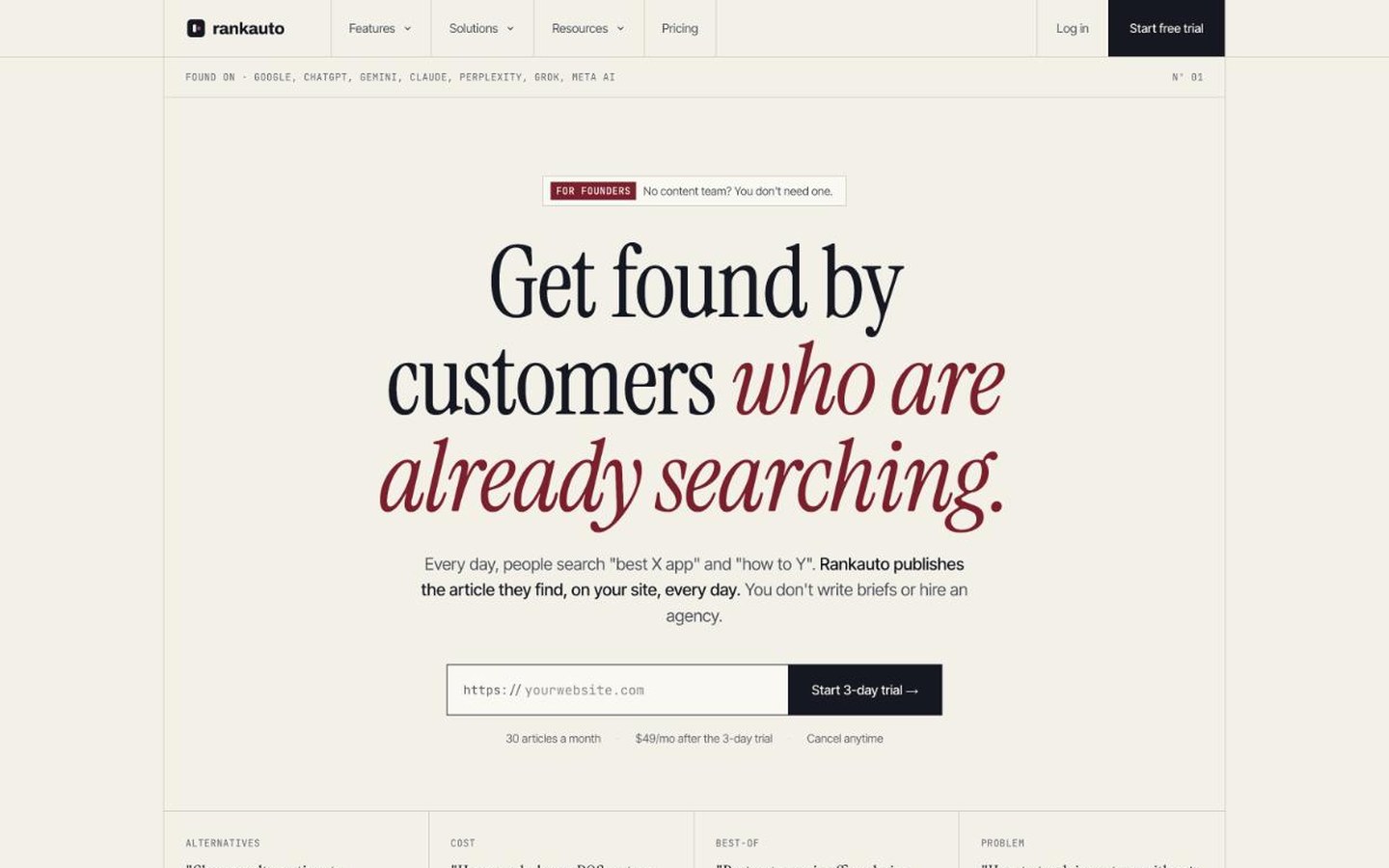
Rankauto researches, writes and publishes one article a day to your site. Source: Rankauto.
We compare the two approaches in more depth in SEO automation vs ChatGPT or Claude.
Questions about Claude SEO tools
Do I need to know how to code?
No, but you'll use a terminal for a few commands and edit one config file. The Search Console setup takes the longest because of the Google Cloud steps. OpenSEO's hosted connector is the quickest: paste one URL and sign in.
Do these work on the claude.ai website?
The Search Console MCP server runs on your computer, so it needs Claude Desktop or Claude Code. OpenSEO's hosted server is remote, so it can be added as a custom connector in Claude's connector settings. Skills are installed into Claude Code and other agents that read skill folders.
Is it safe to connect Search Console?
The server reads your data through your own Google sign-in. Tools that delete sitemaps or remove properties stay off unless you turn them on with GSC_ALLOW_DESTRUCTIVE. Treat the OAuth file like a password.
Can Claude replace Semrush or Ahrefs?
Not by itself, because it has no search data of its own. With OpenSEO connected it can do keyword research, competitor comparisons and backlink lookups through DataForSEO. Whether that's enough depends on how much data you need and how often you pull it.