22 SEO Audit Checks and How to Prioritize Fixes
Run an SEO audit with 22 practical checks. Review access, indexing, content, links, and measurement, then prioritize fixes with a copyable action tracker.

An SEO audit should leave your team with a short, defensible list of improvements. A long export of warnings is only the starting evidence.
Review how search engines can access your important pages, whether those pages answer useful customer questions, and whether visitors can take the next step. Then assign the corrections in an order that reflects business impact and dependencies.
This guide gives you 22 checks, two examples from Google's public documentation, and a copyable action tracker. A small business can start with its most important pages. A marketing team or agency can apply the same checks across page templates and a larger inventory.
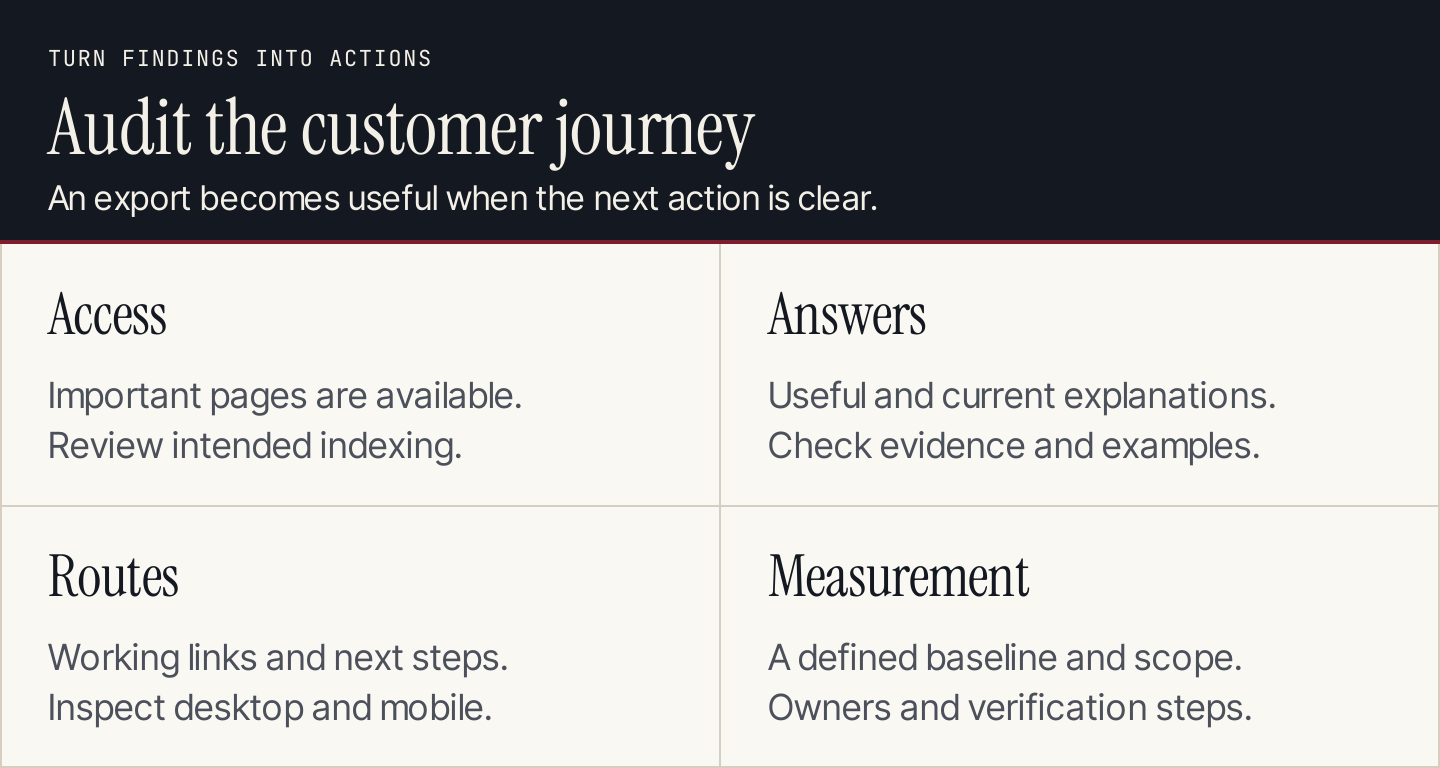
Review access, answers, and reader routes before turning findings into an action list.
What an SEO audit should deliver
An audit examines the site's current condition and identifies changes worth making. A content audit focuses on the content inventory; a full SEO audit also examines access, indexing, technical behavior, internal routes, and measurement.
Your final handoff should contain:
- The pages, date, and tools included in the review.
- Evidence for each material finding.
- The affected URLs or template, with the business reason to care.
- A proposed correction, owner, dependency, and verification method.
- Items intentionally left unchanged and unresolved questions.
This keeps the audit useful after the person who produced it leaves the meeting. It also prevents a team from “fixing” an expected condition simply because a tool colored it red.
Choose the evidence sources
Use complementary tools. A crawler describes what it encountered; Search Console describes Google's recorded information; analytics describes measured website activity. Their scopes differ.
| Source | Use it for | Limitation to remember |
|---|---|---|
| Google Search Console | Search performance, indexing information, individual URL checks | It does not explain every cause of a traffic change |
| Google Analytics 4 | Acquired sessions and measured website actions | Results depend on tracking and source definitions |
| A website crawler | Response codes, links, page fields, and repeatable site checks | Findings still need page-level interpretation |
| A browser | Real page behavior, mobile layout, forms, and visible answers | A few working pages do not prove every template works |
| A backlink data provider | Incoming links and changes worth investigating | A provider's index is not the entire web |
| Customer and sales feedback | Whether pages help people understand and choose | Feedback needs context and may represent a small sample |
Our Rankauto SEO audit includes a monthly allowance of 10,000 pages per website, pooled across sites. Use the resulting findings alongside your own page review and measurement. Rankauto does not provide a backlink index or AI citation tracking.
Establish the scope: checks 1 to 4
1. Define the business question
Write the question the audit should answer. “Why did inquiries from our main service pages decline?” produces a more focused investigation than “Get a better SEO score.”
Record the customer audience and the relevant offer. A page that attracts visits for a service you no longer sell may need a different correction from one that has an access problem.
2. Inventory important URLs and templates
Include the homepage, major service or product pages, useful categories, key guides, and contact or purchase routes. Group repeated layouts, such as location pages or product templates.
Start with business importance, then broaden the crawl. Small sites may support a complete manual review; large sites need template samples and a list of exceptions. Record which pages were sampled so the report does not imply that every URL was inspected manually.
3. Save a comparable baseline
Export the relevant search and analytics reports. Save the dates, page filters, country, device, and measurement definitions.
Record recent redesigns, migrations, campaigns, and tracking changes. Otherwise, a later comparison may credit an SEO correction for a change caused elsewhere. Use the SEO metrics worksheet to keep the definitions consistent.
4. Verify access and data collection
Confirm that the team has access to the correct Search Console property, analytics property, website settings, and crawler configuration. Test an important website action, such as submitting the actual inquiry form, in a controlled way appropriate to your team.
Make sure the measurement owner can identify the test and remove it from business reporting where needed. Do not interpret a missing event as a demand problem before checking whether tracking works.
Inspect access and indexing: checks 5 to 11
5. Review important response codes
Check whether important live URLs load successfully. Investigate server failures, broken pages that should still exist, and redirects that send people to unrelated destinations.
Group failures by template or cause. One broken shared component may affect many URLs, making it more urgent than several isolated metadata improvements.
6. Check crawl restrictions against intent
Review robots rules and other access controls with the site's technical owner. Ask whether a restriction is intentional and which important resources it affects.
Do not remove restrictions indiscriminately. Private sections and unwanted crawling may have valid reasons. Record the business purpose of a proposed access change before implementing it.
7. Check indexing instructions
Review whether pages intended for search discovery carry an accidental noindex instruction. Also identify pages deliberately kept out of search.
Keep crawl access and indexing instructions separate in the record. They answer different questions, and a fix aimed at one may not resolve the other.
8. Review the Page indexing report
Google's Page indexing documentation explains how to inspect indexing status and reasons. Not every unindexed URL needs to become indexed. Evaluate whether important, intended pages are affected.
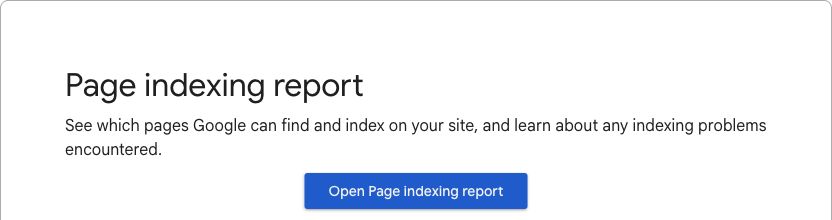
The report provides a site-level starting point for investigating indexing. Source: Google Search Console Help.
Use the following interpretation worksheet. These are examples of how to evaluate documented conditions, not findings from an audit of Google's website or a customer's account.
| Condition | Question | Suitable next step |
|---|---|---|
| Page with a redirect | Was this page intentionally moved? | Verify its destination and current internal links |
Excluded by noindex | Is exclusion intentional? | Correct the instruction only if the page should be indexed |
| Duplicate with another selected canonical | Does that selection match the intended version? | Inspect the versions and canonical signals |
| Important page not indexed | Can Google access a useful, appropriate page? | Inspect the individual URL and supporting evidence |
| Server error on an important URL | Is the failure reproducible or recurring? | Escalate the technical fault and verify recovery |
9. Inspect representative URLs individually
Use URL Inspection to review individual pages, especially important exceptions and representative templates. Compare the indexed information with a live test when appropriate.
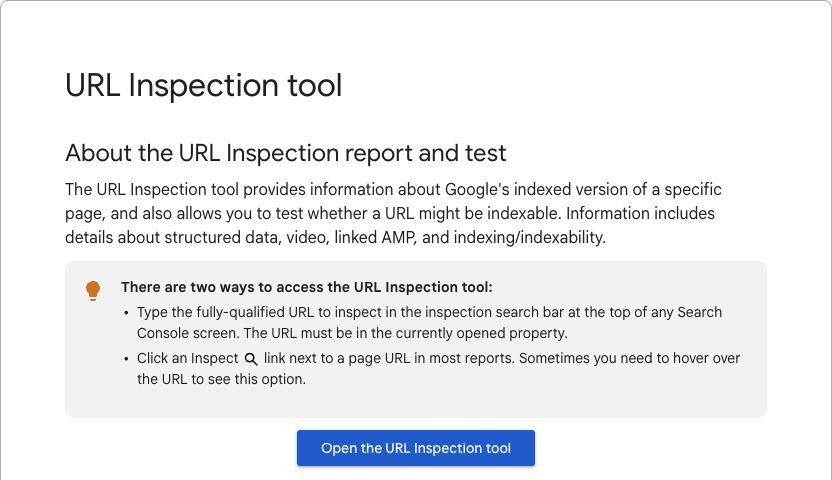
URL Inspection narrows the investigation to an individual page. Source: Google Search Console Help.
A successful live test does not guarantee indexing or a search appearance. It also cannot predict Google's eventual canonical choice. Record what the tool actually reports instead of marking the SEO issue solved on eligibility alone.
10. Review canonical versions and redirects
Check that duplicate versions identify the intended preferred URL and that permanent moves reach a relevant replacement. Google's canonicalization guidance explains the signals involved.
Look for contradictions between page instructions, redirects, sitemap entries, and internal links. Keep useful pages with distinct reader tasks separate; keyword cannibalization needs an editorial diagnosis before consolidation.
11. Review sitemap coverage
Compare the sitemap with the intended live, indexable inventory. Investigate obsolete URLs, missing important pages, and entries that now redirect or return errors.
Submitting a sitemap does not replace useful navigation. Treat it as one part of the discovery record, then verify that readers and crawlers also have sensible routes through the site.
Inspect page experience and answers: checks 12 to 17
12. Check the rendered main content
Open representative pages and inspect whether the main answer appears and works. For sites with substantial JavaScript, include the relevant rendering evidence from URL Inspection and your technical review.
Test important interactive elements such as navigation, tabs, filters, and forms. A crawler finding a title is not sufficient evidence that a reader can use the page.
13. Review the mobile journey
Check text size, navigation, tables, screenshots, buttons, and forms at a mobile width. Follow the actual next step rather than stopping at the first screen.
Save a screenshot of each material defect and identify the template responsible. The person fixing it needs enough context to reproduce the problem.
14. Review performance and layout stability
Google's Core Web Vitals guidance describes loading performance, responsiveness, and visual stability. Use the available field and diagnostic data to locate problems in the affected templates.
Keep real-user evidence separate from a single lab run. Repeatable slow behavior on a business-critical page deserves investigation; a green score on one test does not establish that every visitor has a good experience.
15. Check titles, descriptions, and headings
Inspect whether each important page clearly communicates its subject and purpose. Find missing fields and misleading repetition, then review the actual page before applying a bulk replacement.
Use specific wording that matches the answer. Changing a title to include another keyword cannot repair a page that fails to answer the customer's question.
16. Check the answer against the reader's task
Review the explanation, examples, prerequisites, and next steps. Is a comparison missing meaningful differences? Does a tutorial omit access requirements? Does a service page describe an outdated offer?
Compare the page with relevant current results and primary sources. Record the missing useful answer, rather than assigning extra words as the fix. Google recommends helpful, organized content in its SEO Starter Guide.
17. Check evidence, images, and maintenance needs
Open source links and verify material claims. Review screenshots for outdated interfaces, readable text, and unnecessary personal information. Check whether meaningful images have useful alternative text and whether oversized assets hurt the experience.
Assign a factual reviewer for instructions, comparisons, and product claims. Mark facts that need a future review when the product or policy changes.
Where the site uses structured data, validate it against the visible answer and Google's current structured data guidance. Use the relevant feature's requirements and testing tools. Valid markup does not guarantee an enhanced search appearance.
Inspect routes and business fit: checks 18 to 22
18. Check incoming internal routes
Can readers reach important pages from relevant live content? Identify useful pages that are effectively isolated and inspect where a contextual link would help.
Use the internal linking checklist to review the source paragraph, anchor text, and destination together. Adding links solely because words match can create distracting routes.
19. Check outgoing links and destination promises
Open important links. Fix broken destinations and links whose labels no longer describe the page they reach.
Review the journey after redirects. A working HTTP response does not mean an old link still helps the reader complete the intended task.
20. Review overlapping pages
Compare pages that appear to own the same customer task. Preserve distinct useful answers, clarify ambiguous purposes, and consider consolidation only when the evidence supports it.
Keep the decision with the keyword map. This prevents the next publishing cycle from recreating the same editorial overlap.
21. Review incoming links and off-site dependencies
Where suitable data is available, inspect valuable incoming links to broken or moved pages and confirm the appropriate destination. Check major business listings and references that customers use to find you.
Do not make mass link-removal or disavow decisions from a tool's risk label alone. Escalate material concerns for a specific review. An off-site review should explain the evidence and action, not promise a backlink count will produce rankings.
22. Verify the customer's next step
Follow the primary action on important landing pages. Confirm that the offer is current, the contact or purchase route works, and the team can measure the meaningful outcome.
Record where the page has useful visibility but the next step is unclear or unavailable. The audit should connect discoverability with an experience your business can support.
Prioritize findings by impact and dependency
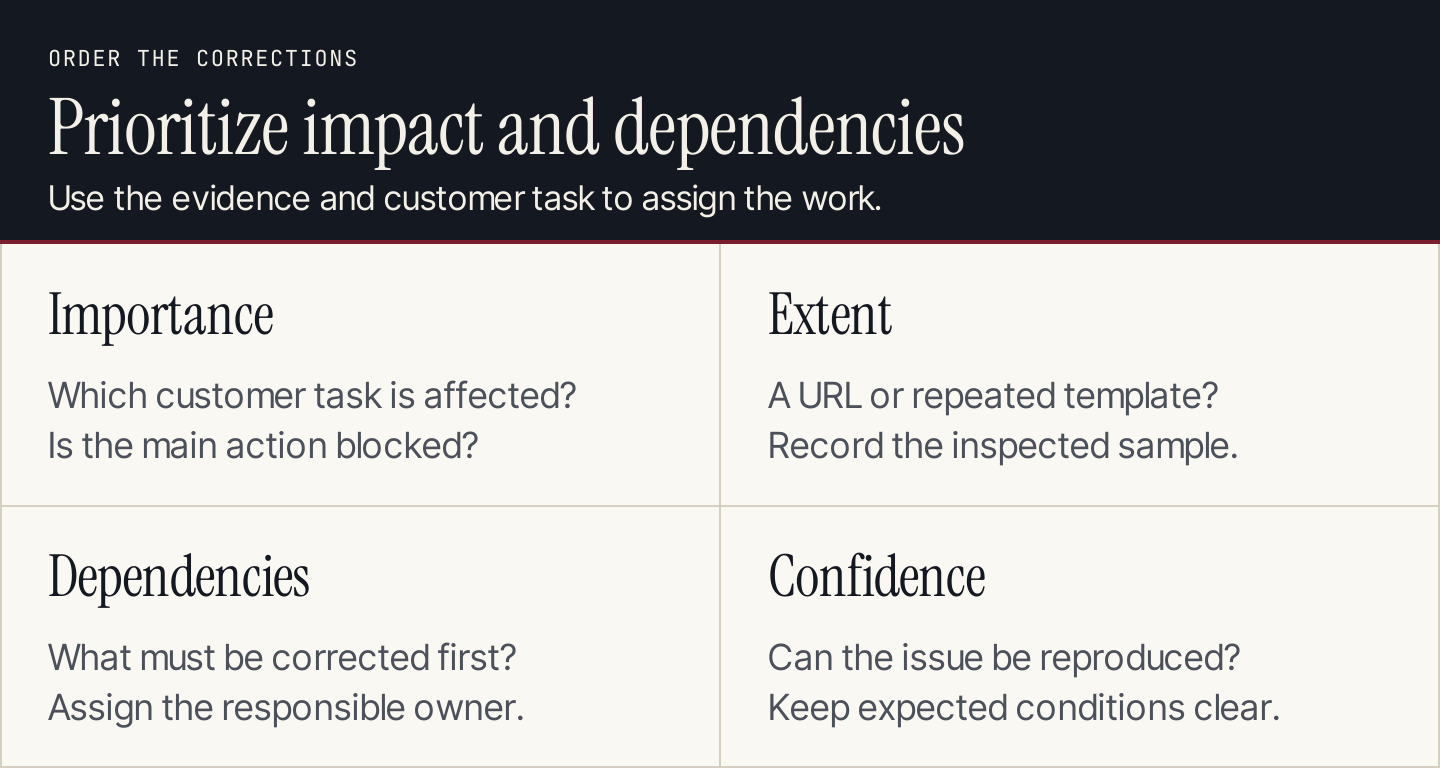
Prioritize the affected customer journey and the evidence, then assign the work.
Use this order as a practical starting point, adapting it to the site:
| Priority | Typical finding | Why it comes first |
|---|---|---|
| Immediate investigation | Important pages fail to load or a main form is broken | The customer cannot complete the task |
| High | Important intended pages have an accidental access restriction | Other improvements depend on availability |
| Next | A repeated template defect affects important answers or routes | One correction can address a wider problem |
| Planned | Useful pages need clearer explanations, current evidence, or better links | The improvement requires editorial work and review |
| Monitor or leave | An expected exclusion or an unconfirmed warning | A change lacks a demonstrated reason |
A minor defect repeated many times can be less important than one serious failure on the primary inquiry page. Count affected URLs, but also explain their purpose.
Check dependencies before scheduling. A developer may need to correct the template before editors can verify all affected pages. A measurement fault may need repair before the team can compare outcomes reliably.
Copy this audit action tracker
Audit scope and date:
Business question:
URL or affected template:
Finding:
Evidence link, screenshot, or saved export:
Expected condition and why:
Customer or business consequence:
Proposed correction:
Priority and reasoning:
Dependencies:
Implementation owner:
Reviewer:
Verification procedure:
Baseline and follow-up comparison:
Status and unresolved questions:
Make each action verifiable. “Improve SEO” is not an acceptance condition. “The affected inquiry page loads, its main form completes, and the test reaches the designated team” is.
Close fixes with evidence
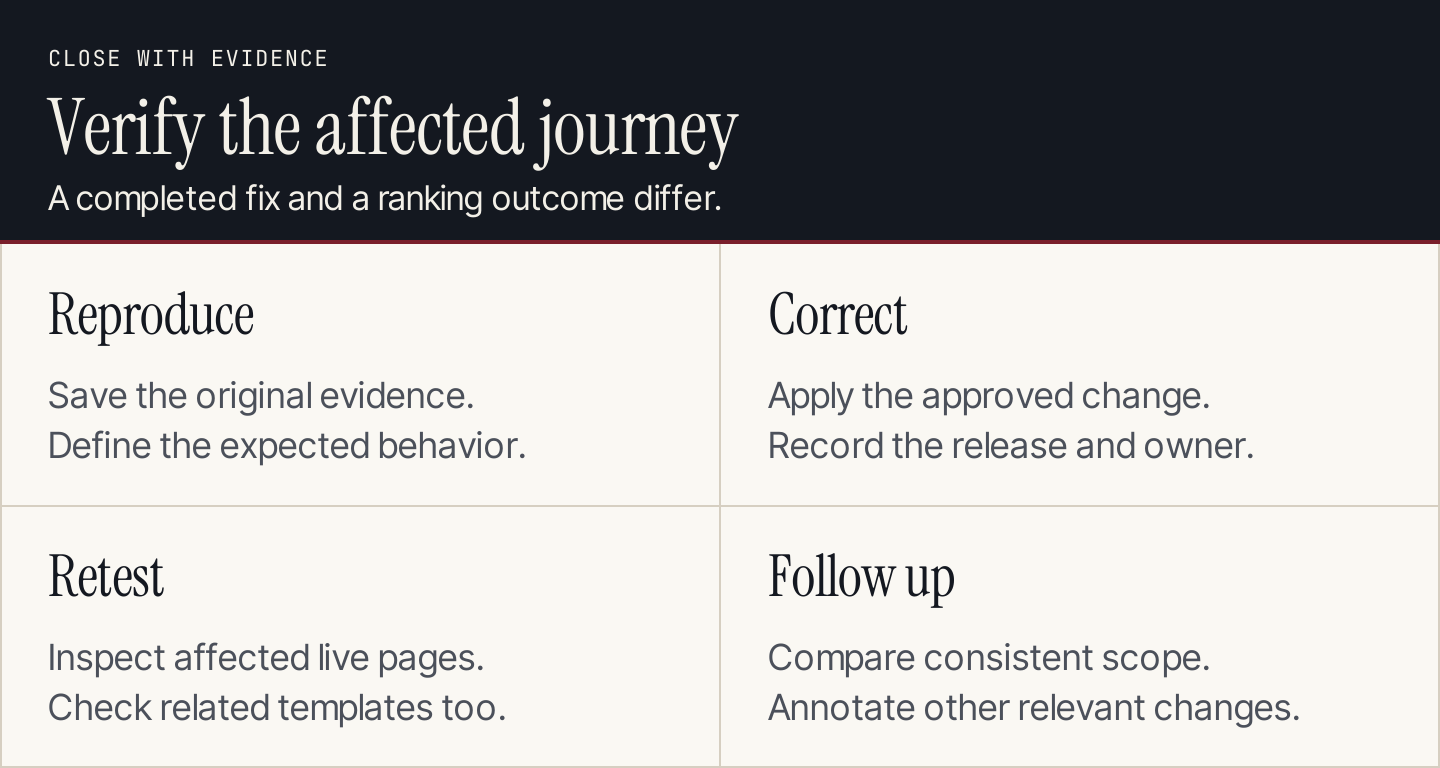
Keep implementation verification separate from later search and business outcomes.
Retest the affected URLs and a representative sample of related pages after each correction. Save the evidence and note any remaining exceptions.
A later search comparison should use the same scope as the baseline. Annotate other site changes and demand shifts; an improvement after an audit does not establish that every completed item contributed equally.
Use a regular review cadence that fits the site's change rate. Trigger a focused audit after migrations, major template releases, important offer changes, or unexplained failures. There is no single audit interval suitable for every site.
If the priority list leads to a backlog of blog improvements, Rankauto can help turn keyword research into drafts in your brand voice. Drafts are the default, so your team can review the facts, page purpose, and examples before publishing.
Common questions
Can I run an SEO audit for free?
You can review important pages with Search Console, analytics, and a browser, alongside any crawler access you already have. Start with a defined scope and disclose missing evidence rather than presenting a limited review as a complete technical audit.
Is a high audit score the goal?
The goal is a useful, accessible website and a justified action list. A score helps summarize a tool's checks, but it does not replace evidence about the affected pages or establish a ranking outcome.
Should I fix every warning?
No. Investigate whether the warning describes an actual problem. Expected exclusions, deliberate redirects, and low-priority issues may need documentation rather than changes.
What should an agency hand over?
Provide the scope, material evidence, prioritized actions, owners, dependencies, and verification instructions. Keep the detailed exports available, but make the next decisions readable without opening every file.