Nonprofit SEO: Help Supporters Find Useful Answers and Actions

A nonprofit can attract more visitors and still leave the people it serves confused. A donor may need evidence about the work. A volunteer may need practical requirements. Someone seeking help may need an accurate eligibility answer immediately.
Nonprofit SEO helps those people discover the right information through search. The work includes useful pages, clear navigation, reliable evidence, technical accessibility, and a sensible route to the next action.
Start with the mission-related task rather than a traffic target. This guide uses charity: water’s public mission, financials, and giving pages as real examples of distinct page purposes. It then provides an audience map, evidence worksheet, and content cycle that a small team can maintain.
The examples show public information choices. They are not an independent evaluation of the organization, its finances, or its search performance.
1. Choose the audience and action first
“All supporters” is too broad for a useful page brief. People may share an interest in the cause while needing very different answers.
| Audience | Question to answer | Appropriate destination | Useful outcome |
|---|---|---|---|
| Person seeking services | Can you help me, and how do I apply? | Service or eligibility page | An informed inquiry or application |
| Prospective donor | What does my support contribute to? | Program and evidence resources | A considered giving decision |
| Volunteer | What would I do, and what is required? | Current volunteer opportunity | A suitable application |
| Partner or sponsor | Is there a relevant collaboration route? | Partnership page | A qualified conversation |
| Journalist or researcher | Where is the source for this claim? | Report or research resource | Accurate reference to the work |
This is a planning worksheet for your own organization. It does not imply that charity: water offers every service or role listed here.
Choose one reader and one main task for each page. A program page can link to several next steps, but it should first explain the program clearly. An application page needs current requirements, not a long history of the cause before the form.
For organizations that provide direct support, put service availability and limitations where people can find them. An educational article should not suggest that reading it replaces professional help or that an unavailable program is accepting applicants.
For agencies, ask who can confirm each answer. A communications manager may own the website while the program lead knows the eligibility rules and the development team owns donor information. The content plan needs those people involved.
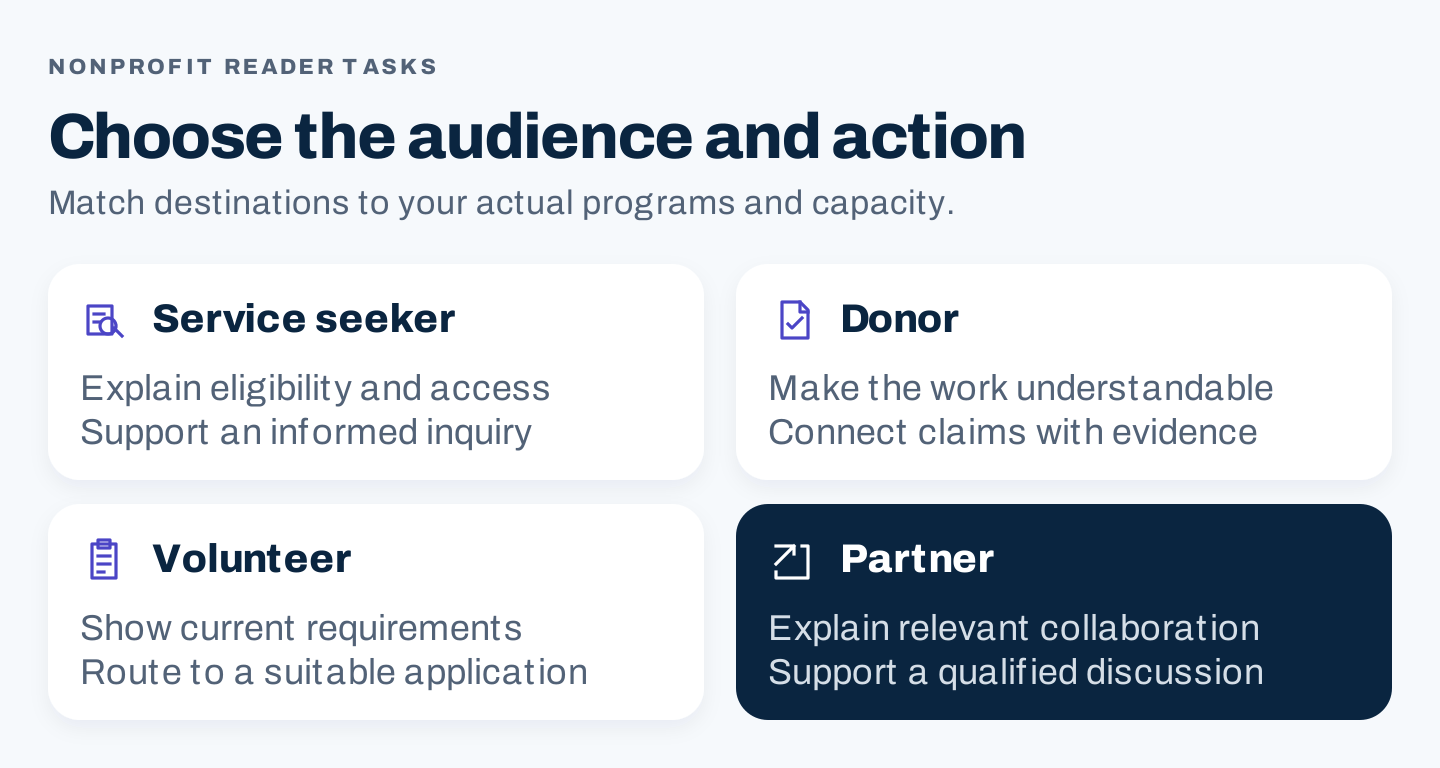
Different readers need different answers and next steps. Select the audience that matches your actual mission and capacity.
2. Learn from charity: water’s public page choices
Three destinations illustrate a useful separation between mission, supporting evidence, and action.
Explain the work before asking for support
The charity: water about page identifies the organization and the work it describes. It also provides routes to learn about its approach and financial information.
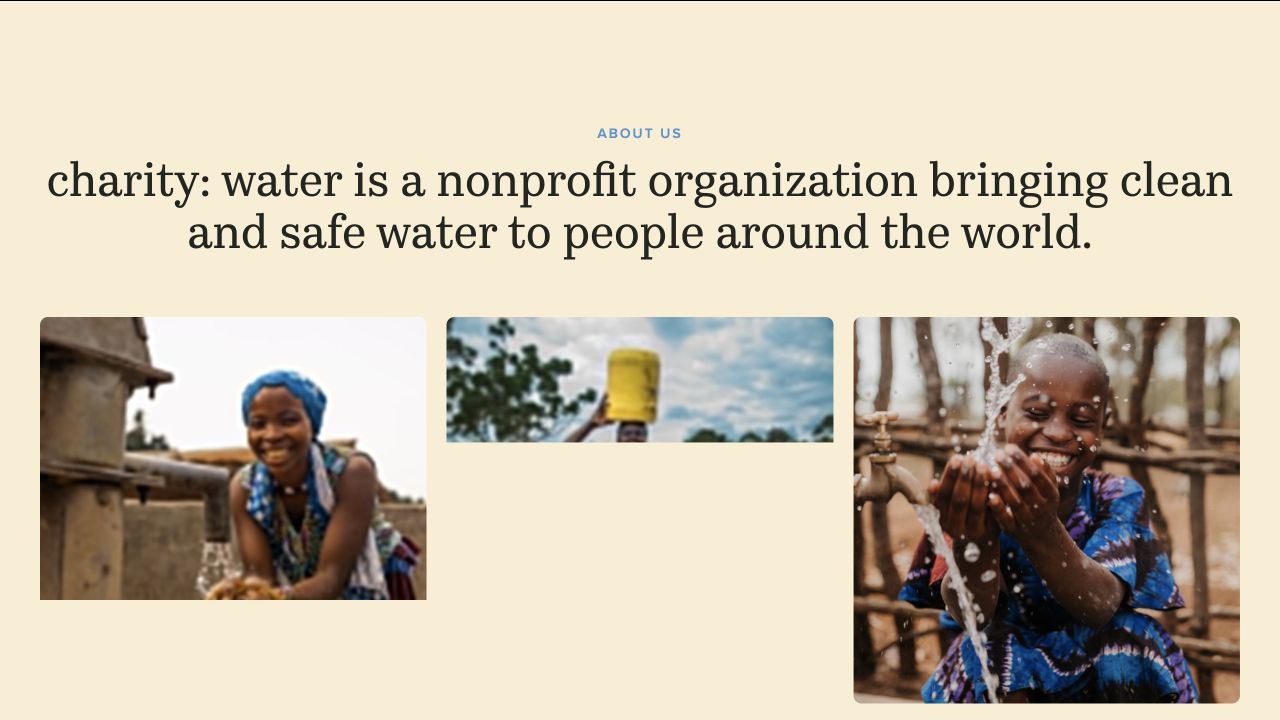
The page establishes the mission before offering further detail. This is an example of clear purpose, not a claim about the page’s rankings or donation results.
Your version should answer who you serve, what you do, and where the reader can learn more. Use the actual program terminology, then explain any words a new supporter would not understand.
Avoid replacing a clear explanation with a broad emotional slogan. People can care about the cause and still need to understand the organization’s role.
Give readers a route to dated evidence
The financials page links annual reports, audit reports, and other documents by year. The visible distinction helps someone find the type of evidence they need.
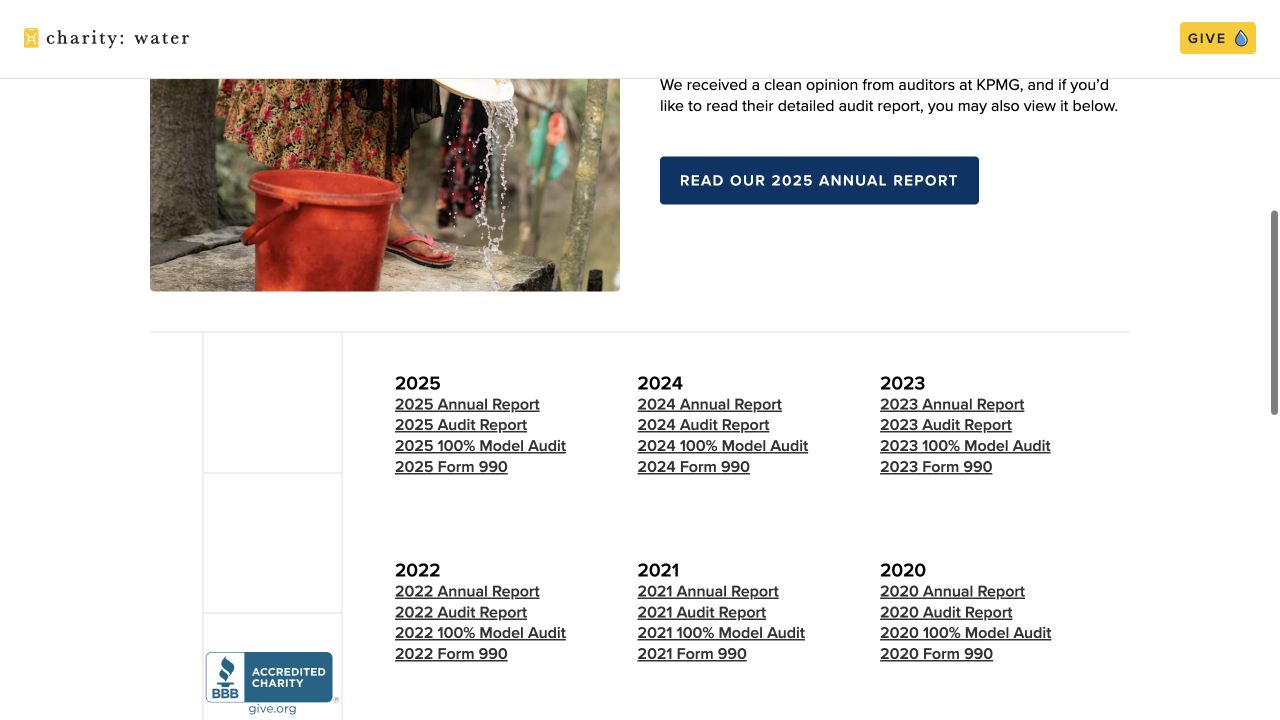
The report index makes evidence findable and dated. The linked reports were not audited for this guide, and their impact figures are not adopted as verified findings.
For your organization, use the same principle with the evidence you actually have: program reports, methods, evaluations, current financial documents, or published research. Label the period and document type.
A general “impact” link is less helpful when the person needs a particular report. Explain what the document covers and where its limitations matter.
Separate different kinds of giving
The giving page distinguishes a monthly giving route from other ways to support the work.
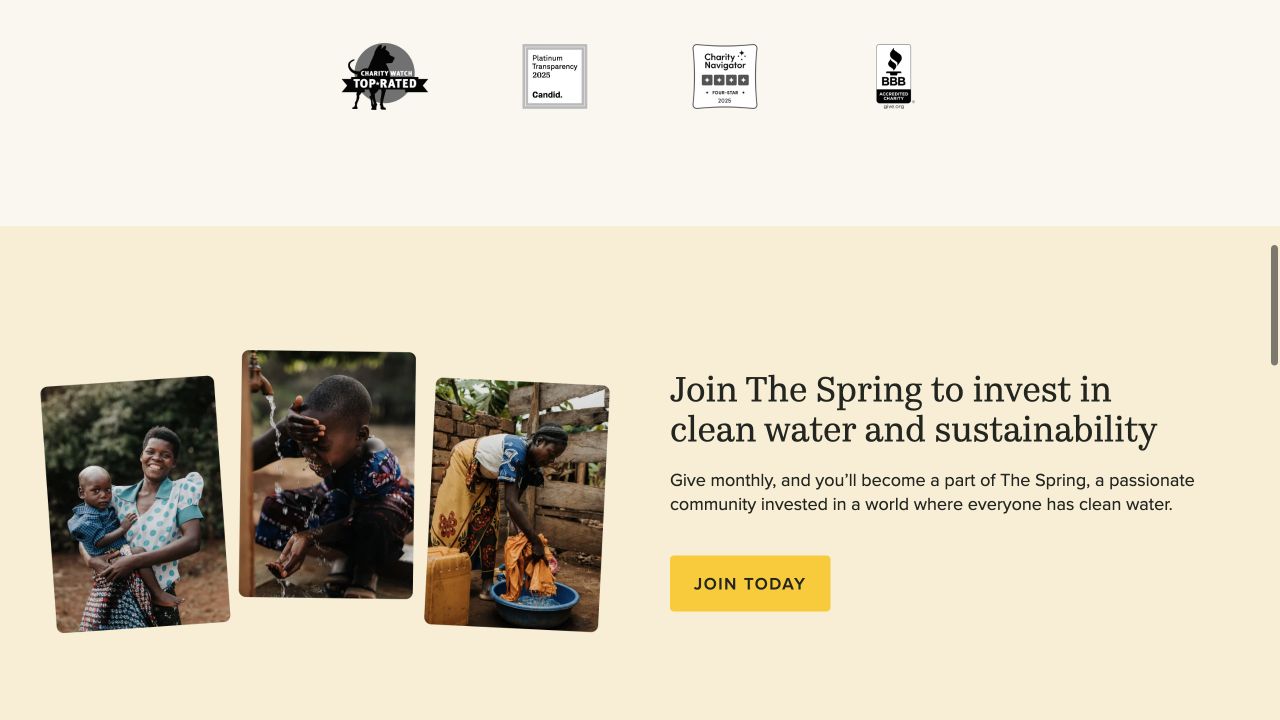
The monthly route has its own explanation and action. This screenshot shows public content; no donation or payment step was executed.
The transferable lesson is clarity about commitment. When your organization offers recurring support, make the frequency and relevant conditions understandable before the person acts.
Also provide a sensible path for someone who needs more information. A visitor should be able to reach evidence without losing the route back to the action they were considering.
3. Research the questions your organization can answer
Start with material you already receive: anonymized inquiries, volunteer questions, donor conversations, program staff observations, and searches within your site.
Group the questions by task. Separate “understand the cause,” “use a service,” “evaluate the organization,” and “take part.” A single content calendar can contain all four, but they should not all use the same call to action.
Then check search language. Record the query, target market, source, and date of any keyword estimate. Volume is an estimate of search demand, not a count of people who need your particular program or will donate.
Read current results to understand the expected answer. Is the reader looking for a local service, a definition, a research resource, or an organization to support? A competitor’s broad article does not mean your small nonprofit should cover the entire subject.
Prioritize topics your staff can answer well and keep accurate. A maintained page about a current program can be more useful than a general article with no distinctive evidence.
Use this topic record:
Audience and actual question:
Evidence that the question occurs:
Search phrase / market / research date:
Best existing destination:
Reason to create or update a page:
Facts and sources available:
Program or subject reviewer:
Next action that the organization can support:
Maintenance burden:
Decision: update / create / defer
An unmeasured topic can still be useful. Label the missing demand evidence and explain the mission-related reason for the work rather than inventing a search figure.
4. Give every important claim an evidence record
Nonprofit content often combines stories, numbers, and calls for help. Each needs a different kind of review.
A story needs a source and permission for the intended use. A number needs a definition, period, and underlying record. A program promise needs confirmation from the team responsible for delivering it.
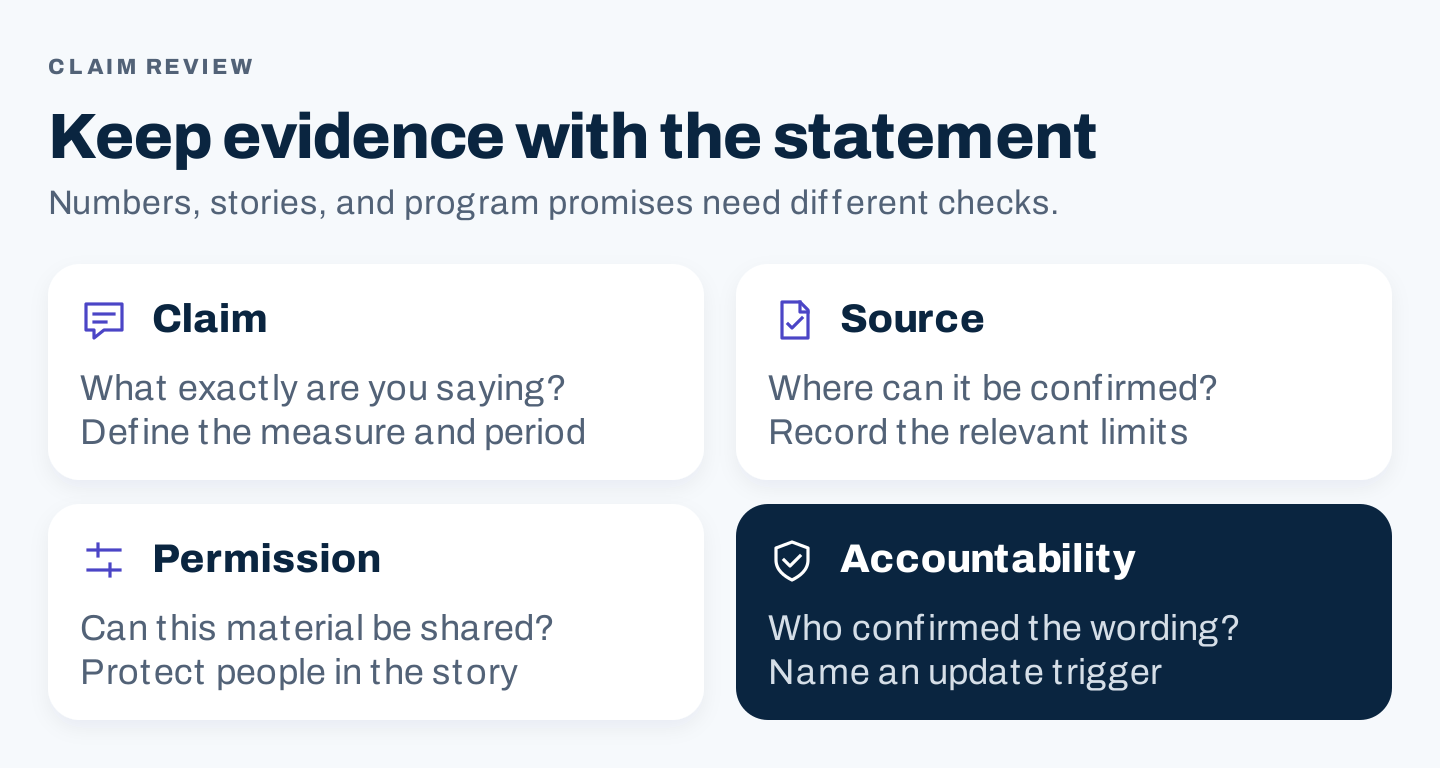
An evidence record keeps the source and limits attached to the statement as copy moves through editing.
Use a claim record before turning a result into promotional wording:
Proposed statement:
Source document / record and exact location:
Reporting period and population:
What the measure counts:
What it does not establish:
Permission for story, image or quotation:
Reviewer and confirmation date:
Required qualification in the published wording:
Update or withdrawal trigger:
Distinguish people reached, services provided, and outcomes achieved. Those descriptions are not interchangeable. A program activity count may establish that work occurred without proving a lasting change in every participant’s situation.
Avoid translating a complex impact calculation into a simple donation promise unless the responsible team can justify the relationship and its conditions. If the evidence is preliminary, say so. If the result covers a particular period, retain that period when the number is quoted elsewhere.
Protect the people in the stories. Do not publish private service details or use an identifiable photograph without the appropriate permission. When the story cannot be shared safely, an original explanation of the process may serve the reader better.
Google’s helpful-content guidance emphasizes useful original information and clear authorship. Put the organization’s actual expertise into the resource; do not manufacture a staff byline or an expert review that did not happen.
5. Check the whole action journey
A page is incomplete if the visitor understands it but cannot use the next step.
Inspect the path from the resource to the form, contact method, or application. Check it on a phone and with a keyboard. Confirm that the destination still exists and that instructions match the current process.
| Journey | Practical check |
|---|---|
| Service inquiry | Eligibility and availability are visible before personal information is requested |
| Volunteer application | Role, requirements, location, and current status are clear |
| Donation | Commitment type and relevant conditions are understandable |
| Event registration | Date, time, place, access information, and confirmation path are current |
| Research resource | Source, reporting period, and document format are identifiable |
The W3C forms tutorial explains accessible labels, instructions, error handling, and completion notifications. Use those principles when reviewing a form with your developer. A visual check alone is not a complete accessibility audit.
Also inspect discoverability. Link important program and action pages from relevant navigation and resources. Give each destination a descriptive title and clear main heading. Ask the technical owner to check unexpected indexing exclusions or missing rendered content.
Google Search Essentials describes eligibility and core practices, while making clear that meeting the requirements does not guarantee appearance. Do not equate a submitted sitemap with a successful audience journey.
When a campaign ends, update the page and links. An expired volunteer opening or a registration form for last year’s event can waste both staff and supporter time.
6. Make useful resources easy for others to reference
A relevant partner may need a current program page to share with their audience. A journalist may need the report behind a claim. A school or community group may need an educational resource with a clear source and usable format.
Create those destinations around the real relationship. Explain what is current, who the resource serves, and how to contact the responsible team.
If you publish original research, provide the methods and limits as well as the conclusion. A clear HTML summary can help readers understand what a downloadable report contains. Do not claim that every finding applies beyond the population or period studied.
Distribute useful resources through existing communications: a partner update, a newsletter, an event follow-up, or a staff referral process. Social sharing may help people discover the resource; do not describe a share count as proof of improved organic ranking.
If an agency handles outreach, approve the resource and intended audience before messages go out. Keep relationship-building separate from buying links for ranking purposes.
Google Ad Grants is a separate search-advertising program for qualifying nonprofits. It is not organic SEO or a guarantee that every organization will receive traffic. Evaluate its current eligibility and operating requirements separately from the editorial plan.
7. Run a small, maintainable content cycle
For a limited team, begin with one important existing page and one unanswered question. That makes the work manageable enough to review properly.
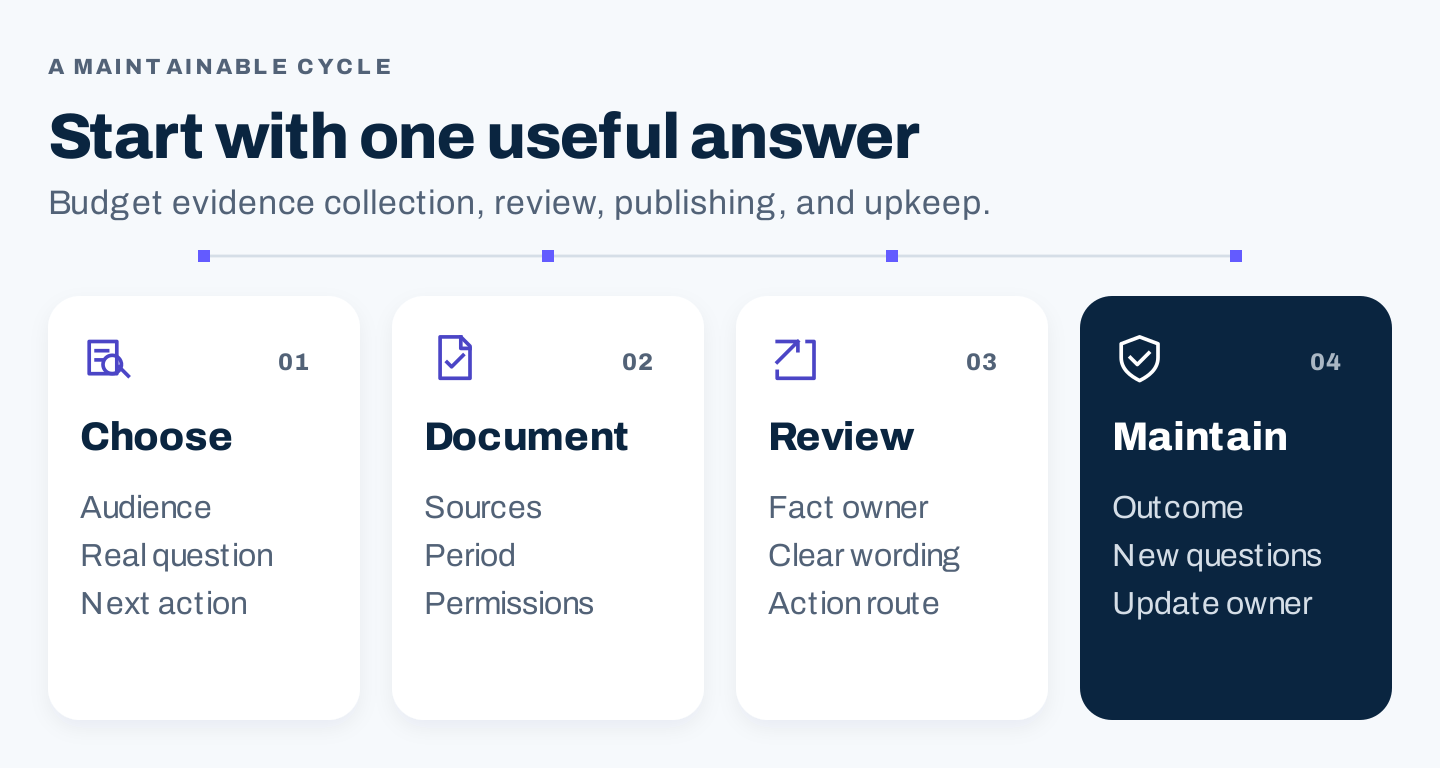
Select a mission-related task, assemble evidence, check the action journey, and assign ongoing ownership before increasing output.
First, choose the audience and current problem. Second, gather approved sources and identify missing facts. Third, write or update the page and have the right person review it. Fourth, inspect the action path and record the next review.
Budget staff time for evidence collection and maintenance, not only writing. If the program lead has no time to confirm a sensitive answer, defer that article or narrow it to facts you can verify.
Measure progress at three levels. Search impressions and clicks describe discovery. Form starts or contact actions describe an interaction. Completed, suitable applications or donations describe a later outcome when your systems can collect it reliably.
Keep donation amounts, recurring commitments, applications, and service inquiries distinct. An educational resource may help someone understand the cause without producing an immediate donation; judge it against the task it was created to serve.
Use a review note:
Page and audience task:
Change made / publication date:
Evidence and fact reviewer:
Action destination checked:
Search discovery signals:
Relevant completed actions, if reliably collected:
Unanswered questions reported by staff:
Collection gaps or unusual campaign activity:
Next decision and owner:
Do not attribute every increase to the last article. Campaigns, media coverage, events, and seasonal giving can change results at the same time. Record those conditions so the next review is useful.
Common nonprofit SEO questions
Should every page ask for a donation?
No. A person seeking services or trying to understand eligibility needs that answer first. Match the action to the reader’s task and the organization’s actual capacity.
Do we need a blog before improving SEO?
You may get more value from improving program, evidence, volunteer, and action pages first. Add articles when they answer a distinct question and have a named reviewer and maintenance owner.
Should we use AI for impact stories?
AI can help organize approved material or suggest questions for an editor. It should not invent beneficiaries, quotations, results, or personal details. Evidence and permission remain human responsibilities.
Start with one useful answer your organization can stand behind. Make its source and next step easy to find, then maintain it as the work changes.