Lead Magnets: Types, Real Examples, and a Practical Creation Plan

A visitor's email address does not tell you whether they need your product. It tells you they completed a particular action. The resource and the follow-up determine whether that relationship can become useful.
A lead magnet is a resource or benefit offered in exchange for contact information or an opt-in. Reports, templates, checklists, webinars, email lessons, product access, and relevant incentives can all play that role.
A useful lead magnet resolves a specific problem for an audience you can actually help. Its format should fit that problem, its access path should work, and its next step should follow naturally from the resource.
This guide compares the main types and examines six real resources. Four illustrate contact or subscription offers; two show why useful content does not always need an email gate. The screenshots document visible offers, not tested conversion rates or private lead quality.
Start with the reader's task
Before choosing a PDF, write this sentence:
Help [specific audience] complete [task] when [situation], using [resource], so they can reach [usable outcome].
“An ebook about marketing” is too broad to guide production. “A campaign brief template that helps a small team record its audience, offer, evidence, and approval owner” identifies a usable output.
Use actual customer questions, support conversations, sales objections, and search behavior to refine the task. Distinguish observed needs from assumptions. A popular competitor resource suggests a topic to investigate; it does not establish demand among your own customers.
Then check the relationship to your offer. If the resource attracts people you cannot serve, a large download count can create work without useful opportunities.
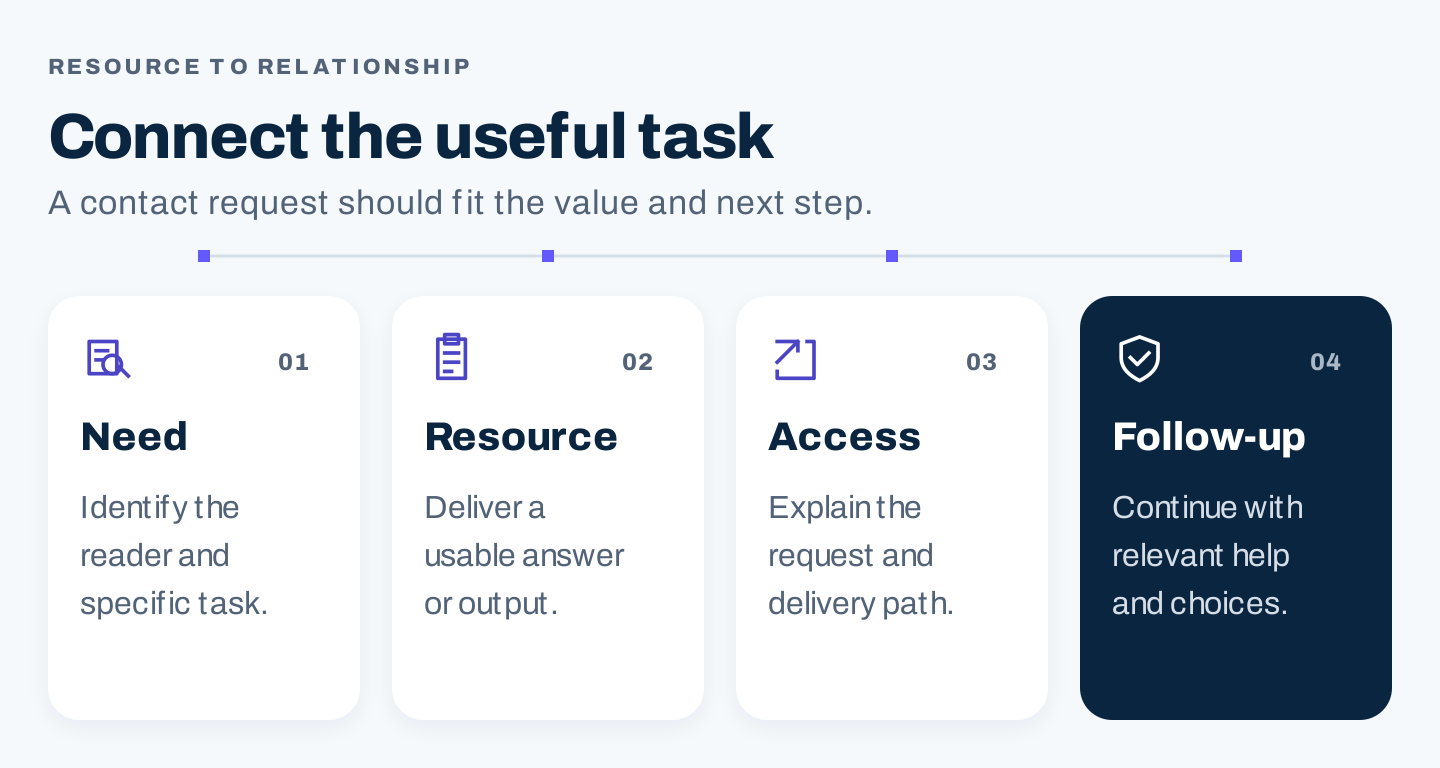
Original planning framework. The useful outcome comes first; contact capture and follow-up should fit the same audience need.
Compare 10 types of lead magnets
| Type | Reader job | Work to create and maintain | Main quality check |
|---|---|---|---|
| Checklist | Complete a recurring process | Define steps; test usability; update changing details | Every item is specific and actionable |
| Template | Produce a usable document or plan | Design fields, instructions, and an example | Someone can fill it without extra explanation |
| Research report | Understand a market or decision | Collect or analyze evidence; explain the method | Claims match the population and data |
| Guide or ebook | Learn a focused topic | Research, write, edit, and maintain references | Depth serves a clear reader task |
| Webinar or recording | Learn through demonstration and questions | Teach, record, edit, provide access | Topic, event status, and replay conditions are clear |
| Email course | Apply a sequence over time | Design lessons, delivery, and maintenance | Each lesson produces a useful step |
| Calculator or assessment | Evaluate a situation | Build logic, explain assumptions, test outputs | Results are useful and their limits are visible |
| Free tool or limited access | Try a practical capability | Build, support, and manage access limits | Users can reach the promised value |
| Consultation or assessment call | Understand a specific need | Allocate qualified staff and define scope | The promised help is clear before booking |
| Discount or purchase benefit | Reduce a relevant buying obstacle | Check economics, terms, and fulfillment | It fits both the buyer and your margin |
This is a decision table, not a recommendation to create all ten. A short checklist may be better suited to a repeatable task than a long ebook. A calculation may need a tool rather than a downloadable explanation.
For founders, begin with a resource you can maintain. Marketing teams can assign a subject expert and an access owner. Agencies should connect the resource to the client's audience and sales capacity before designing it.
Six real examples and their useful lessons
1. HubSpot: a report needs a clear research promise
HubSpot's State of Marketing page explains its marketing research resource and gives it a dedicated access action.
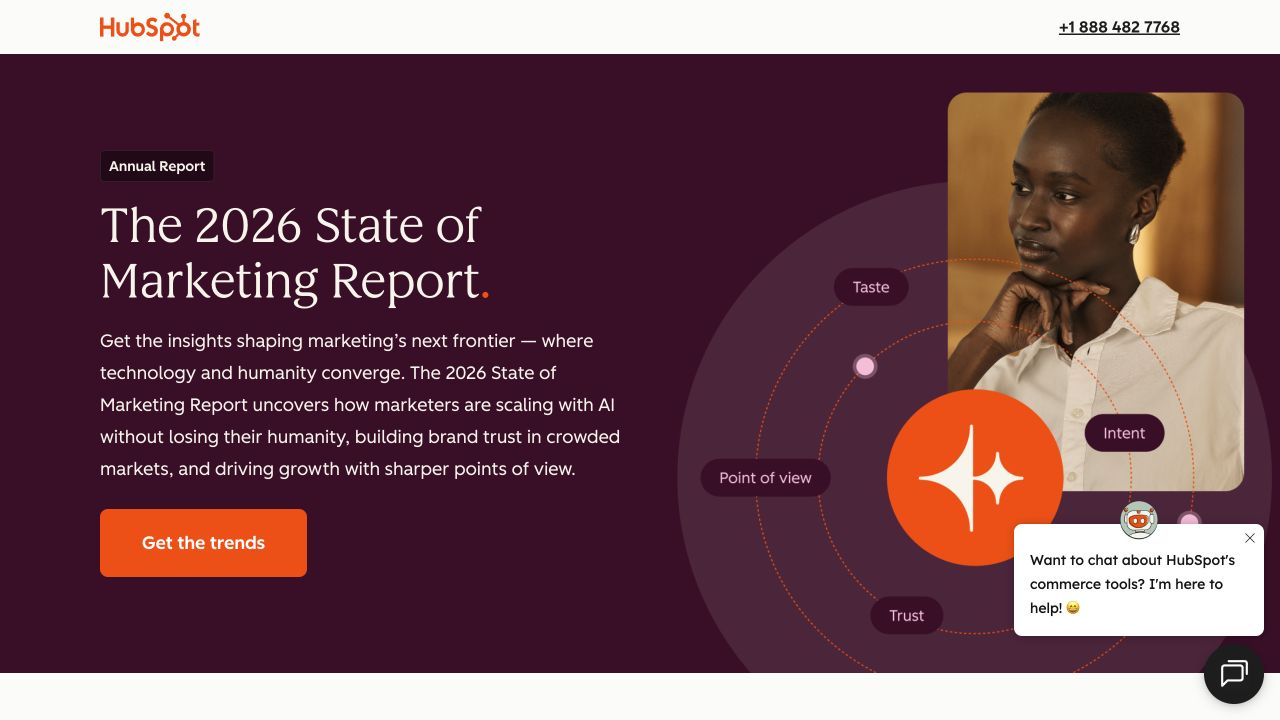
Source: HubSpot, desktop capture, October 7, 2026. The visible offer introduces the report; no download or follow-up sequence was tested.
The lesson is specificity about what the reader receives. A report offer should identify the subject, edition, and decisions it may inform. If you publish original research, make its method and limits available in the resource itself.
A small business can offer a narrower evidence-based guide instead of imitating the scale of an annual report. Do not label a collection of opinions as a representative industry study.
2. Bluewire Media: preview a bounded, practical resource
Bluewire Media's lead magnet checklist page identifies a free two-page PDF and previews what the checklist helps readers review.
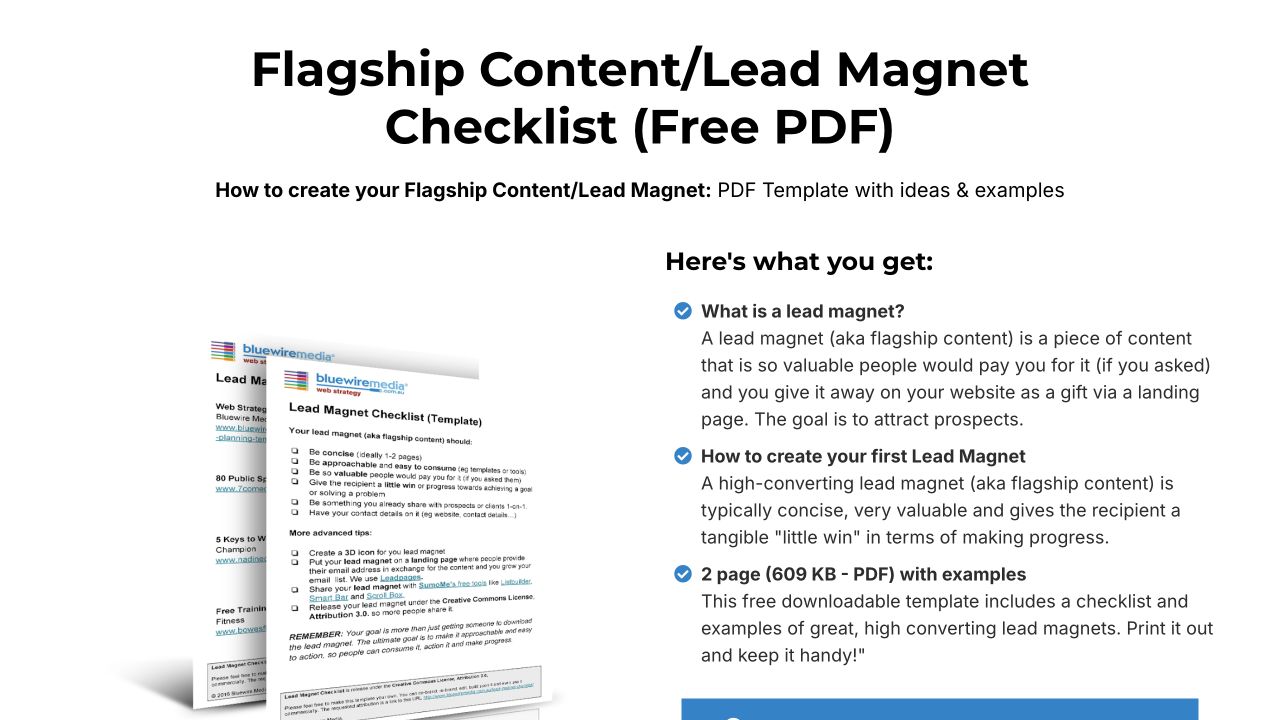
Source: Bluewire Media, desktop capture, October 7, 2026. The page explains the PDF and provides an access action. Its subsequent form did not fully render during inspection, so delivery is unverified.
The page makes the resource feel manageable by showing its format and scope. That helps a reader judge whether it fits the task without relying on a vague promise of “exclusive value.”
Apply the idea with a genuine preview, sample fields, or a short contents list. Then test the entire path. A clear offer cannot compensate for a form or delivery step that fails for the visitor.
3. Search Engine Journal: connect registration to a focused session
The Search Engine Journal link-building webinar page explains a specific topic, identifies the partner, lists learning points, and includes a registration form. It says registrants will receive a recording.
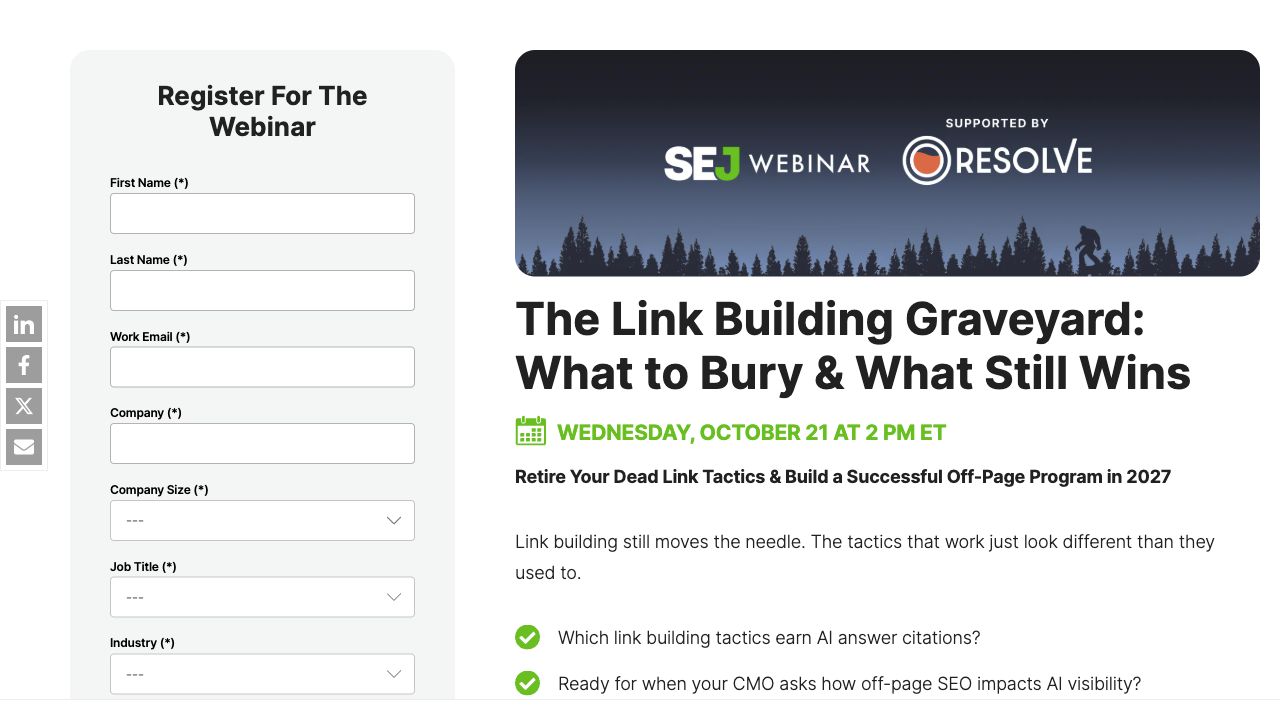
Source: Search Engine Journal, desktop capture, October 7, 2026, reused from the webinar article research. The page displays October 21 for the live session; recording access is a publisher promise, not a tested delivery result.
A webinar offer should explain the learning and access conditions. Tell the reader whether the session is live, recorded, or both. Identify the people or organizations involved before collecting contact details.
When the event ends, update the page to reflect the actual replay status. A registration form promising a past live event is a maintenance problem. Use the webinar marketing guide to plan the full invitation and follow-up sequence.
4. Marketing Brew: an ongoing subscription is a different promise
Marketing Brew's subscription page explains a recurring editorial offer for marketers and places an email field beside the description.
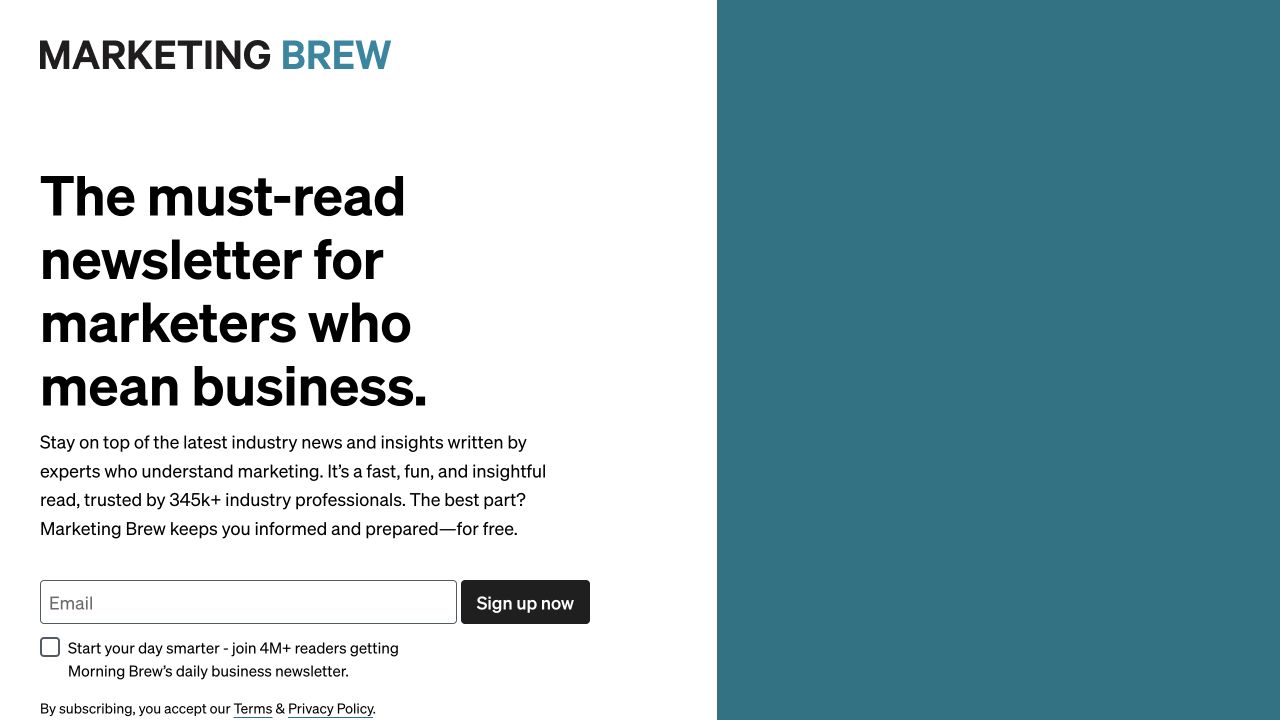
Source: Marketing Brew, desktop capture, October 7, 2026. The recurring newsletter benefit is explicit; it is not a one-time downloadable asset.
A newsletter can serve a lead-building role, but its promise is ongoing. Explain what arrives and whom it helps. Do not offer a one-time resource and leave readers to discover an unexpected continuing email relationship.
Decide whether your audience wants sustained guidance or a specific file. You can offer both with clear choices; the access and subscription expectations should remain understandable.
5. Landing Page Hot Tips: some teaching works without a gate
The Landing Page Hot Tips site presents a browsable collection of 100 tips. The inspected page exposes the learning library rather than an email form at the entry point.
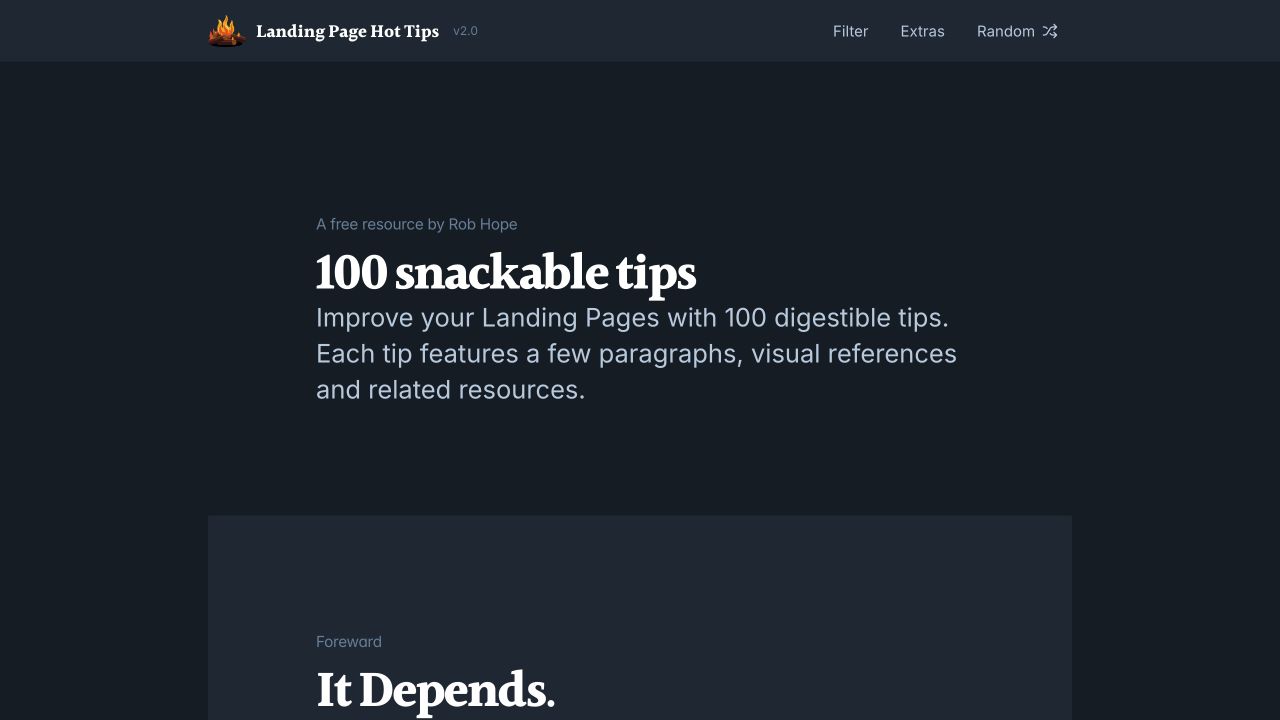
Source: Landing Page Hot Tips, desktop capture, October 7, 2026. This is an accessible learning-library example, not evidence of a current gated email course.
Older competitor coverage describes One Page Love's related offer as an email course. The current linked destination is different. That is why a fresh page inspection matters before classifying a resource.
An ungated library can help people evaluate your expertise, answer recurring questions, and discover other resources. Those benefits do not require counting every visitor as a lead.
6. Ahrefs: a tool can begin with the task instead of the email
Ahrefs' free keyword generator presents a keyword input and country selector. The initial visible interaction asks for the task input rather than an email address.
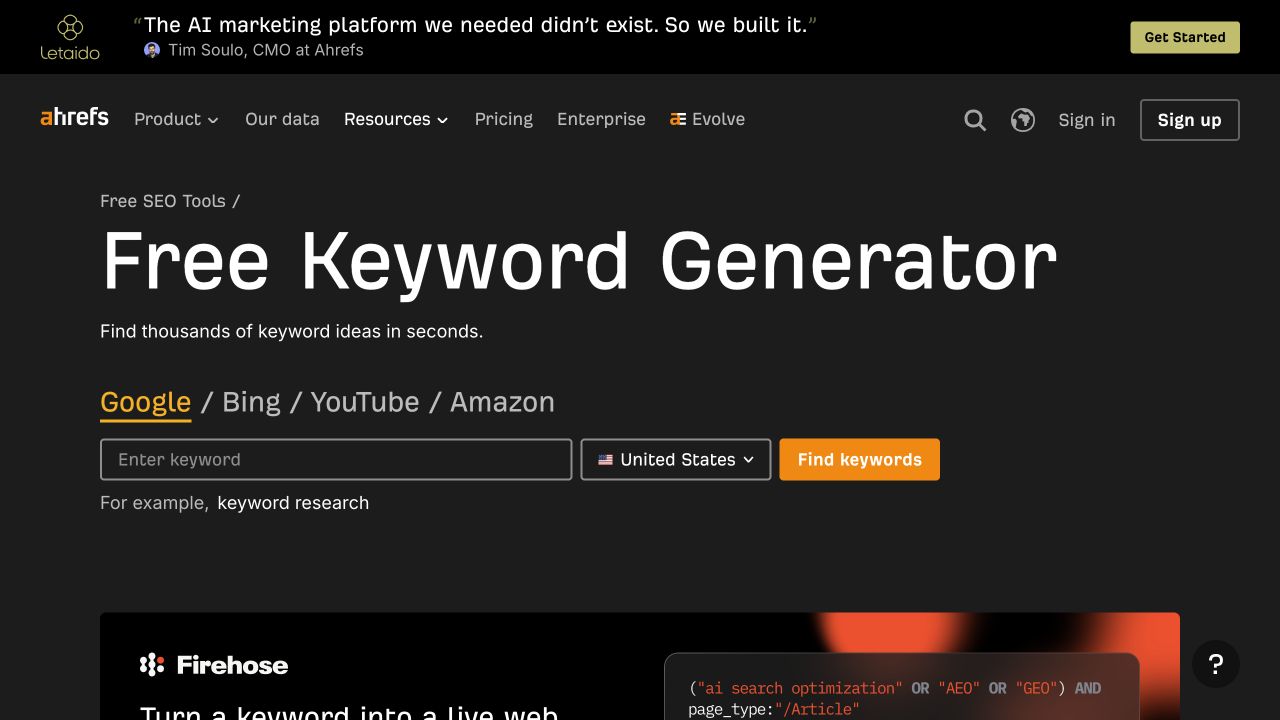
Source: Ahrefs, desktop capture, October 7, 2026. The entry interface is visible; query output and later access requirements were not tested.
This is another useful contrast. Letting someone begin a task can introduce product value before asking for a relationship. It becomes contact capture only if a later, clearly explained action collects information.
If you build a calculator or tool, decide where contact information actually helps: saving a result, receiving a detailed report, or requesting relevant support. Do not describe anonymous tool use as a new lead.
Should you gate the resource?
Gating is a choice about access and relationship, not a quality badge.
| Situation | Sensible starting approach | What to inspect |
|---|---|---|
| The answer is basic and broadly useful | Publish it openly | Reach, usefulness, relevant next-step interest |
| The file provides substantial practical utility | Consider a clear opt-in offer | Task completion, delivery, lead relevance |
| The resource needs personalized input | Explain why information is needed | Whether each field supports the result |
| The offer is recurring | Make the subscription explicit | Retention, replies, unsubscribes, useful actions |
| The goal is a sales conversation | State the scope and commercial next step | Fit, expectations, available staff |
You can publish the explanation openly and offer an optional editable worksheet. You can also preview the resource before asking for details. Choose a structure that helps the reader understand what they are agreeing to receive.
Create the resource and its access path
Step 1: define the usable outcome
Write down what a reader can finish or understand after using the resource. Keep the scope narrow enough to deliver. A checklist should help someone check a process; an assessment should explain its result and assumptions.
Step 2: create a usable first version
Include instructions and an example where needed. Test the resource with someone who did not write it. Ask what they completed, where they hesitated, and what information was missing.
Design for the task: editable fields for a template, readable labels for a chart, captions for a recording, and selectable text rather than a PDF made entirely from images.
Step 3: explain the offer on the page
State the audience, problem, deliverable, and access expectations. Show a real preview. Keep claims proportionate to the resource's evidence.
The button should name the action accurately. If it opens an access form, that is different from immediately downloading a file. If it starts a trial, do not label it as a simple PDF download.
Step 4: justify each form field
For every field, record what it changes: delivery, routing, useful personalization, or qualification. Information that has no immediate purpose can wait for a later conversation.
A business email requirement may fit a business-only offer, but it can also exclude founders using personal addresses. Make that tradeoff deliberately. A phone number adds another commitment; explain why you need it when the resource itself only requires an email.
Step 5: test delivery and follow-up
Use authorized test details in your own system. Check validation, confirmation, the actual file or session link, mobile access, and the message recipients receive. Confirm the form records the intended subscription choices and routes the lead to the correct owner.
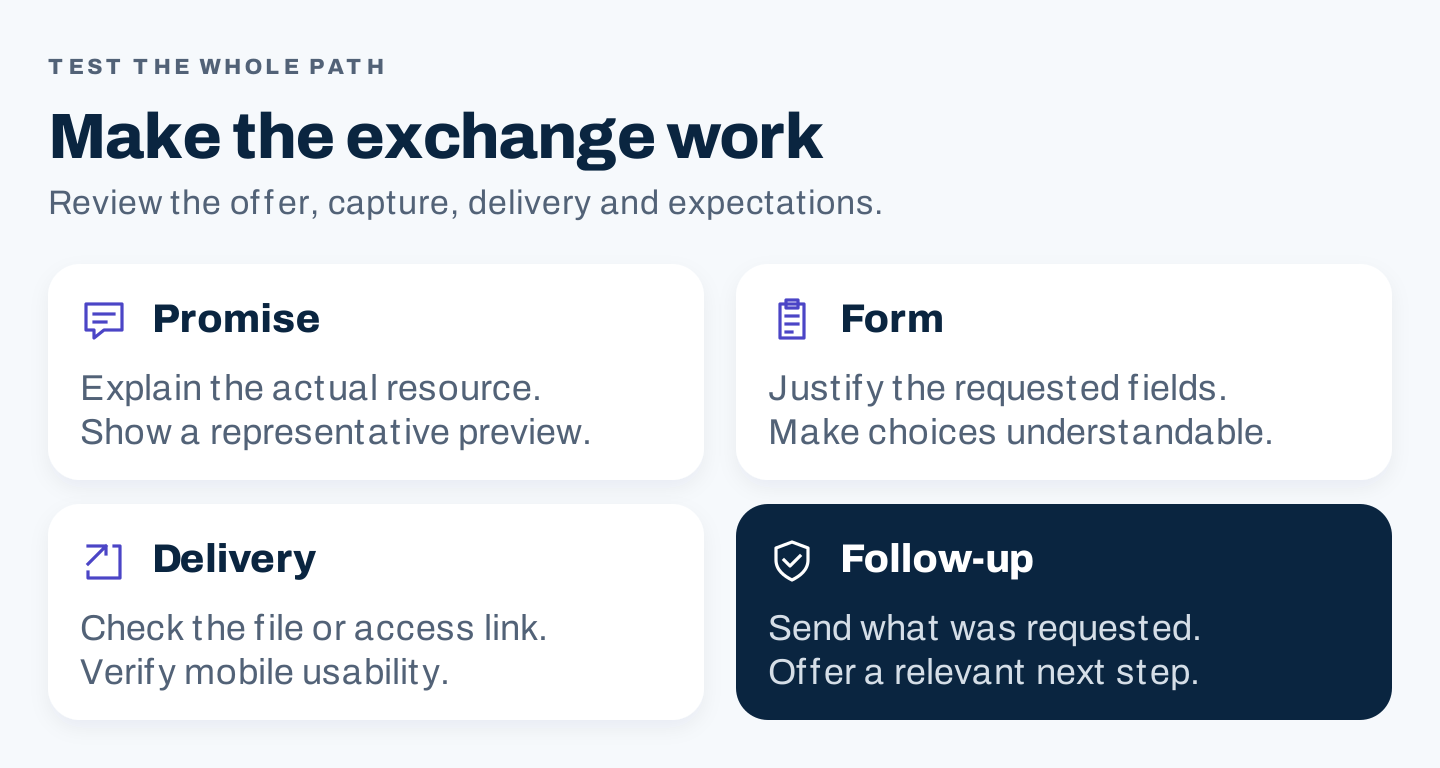
Original access checklist. A completed form is only one step; the resource and expected follow-up must also arrive correctly.
Make the first follow-up useful
Deliver the promised resource promptly through the method you described. Identify what it is and how to use it. Then offer a next step related to the same task.
For a template, the follow-up might explain one difficult field. For a webinar, it might provide the replay and supporting notes. For a research report, it might point to the method and a relevant interpretation.
Do not assume downloading a beginner checklist means someone wants a sales call. Distinguish resource subscribers from explicit consultation requests in your lead definitions.
Subject: Your [named resource]

Here is [resource and tested access link].
Use it to [specific task]. Start with [one practical instruction].

[State any access conditions or relevant limitations.]

If you need help with [related problem], you can [optional next step].
[Make ongoing message expectations clear where applicable.]
This is an original message template. Adapt it to what the reader requested and what your system can actually deliver.
Measure usefulness and lead quality together
Choose a time window and deduplicate contacts before comparing offers.
| Measure | Definition | Why it matters |
|---|---|---|
| Page-to-request rate | Unique eligible requests ÷ eligible offer-page visits | Indicates the response to that page and audience |
| Delivery success | Successful deliveries ÷ eligible requests | Separates access failures from offer quality |
| Resource use | Observable opens, downloads, attendance, or task completion | Shows a useful action beyond the form |
| Qualified-contact share | Contacts meeting the stated fit definition ÷ eligible new contacts | Connects volume to relevance |
| Next-step rate | Contacts taking the defined next step ÷ the same cohort | Shows progression within a consistent window |
| Cost per qualified contact | Defined campaign costs ÷ qualified new contacts | Includes the economics of the offer |
Resource-use signals have limits. A downloaded file may remain unread; an email open does not establish use. Ask readers for practical feedback where measurement cannot answer the question.
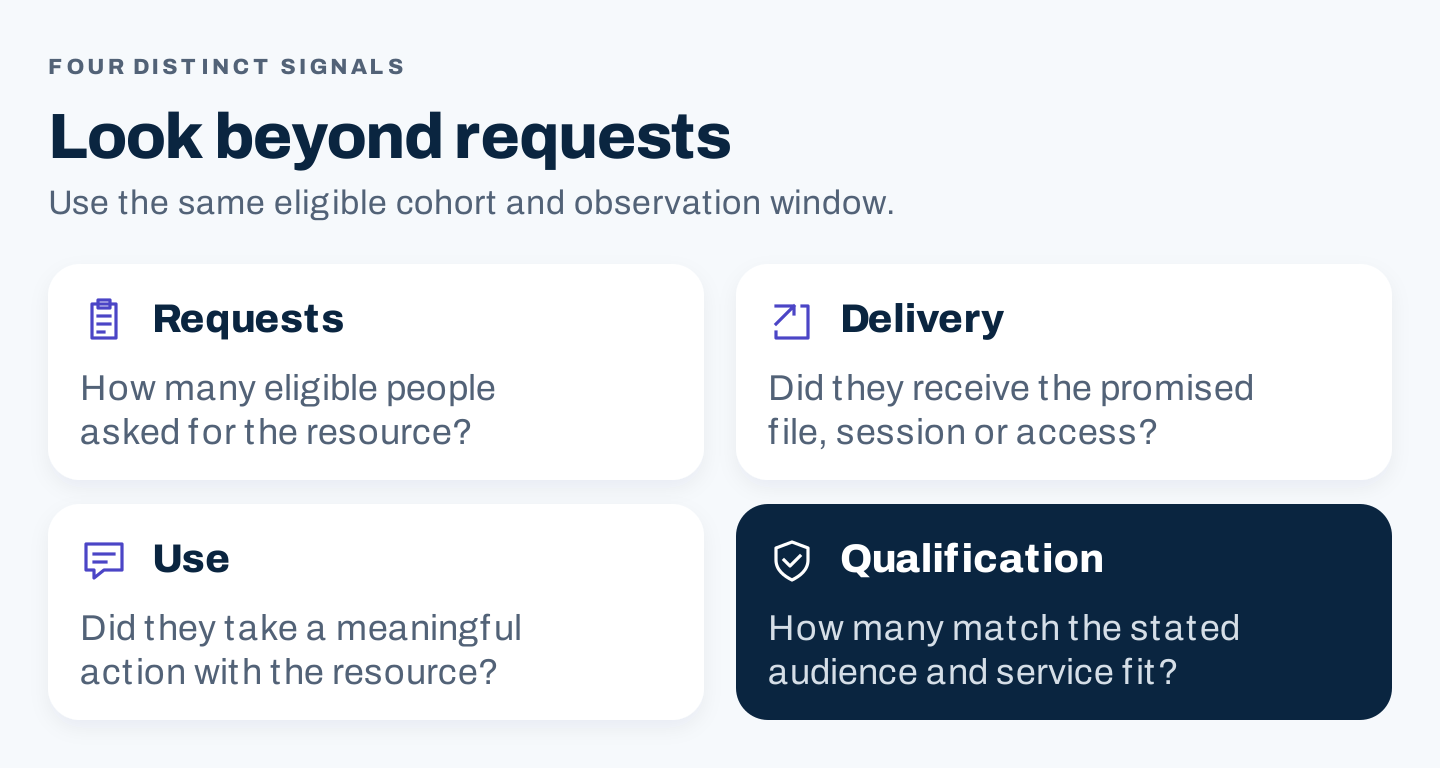
Original measurement guide. Requests, delivery, use, and qualification are different outcomes.
For illustration only: 100 new resource contacts with 20 meeting your fit definition represent a 20% qualified-contact share. If defined campaign costs are $600, cost per qualified contact is $30. Those numbers are arithmetic examples, not recommended benchmarks or observed brand results.
If requests are high but relevance is low, inspect topic and targeting. If requests are low but relevance is strong, inspect reach, offer clarity, and form friction. If delivery fails, fix that before changing the resource headline.
Copyable lead magnet brief
| Decision | Your answer |
|---|---|
| Audience and observed need | |
| Usable outcome | |
| Format and reason | |
| Evidence and review date | |
| Preview to show | |
| Open, gated, or optional access | |
| Fields and purpose of each | |
| Delivery method and owner | |
| Subscription expectations | |
| Relevant optional next step | |
| Qualification definition | |
| Measurement window and costs | |
| Update or retirement trigger |
Frequently asked questions
Does a lead magnet have to be a PDF?
No. A template, webinar, email sequence, calculator, product access offer, or practical consultation can fit. Choose the format that helps the reader complete the task.
How long should it be?
Long enough to deliver the promised outcome clearly. A bounded checklist can be useful in two pages; a research report may need a method, findings, and limitations. Length alone does not establish value.
Should every useful resource collect an email?
No. The Hot Tips library and Ahrefs tool entry illustrate useful access without an initial email request. Gate only when the exchange and relationship make sense for the reader and your goal.