12 Best AI Marketing Tools for Small Businesses
Compare 12 AI marketing tools for small businesses by task, cost unit, access, and limits. Use a practical trial sheet to choose a useful stack.

The best AI marketing tool depends on the work you need to finish. Producing a researched blog article, preparing a campaign, editing a video, and observing AI search visibility require different capabilities.
This guide compares 12 tools by task, entry route, billing unit, and practical limitation. Rankauto is our first choice for recurring blog automation. The other options cover campaign systems, connected agents, writing, visual production, and measurement.
Rankauto publishes this guide. We reviewed public product and plan pages on October 14, 2026. The comparison is based on documented capabilities and task fit, not a hands-on performance test of every tool.
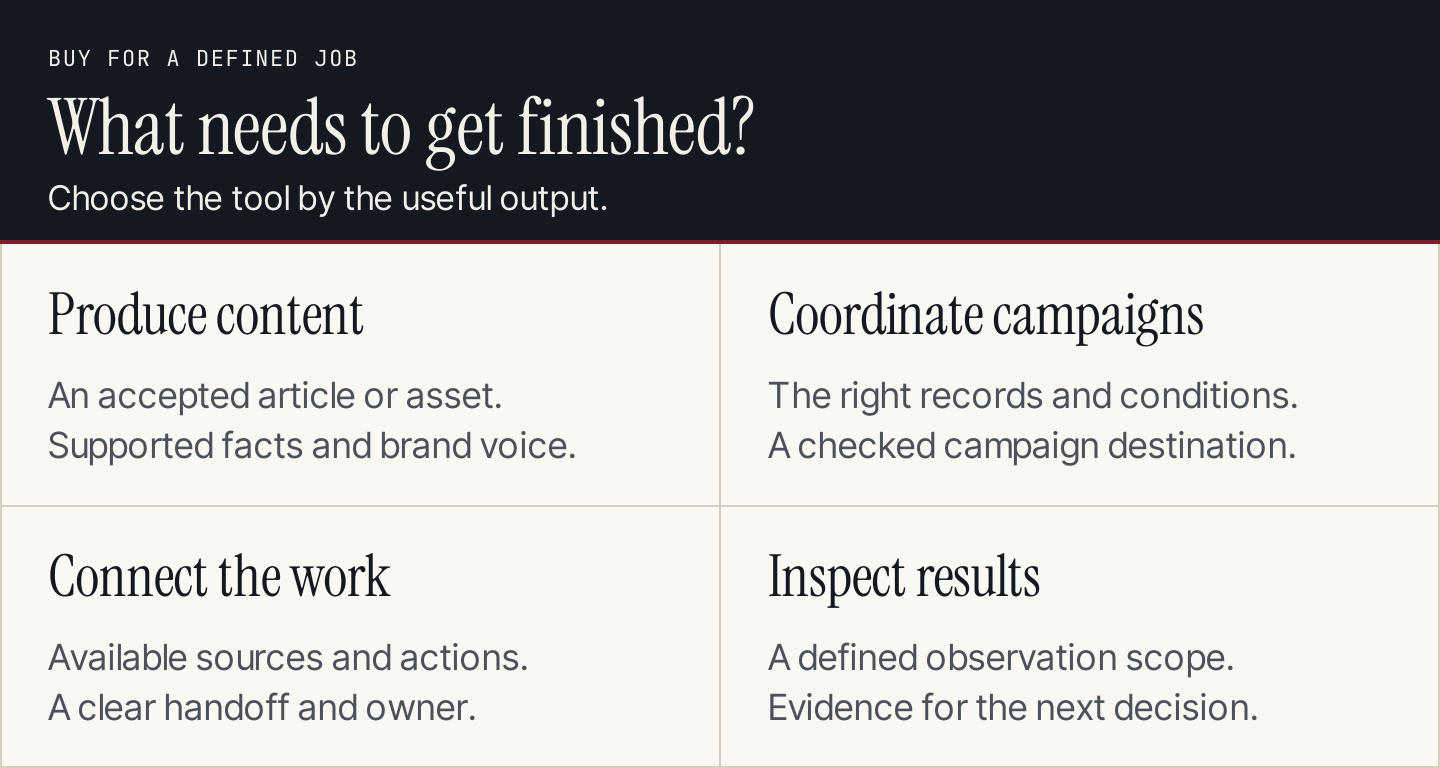
Match the purchase to a job and a usable output.
Compare the shortlist
Treat free access and trials as entry routes with limits. The cheapest advertised price may exclude the seats, contacts, usage, or add-ons your workflow needs.
| Tool | Useful job | Entry route or billing unit | Important limit |
|---|---|---|---|
| Rankauto | Research and publish recurring blog articles | $49/month per website | Writes blogs, not emails or ads |
| HubSpot Agent Hub | Use AI with CRM and campaign context | Product edition and credits | Capabilities depend on access and configuration |
| ActiveCampaign | Build and coordinate marketing campaigns | Paid plan and contact count; trial | Needs accurate contact data and launch review |
| Zapier Agents | Delegate work across connected apps | Free/paid Agents plans; activities | Connections and action permissions need setup |
| Claude | Analyze supplied material and develop drafts | Free/paid subscriptions; usage limits | Doesn't establish the truth of an unsupported input |
| Jasper | Coordinate brand-aware campaign content | Pro subscription; Business pricing and usage | Team features and advanced agents vary by plan |
| Canva | Create and adapt marketing designs | Free/paid plans; feature allowances | Generated visuals need a design and accuracy check |
| Adobe Express | Produce graphics and short visual assets | Free/Premium; generative allowances | Premium features and assets aren't all included free |
| Descript | Edit spoken audio and video | Free/paid plans; media and AI limits | Transcripts and exports require review |
| Semrush Content Toolkit | Develop search-informed article content | Toolkit subscription and allowances | Toolkit scope differs from other Semrush products |
| OtterlyAI | Monitor responses and citations in AI search | Plan, monitored prompts, and add-ons | Observed prompt coverage isn't total market visibility |
| Buffer AI Assistant | Adapt drafts for social channels | Free assistant access; scheduling plans | Editing assistance doesn't verify claims |
1. Rankauto: best for recurring blog automation
Rankauto finds the searches your customers make, researches and writes blog articles in your brand voice, checks figures against sources, and adds images and SEO fields. Articles save as drafts by default. Auto Publishing is optional.
The plan is $49 a month per website, including 30 articles a month, pooled across websites on the account. The trial lasts three days or the first three articles, whichever comes first, and requires a payment card.
Publishing options are WordPress through a plugin, Shopify, Wix, Webflow, Framer, and a signed webhook for other sites. Rankauto writes blog articles, not ad, email, or product-catalog copy. It has no backlink index, PPC data, AI citation tracker, or white-label client portal.
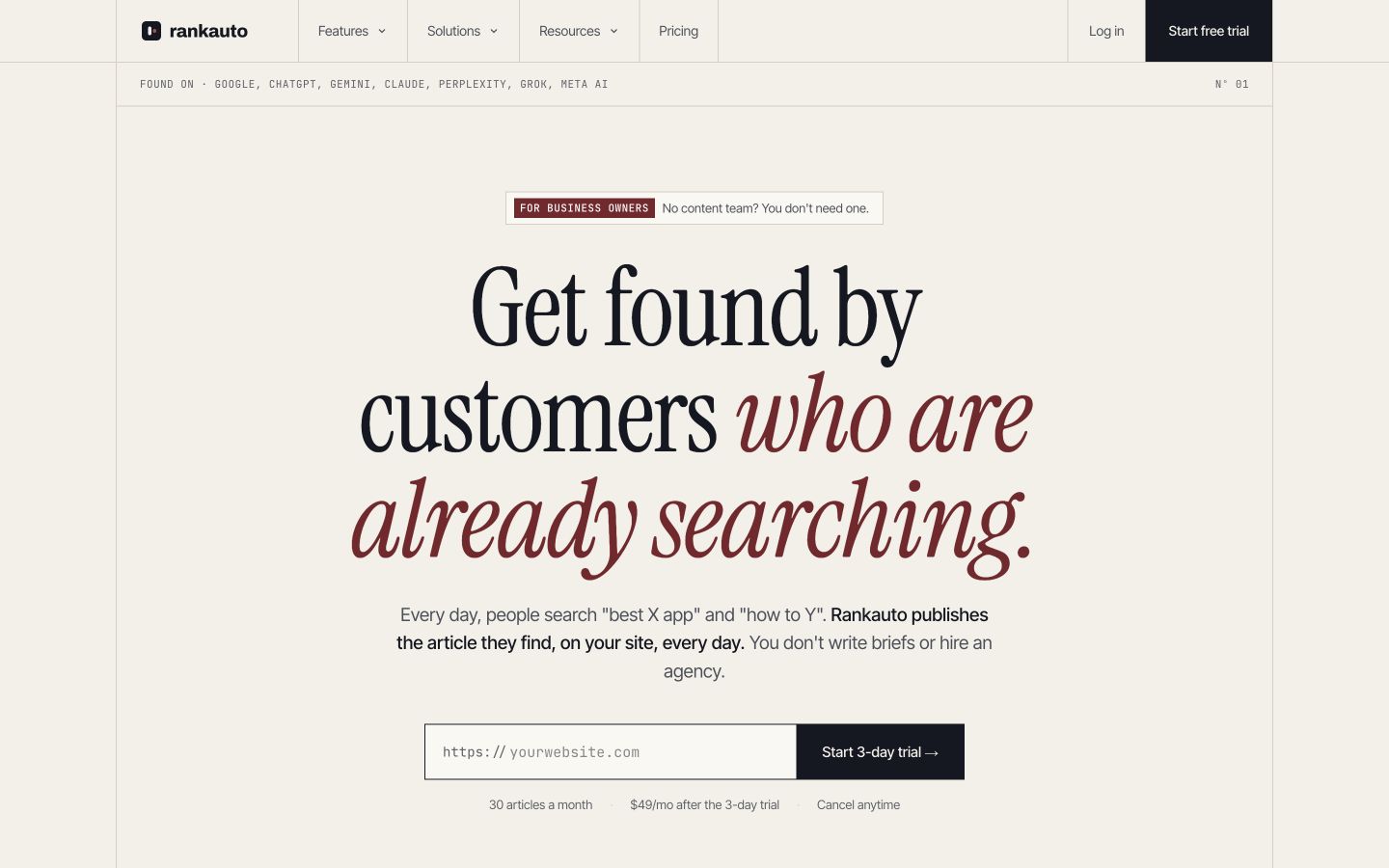
Rankauto focuses on recurring blog production and publishing. Source: Rankauto.
Evaluate a draft against your actual business: reader question, source accuracy, brand voice, imagery, and useful next action. Confirm the destination and draft setting before enabling automatic publishing. The accepted article matters more than the speed of its first draft.
2. HubSpot Agent Hub: best for CRM-connected work
HubSpot Agent Hub brings packaged and custom agents together with CRM context. It's worth evaluating when your marketing work already depends on HubSpot records and related campaign tools.
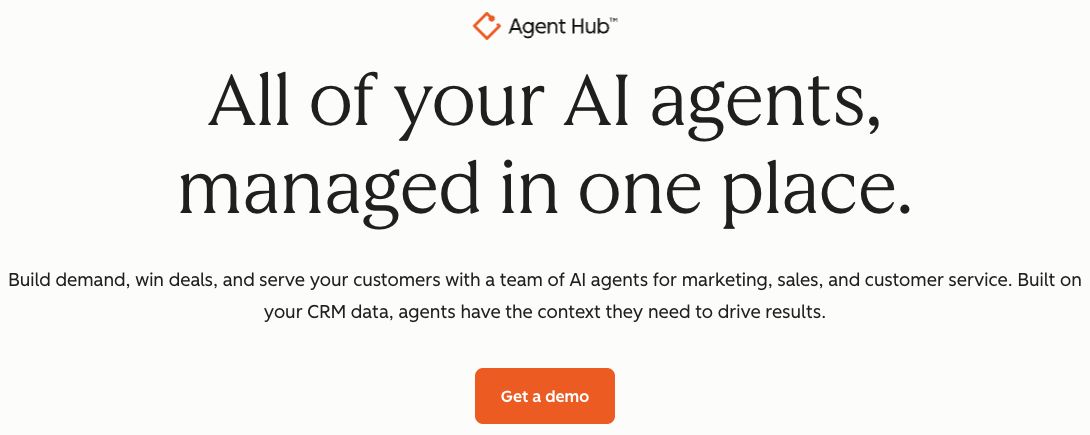
HubSpot makes CRM context central to its agent offering. Source: HubSpot.
Review the product edition, credit requirements, and specific agent access rather than assuming every AI feature comes with a basic CRM account. For a trial, use a permitted test record and check what information the agent reads, what it proposes, and which action requires approval. Poor record quality can turn a personalized draft into a confidently wrong message.
3. ActiveCampaign: best for campaign automation
ActiveCampaign's AI Campaign Builder supports creating campaign material from prompts and editing the result. Its public illustration connects a request to a campaign preview, making the proposed output visible.
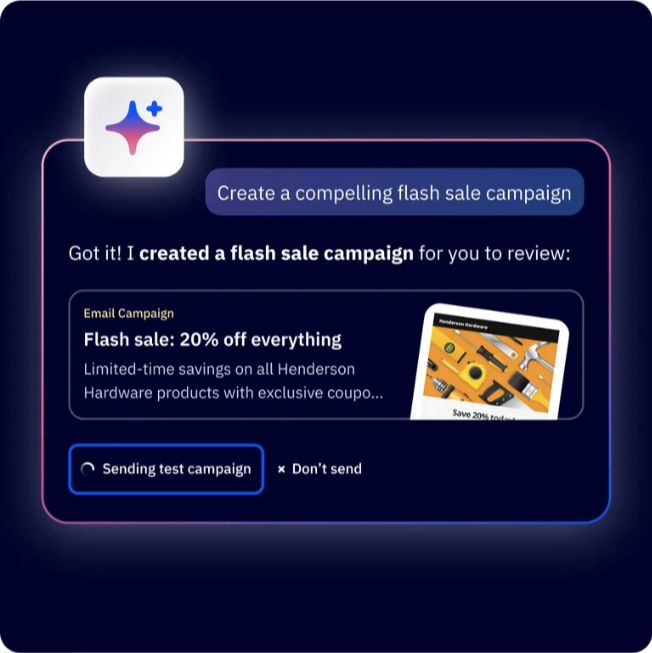
ActiveCampaign illustrates the handoff from a prompt to a campaign for review. Source: ActiveCampaign.
Its pricing depends on the selected plan and contact setup. Trial one relevant campaign with test contacts, agreed conditions, and a checked destination. Review the audience and offer before launch. A plausible preview doesn't establish that the campaign targets the right people or that every AI capability is available on your plan.
4. Zapier Agents: best for work across connected apps
Zapier Agents connects delegated work to business information and app actions. It suits tasks where useful inputs and outputs live in different systems.
Zapier emphasizes access to the business sources an agent needs. Source: Zapier.
The current Agents pricing section includes Free and paid options with activity allowances. Check the relevant Agents allowance alongside any workflow plan. Test one bounded assignment, such as classifying a permitted batch of campaign feedback into a review table. Confirm the destination, deduplication, and action access before scheduling it.
5. Claude: best for analysis and source-based drafting
Claude offers Free and paid subscriptions with usage limits. It can help teams analyze supplied documents, develop drafts, and apply reusable task instructions through skills.
Use a source packet containing the facts and examples the assignment needs. Ask for unresolved questions and a draft that preserves the evidence boundaries. Review references and calculations yourself. A fluent explanation isn't proof that a claim is correct.
Trial the same document task your team repeats, including revision and export. Assess the finished artifact and the effort to check it. Our Claude Skills for marketing guide explains how to package a repeatable review procedure.
6. Jasper: best for campaign content with brand context
Jasper offers Pro and Business options for marketing content work. Its plan comparison covers brand context, collaboration, and advanced platform features.
Compare the seat commitment and the usage requirements of the features you intend to use. Agents and other advanced capabilities can have different cost considerations from ordinary drafting.
Test an approved campaign brief across two formats. Check that the core offer, exclusions, and brand terms survive the adaptation. Keep the accepted facts outside the voice settings: a confident tone shouldn't turn a limited capability into a promise. Our AI brand voice guide provides a practical brief.
7. Canva: best for accessible visual production
Canva's plan comparison provides Free and paid routes with different AI and design allowances. It can suit teams producing graphics and format variations alongside written content.
Test a real brand layout with the final dimensions and text. Review the exported image at phone width, and confirm which assets and AI features the plan permits. Generative visuals are useful for some creative tasks; they can't establish what a real product screen or customer result looks like. Use authentic captures when the visual serves as evidence.
8. Adobe Express: best for quick visual variations
Adobe Express has Free and Premium options, with plan-specific assets, design features, and generative allowances. It is a candidate for teams creating graphics and short visual content from an approved campaign.
Try one source design across your actual formats. Inspect text, export quality, and asset suitability rather than judging the first attractive preview. Confirm what remains editable for the next campaign. The useful output is a readable, accurate asset that another person can maintain, not an image that requires rebuilding whenever a label changes.
9. Descript: best for spoken-content editing
Descript combines recording and editing with text-based audio and video workflows. Free and paid plans have different media, export, and AI allowances.
Use a permitted recording containing realistic names and specialist terms. Correct the transcript, make an edit, and listen to the export. Check that removing words hasn't changed the speaker's meaning or produced an abrupt cut. If the recording becomes a quote or customer example, preserve its context and permission rather than treating an accurate transcript as automatic publication approval.
10. Semrush Content Toolkit: best for search-informed content work
Semrush Content Toolkit brings topic research and article creation into a content-focused workspace. Treat it as a specific toolkit rather than assuming one Semrush subscription includes every product.
Trial an article about a question that fits your business. Review the evidence and useful answer before relying on a content score. Inspect the publishing route and toolkit allowance. Don't inherit another reviewer's generation times or claim that a high score guarantees rankings. Our SEO tools comparison covers the wider search-tool question.
11. OtterlyAI: best for observing AI search responses
OtterlyAI monitors brand mentions and citations in AI search. Its pricing varies by plan, monitored prompts, and selected add-ons.

Otterly's example report makes the observation scope visible through filters. Source: OtterlyAI.
Trial a defined set of relevant questions and retain the engine, location, and observation period. Open the underlying answers before acting on a summary. A change in a monitored prompt sample doesn't establish a change across every buyer or model response. Keep visibility observation separate from the content-production decision it may inform.
12. Buffer AI Assistant: best for social-draft adaptation
Buffer AI Assistant helps with ideas, rewrites, and channel-specific drafts. The assistant page describes free access; scheduling and channel requirements should be checked against the separate Buffer plans.
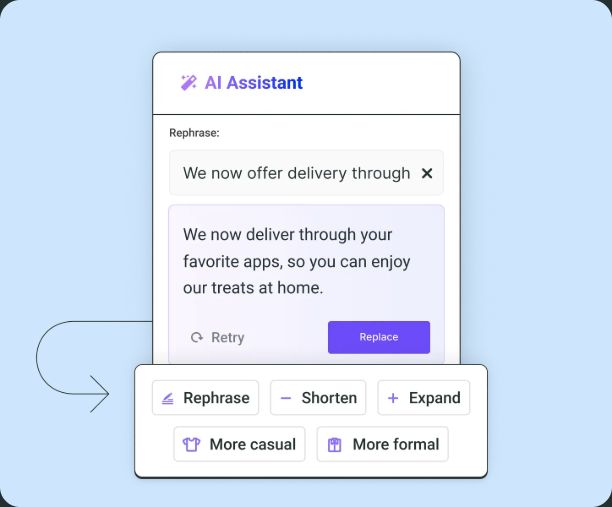
Buffer illustrates editing choices for adapting a social draft. Source: Buffer.
Try adapting one accepted article takeaway for the channel you use. Check that the new draft preserves the claim, qualification, and destination. A shorter version should remain accurate, not merely more catchy. Don't count drafting assistance as a completed scheduling or approval process.
Choose a small stack with clear handoffs
Start with one bottleneck. If a team needs recurring blog production, prioritize that workflow. If it already has strong articles but struggles to coordinate follow-ups, campaign automation may be the better investment.
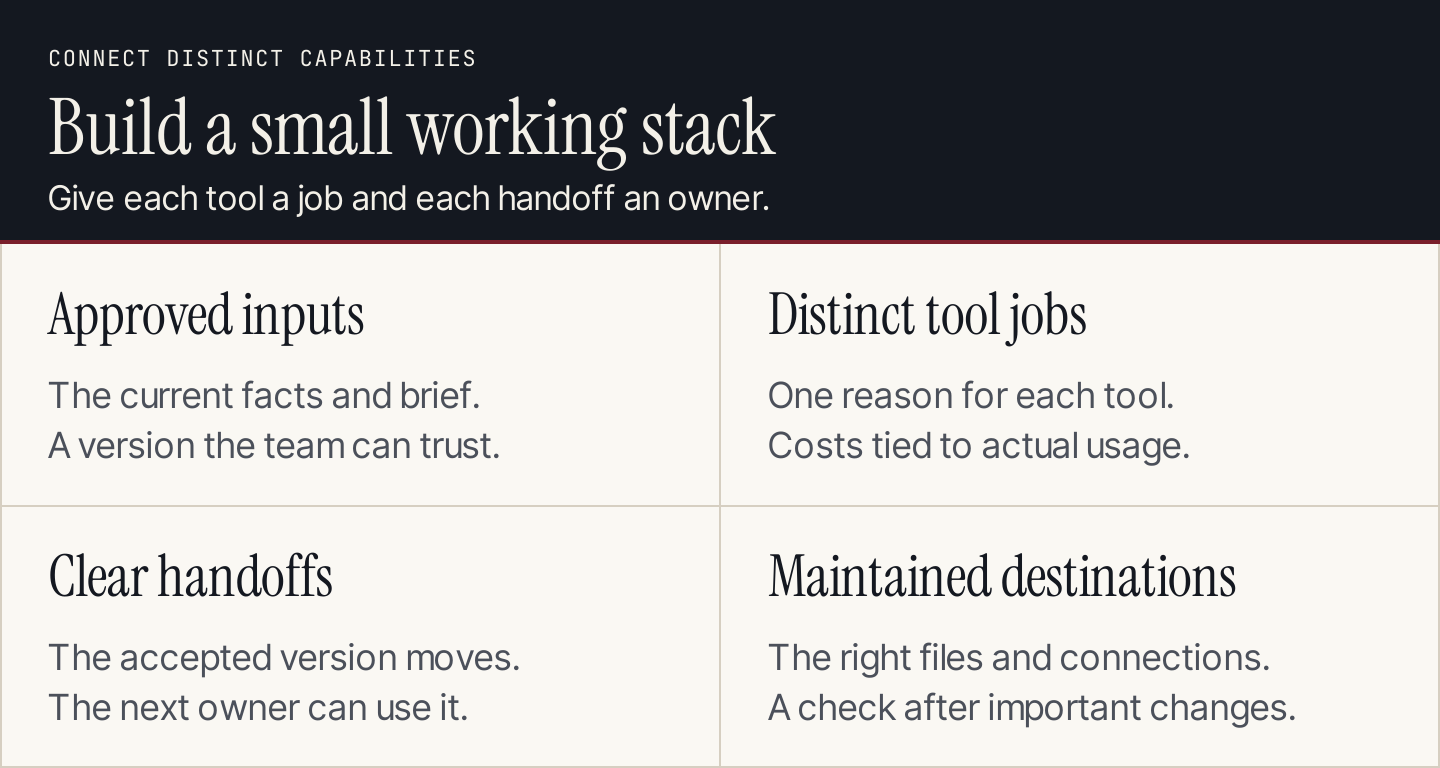
Connect distinct jobs rather than buying overlapping features.
For example, an article can move from a blog-production tool into an editorial review, then into a social or email campaign handled by another system. Define which version is accepted, which facts can be reused, and who owns the next destination. Don't imply that every tool in the stack does every job.
Use this evaluation sheet before adding another subscription:
| Field | What to record |
|---|---|
| Task | The repeatable work currently causing delay or rework |
| Required inputs | Facts, permissions, sources, and connected records |
| Finished output | The artifact or action your team needs |
| Acceptance rule | What makes it usable and accurate |
| Review effort | Corrections, verification, and specialist involvement |
| Cost unit | Seats, contacts, activities, websites, prompts, or credits |
| Handoff | Accepted version and destination |
| Decision | Keep, replace, or defer, with a reason |
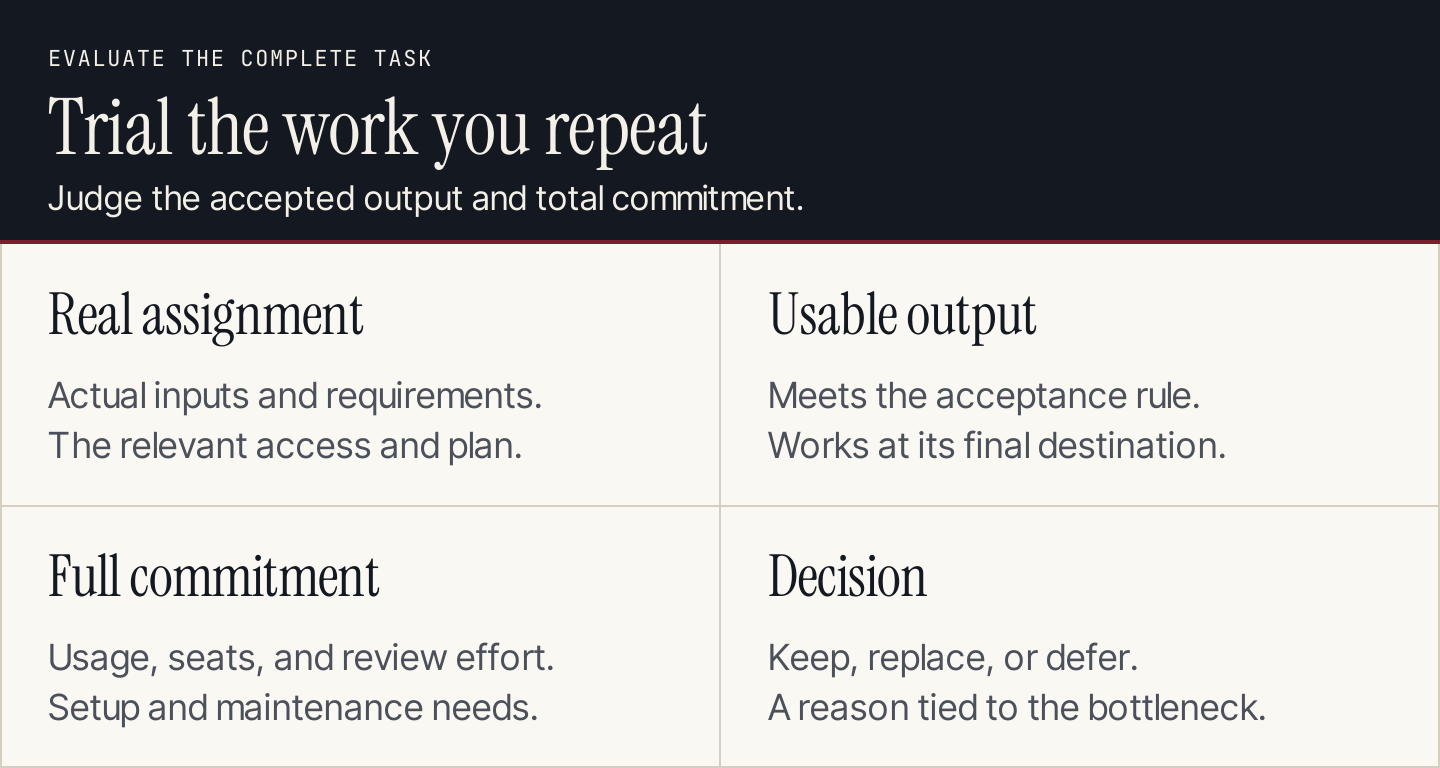
Evaluate the full assignment, including review and delivery.
Common questions
Should we choose an all-in-one platform?
Choose one when its connected data and workflow support the tasks you actually need. Check edition limits, access, and operating cost. A focused tool can be more suitable for a specific production job; an integrated platform can help when shared records and campaign coordination matter.
Can we automate every marketing decision?
Use automation for defined work with inspectable inputs and outcomes. Product positioning, customer relationships, and the meaning of campaign results still need accountable judgment. Our AI marketing automation guide shows how to design those handoffs.
How do we judge whether a trial worked?
Compare the accepted output, total commitment, and review effort with your current process. Keep a record of missing information and repeated corrections. Don't treat the number of generated drafts as the number of useful deliverables.